
Tutorials
Short steps for the main jobs in ShipPress. Nothing goes on the internet until you click Go live.
Hosting setup guides
Sign up for a host and connect it to ShipPress. Each guide covers registration, credentials, and connecting in the app. Start with the overview
Moving to WordPress or starting a common project
Step-by-step guides for leaving another platform, and for the sites people build most.
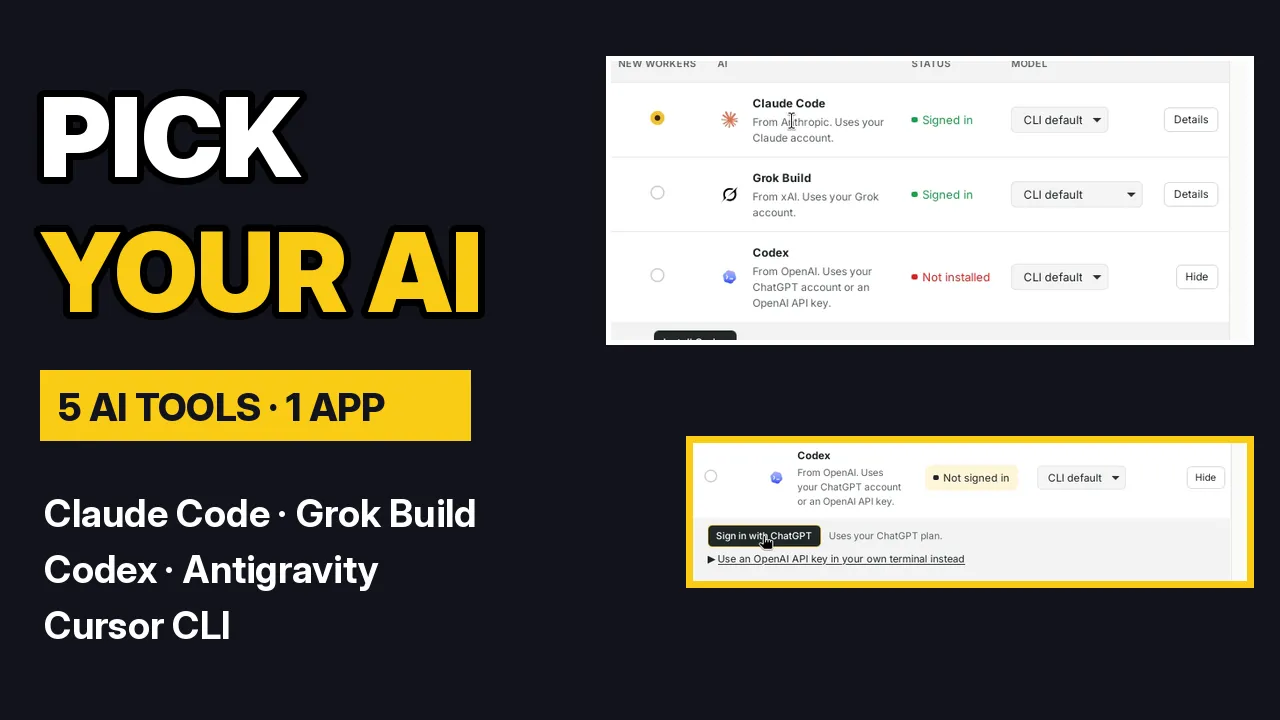 VideoWhich AI do you need? The 5 AI tools ShipPress works withClaude Code, Grok Build, Codex, Antigravity or Cursor CLI: what each signs in with, where to check its plans, and one-click install.
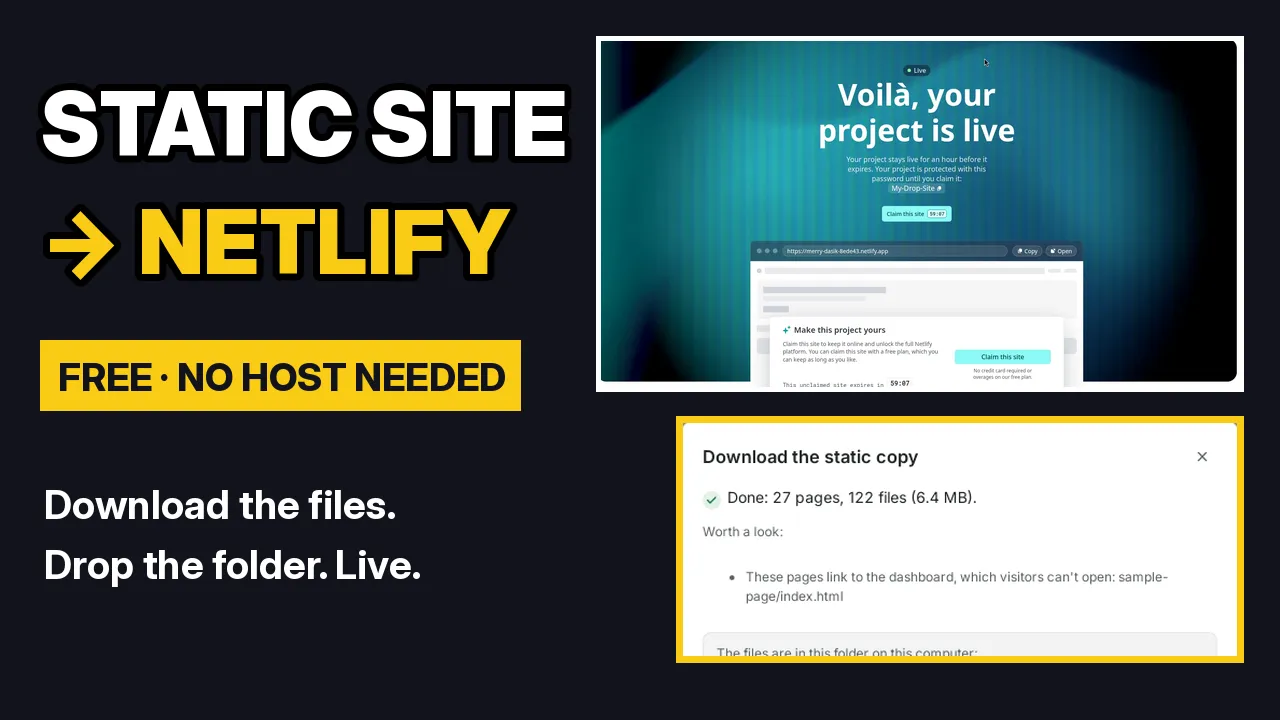 VideoDownload your static site and put it on Netlify for freeSave your site as plain web files, drop the folder on Netlify, claim it to keep it, or use GitHub Pages or Cloudflare Pages instead.
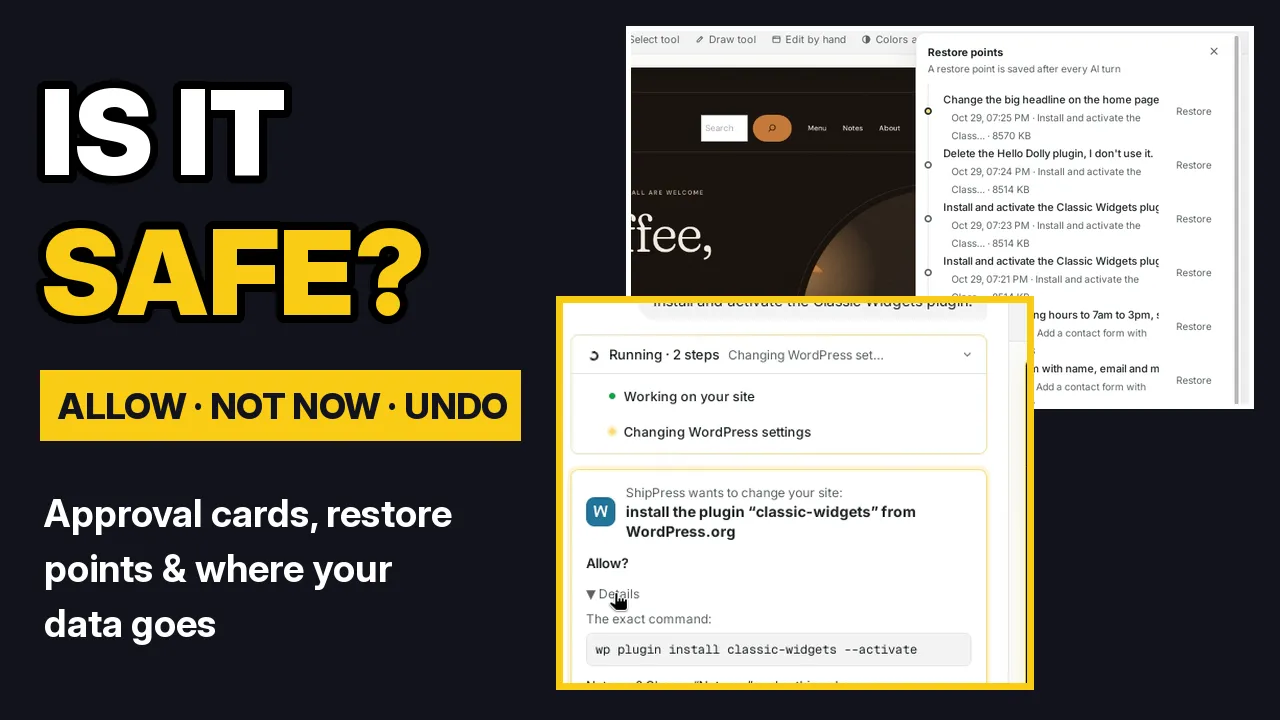 VideoIs it safe? Approval cards, undo and where your data goesApprove or refuse bigger changes, undo any AI turn with restore points, and see where your AI sign-in, messages and files go.
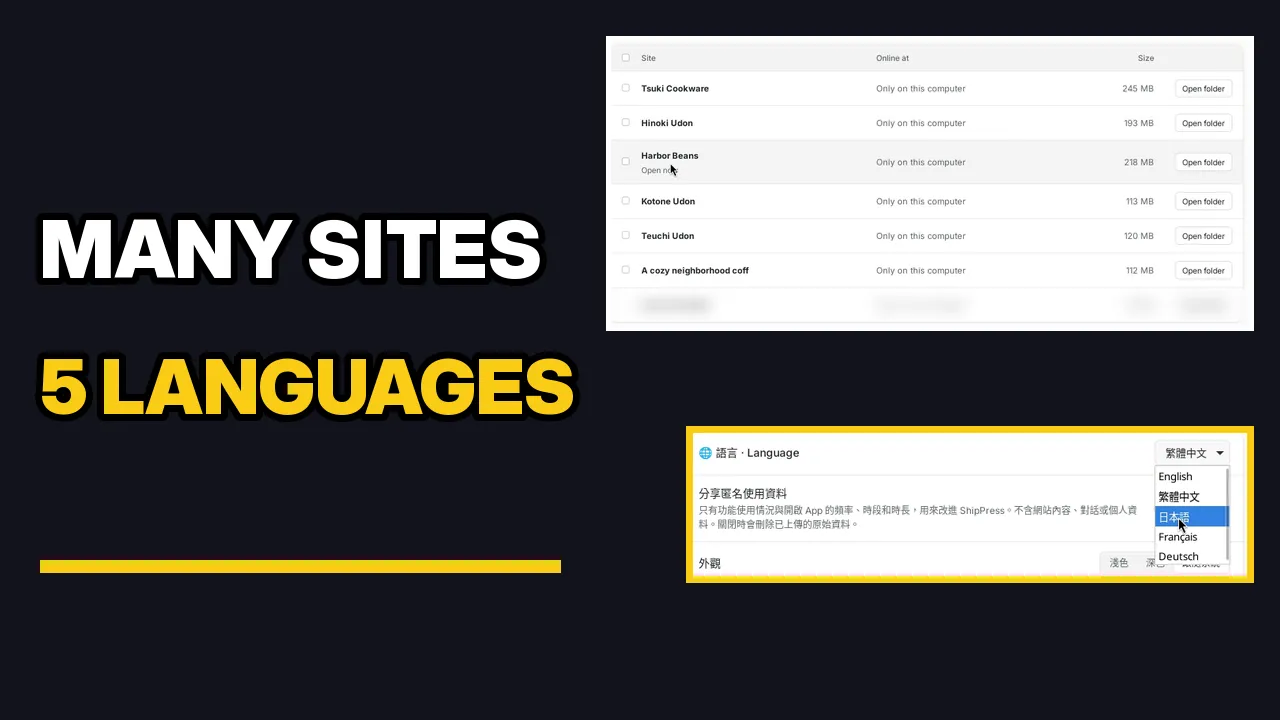 VideoMany sites in one app: separate folders, chats and 5 app languagesSee every site on your computer, open each site's own folder, keep separate chats per site, switch sites, and change the app language.
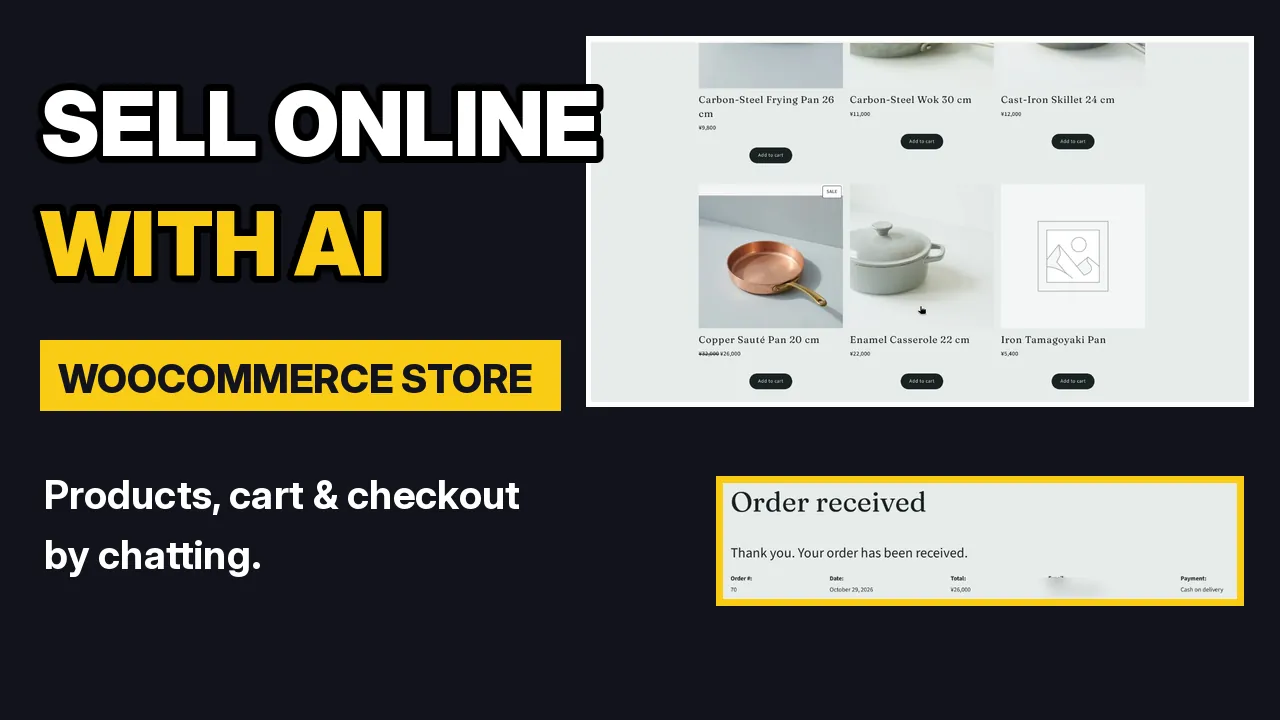 VideoBuild a WooCommerce store with AI: products, cart and checkoutStart from a store design, change products by chatting, test the cart and checkout, and see orders in WooCommerce.
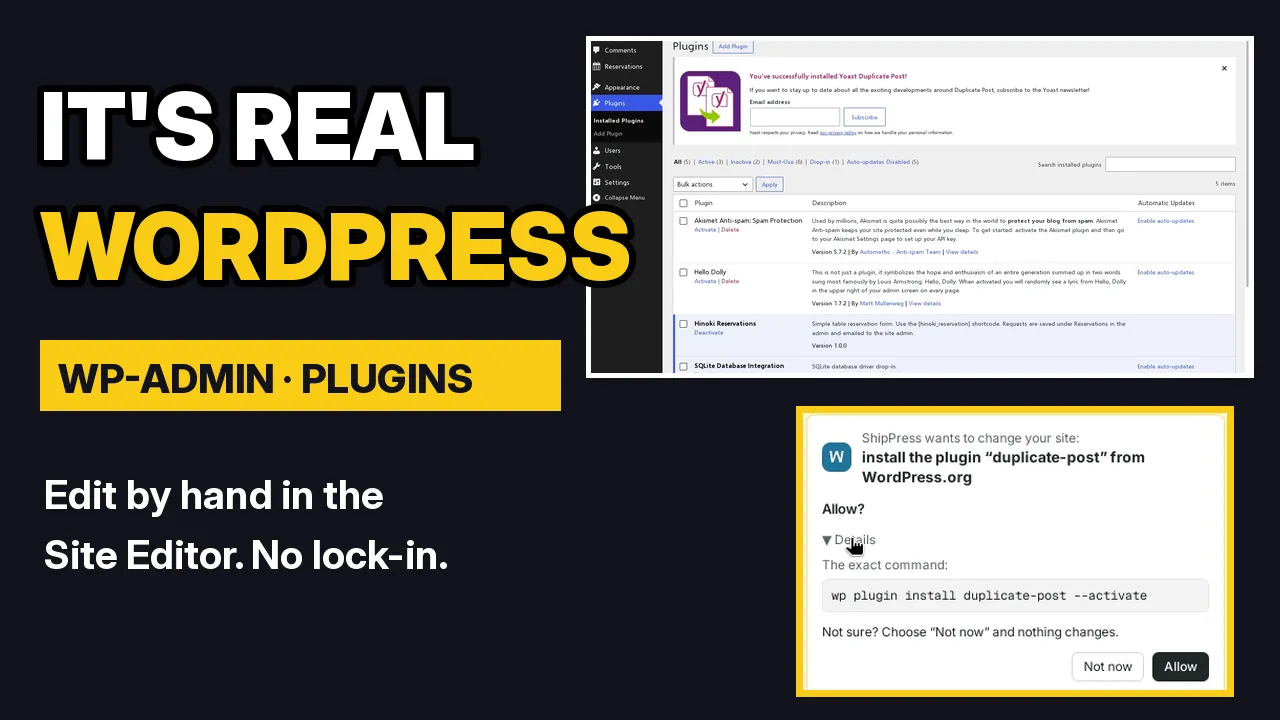 VideoIt's real WordPress: wp-admin, the Site Editor and pluginsOpen wp-admin, edit by hand, manage plugins and add users on a real WordPress site.
 VideoYour site is yours: export it and move it to your own hostWhere your site lives on your computer, how to save a static copy, and how to move the full site to a host you choose.
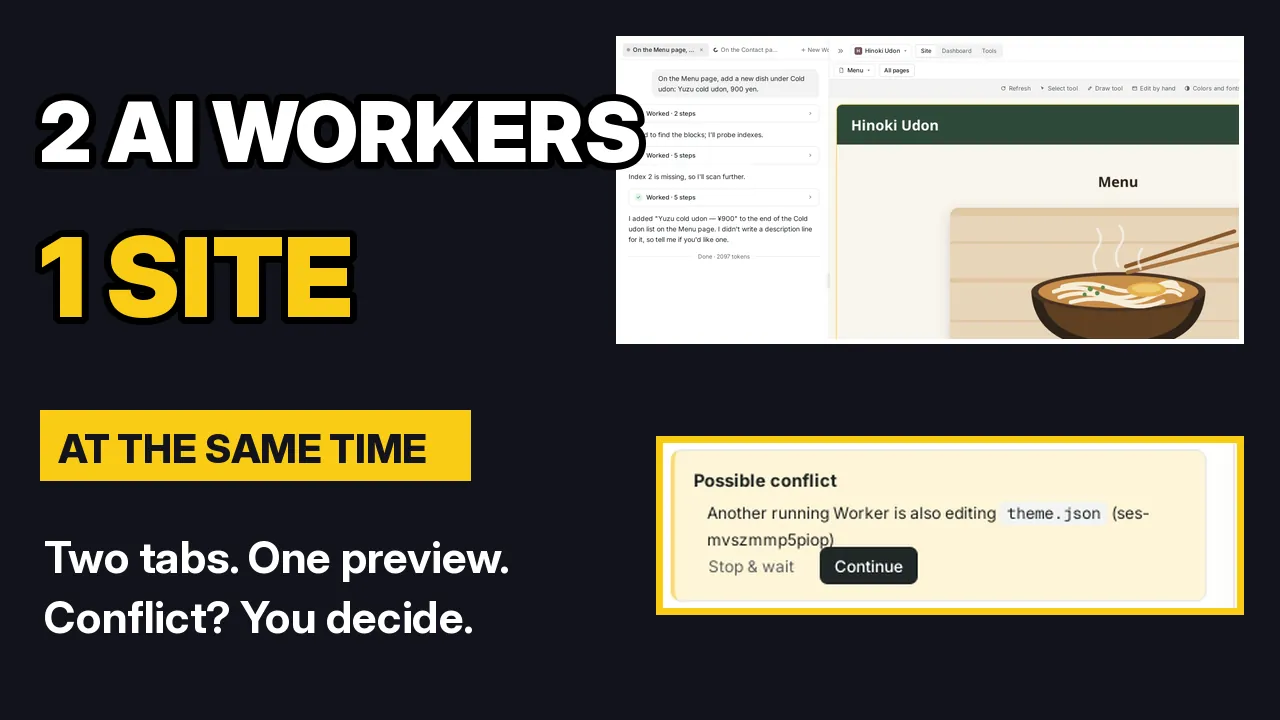 VideoRun multiple AI Workers on one siteGive one site two requests at once, each in its own Worker tab, and handle conflicts.
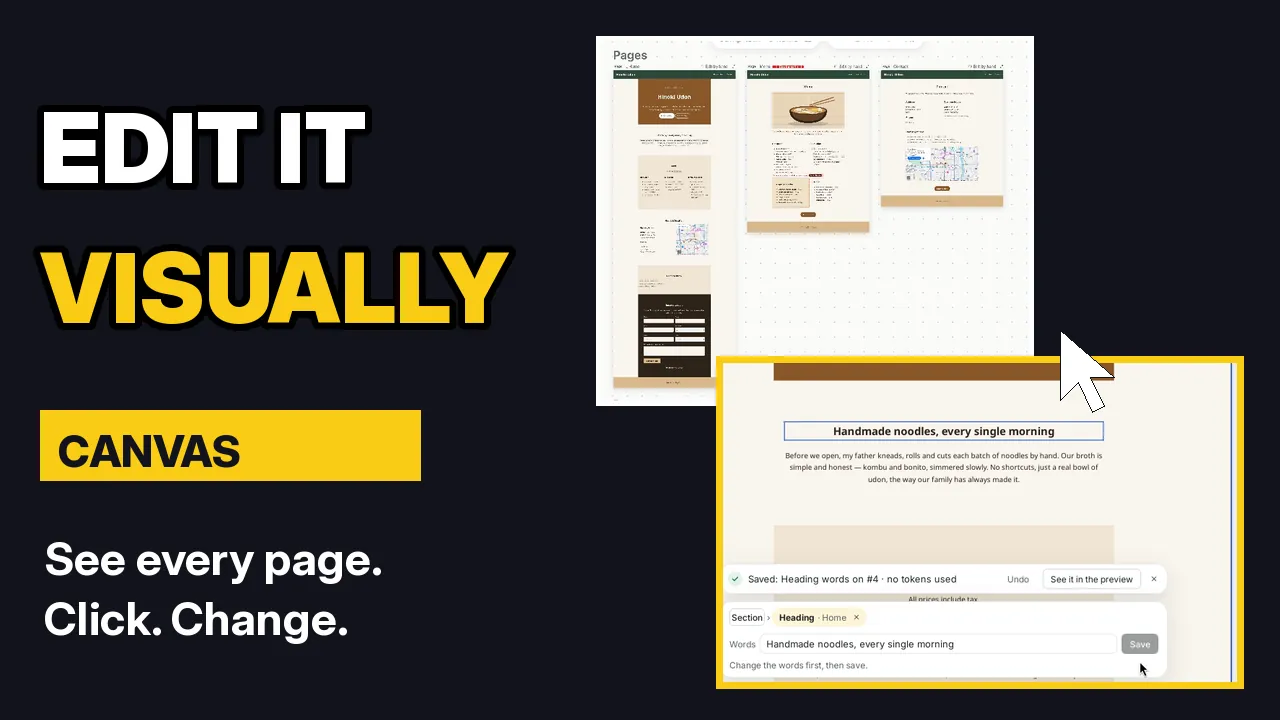 VideoEdit your site visually with CanvasSee every page at once, click what you want to change, and edit it in place.