

AI: Claude Code, Grok Build, Codex
Sign in with your own account inside each tool. ShipPress asks them to do the work and never sees your login.
ShipPress is desktop software for people who want their own website without writing code. It is free to download; you chat with your own AI account and the site gets built on your computer.
Example
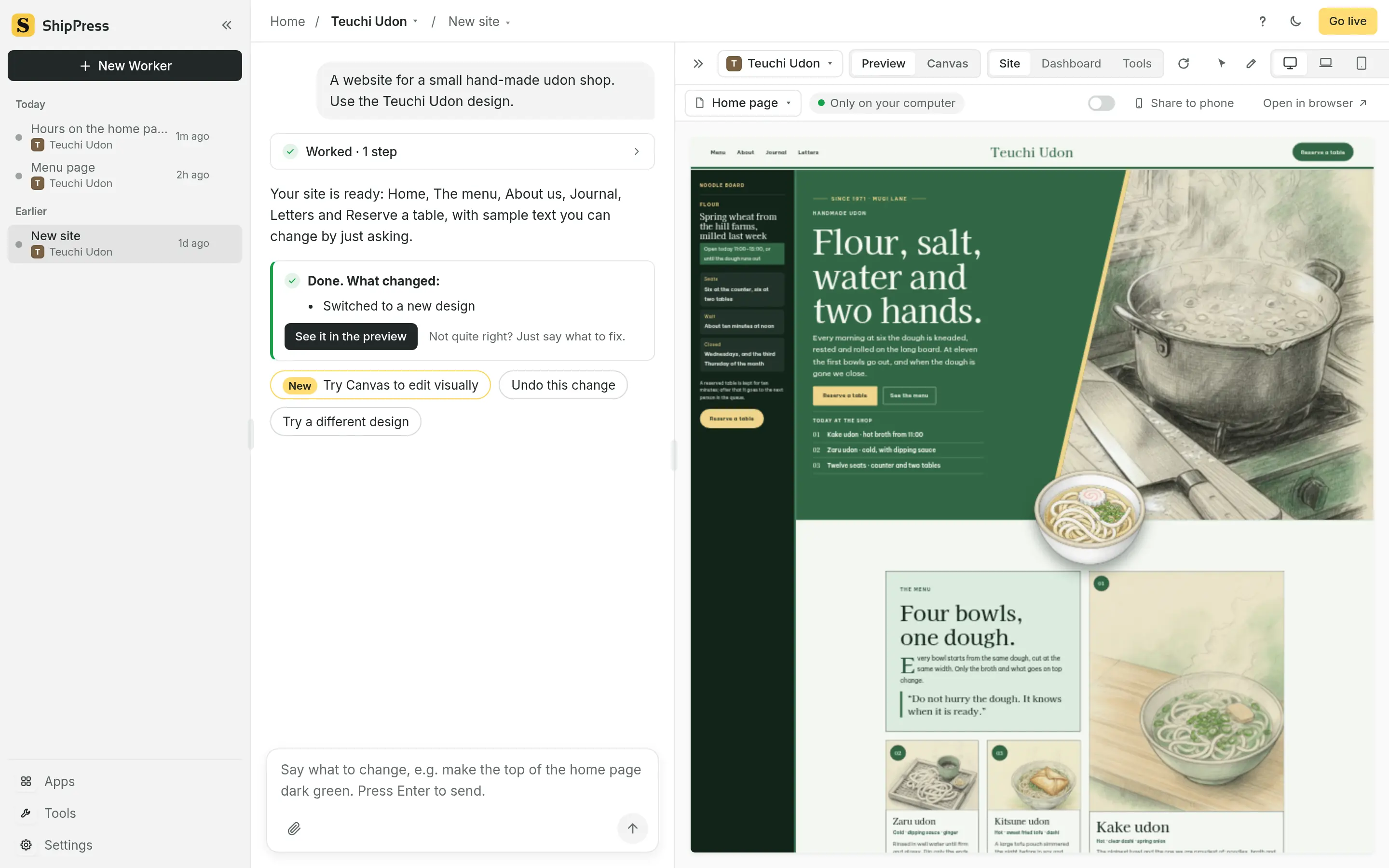
A few lines with Teuchi Udon, the demo site for a small hand-made udon shop.
“Add a ‘Today at the shop’ block to the home page: first bowl from 11:00, we close when the dough is gone.”
The AI Worker adds the block to the home page of the site on your computer, lists what it changed, and asks whether you want a Reserve a table button next to it.
The preview on the right shows the new block straight away. Don’t like it? Go back to an earlier version from the restore points. Happy? Say the next thing.
How it works

Write one sentence about your site, or start from a hand-made theme. ShipPress sets the site up on your computer for you.

“Make the header dark green.” “Add an opening-hours section.” The AI makes the change and you see it in the preview right away.

Connect your hosting and put the site online in one step. Until then, everything stays on your computer.

Screens
Designs
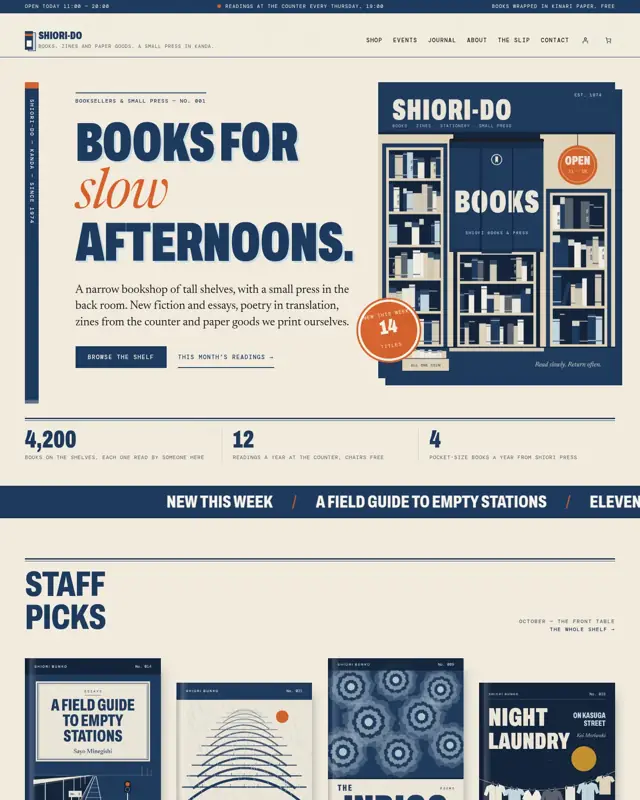
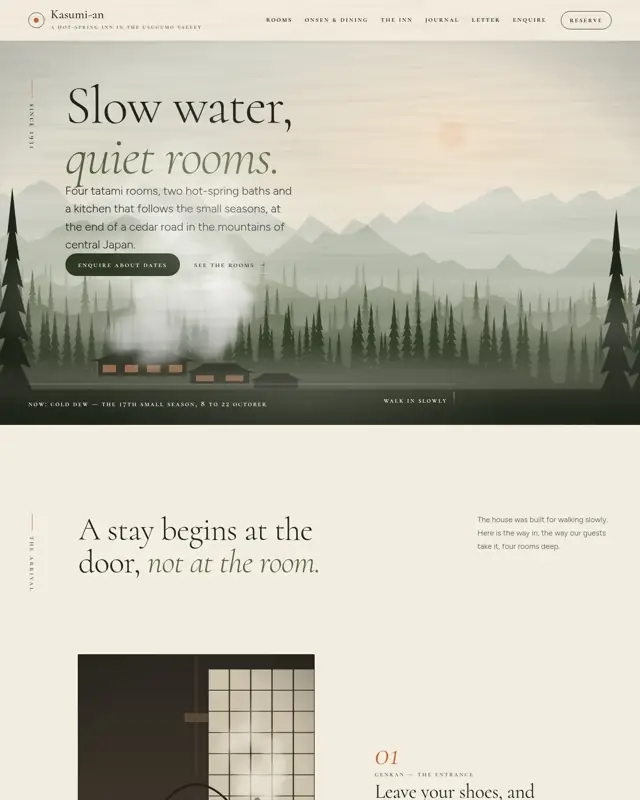
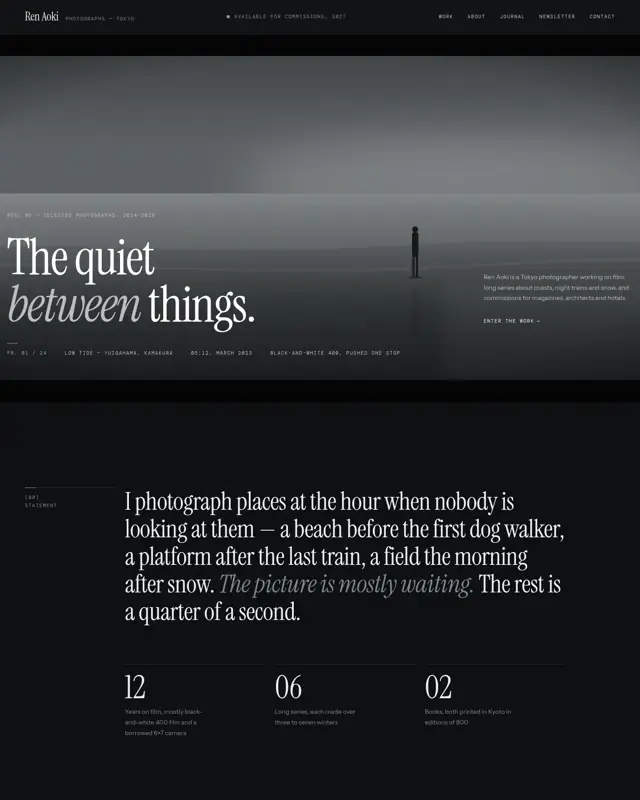
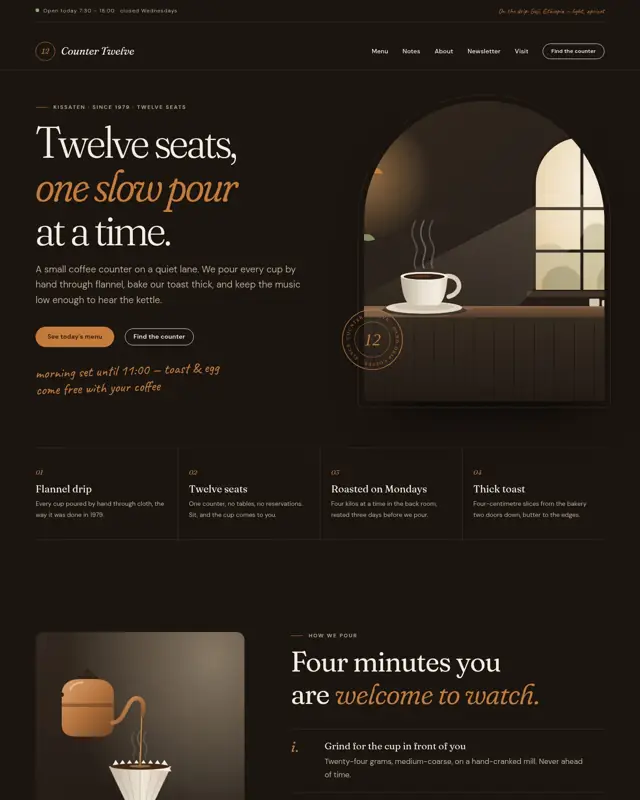
Every theme is a full WordPress block theme with its own pages, type and colours. Filter them the same way as in the app, by industry, type, colour, style or a keyword.
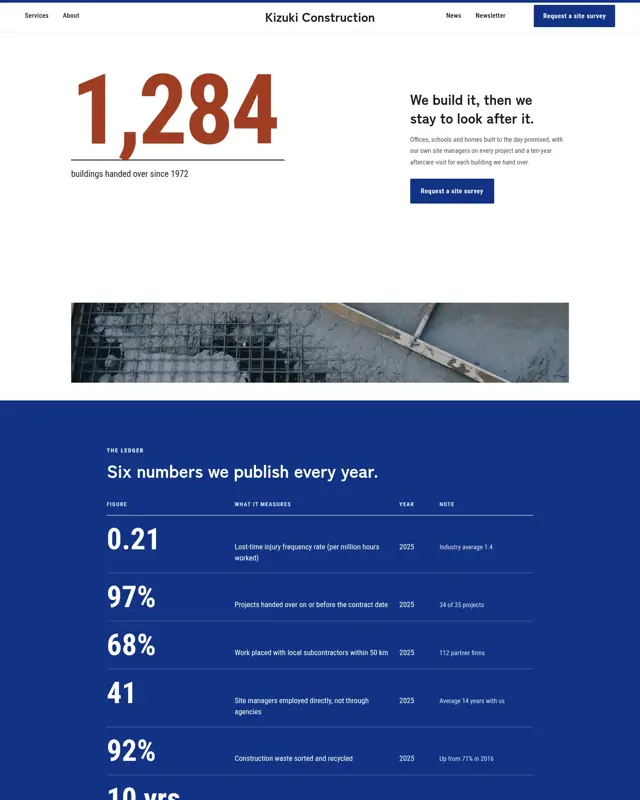
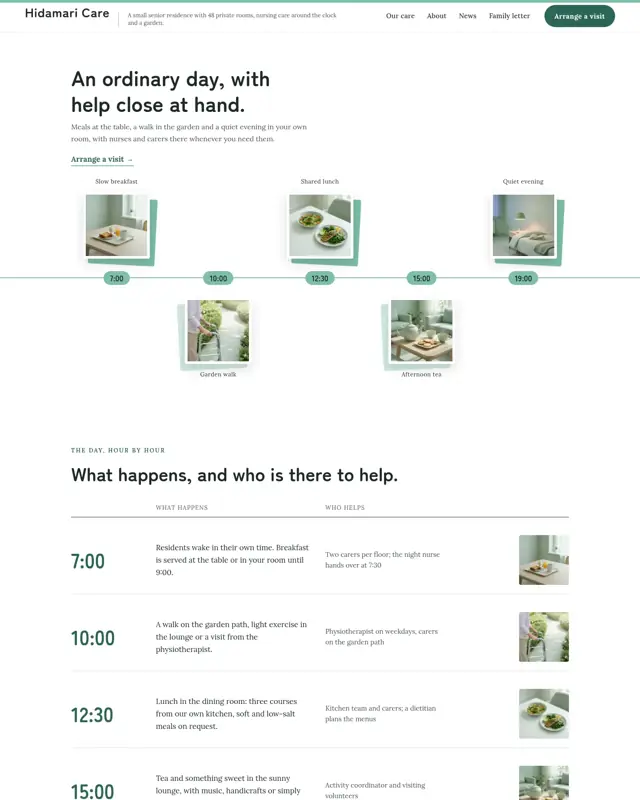
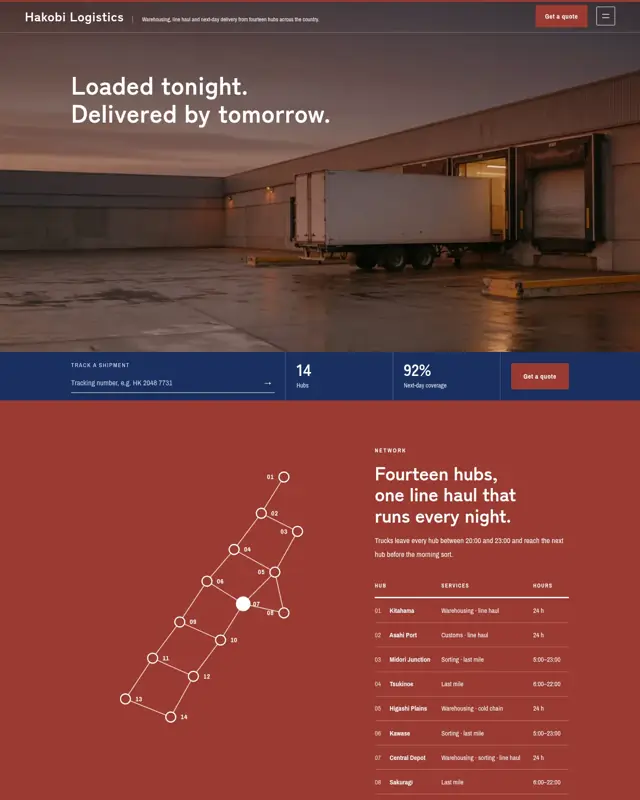
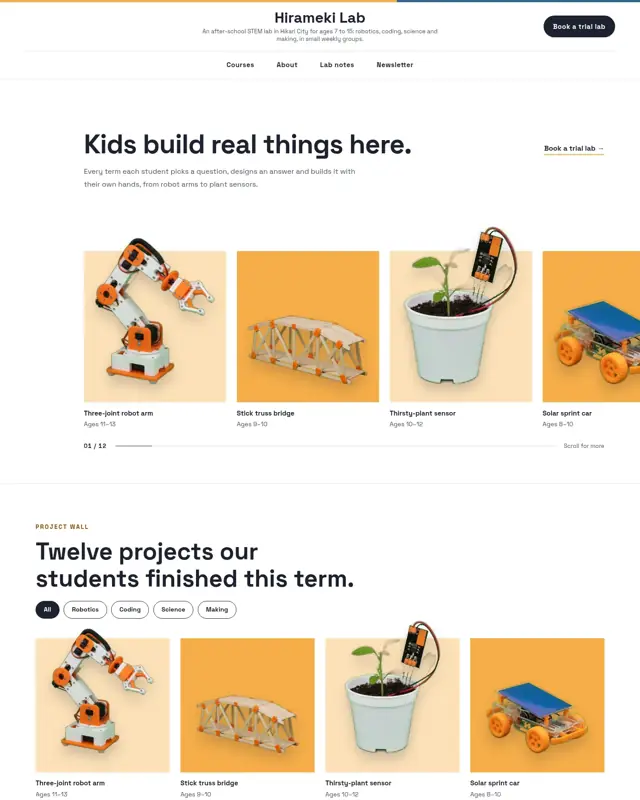
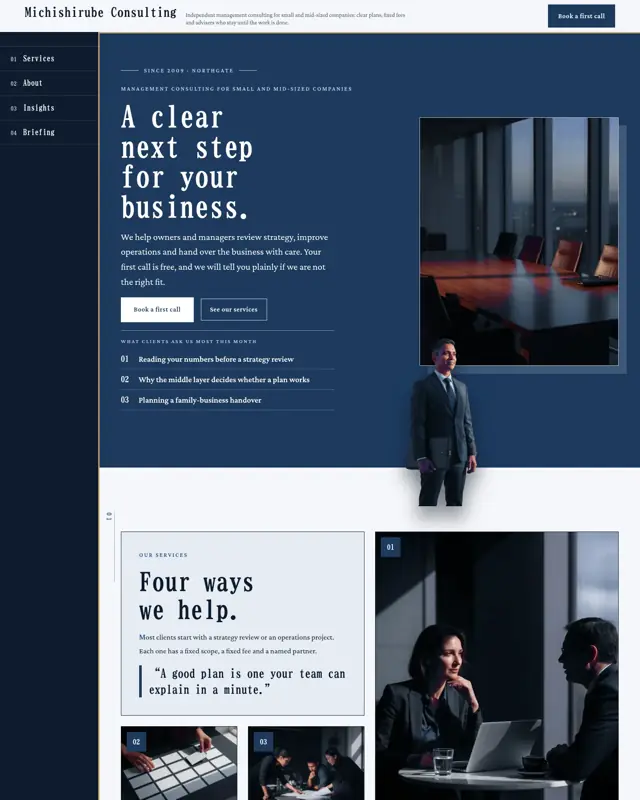

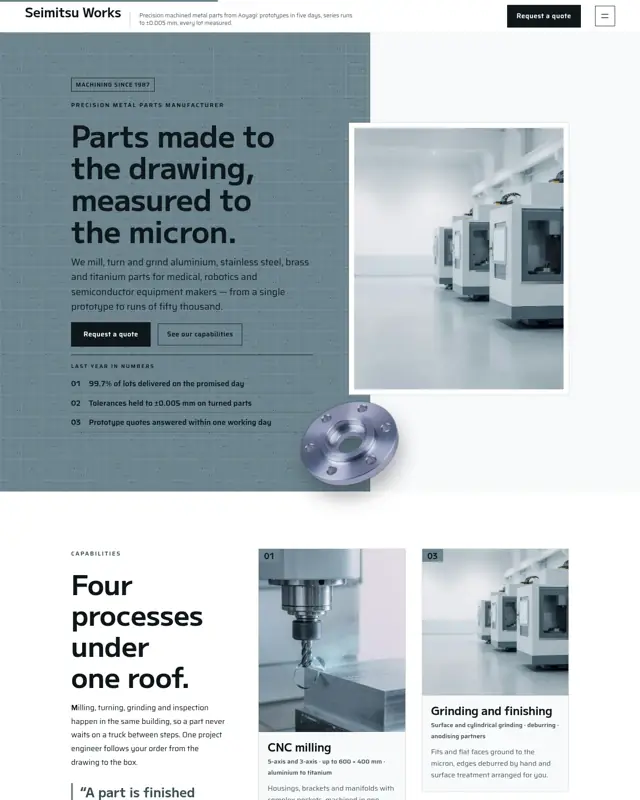
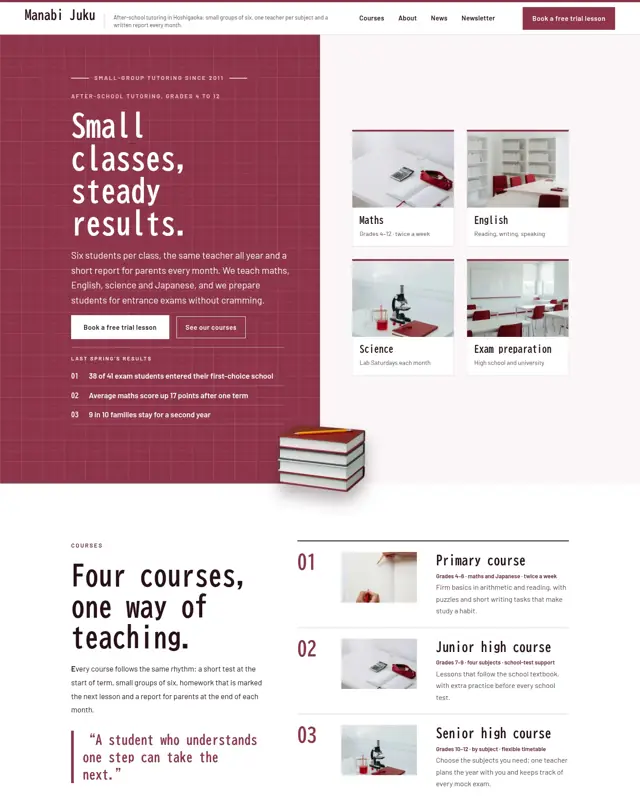

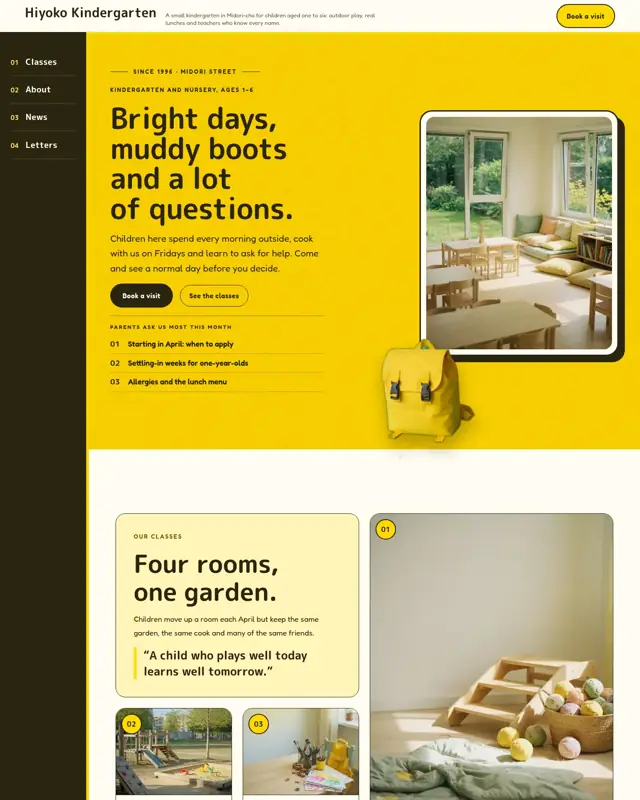
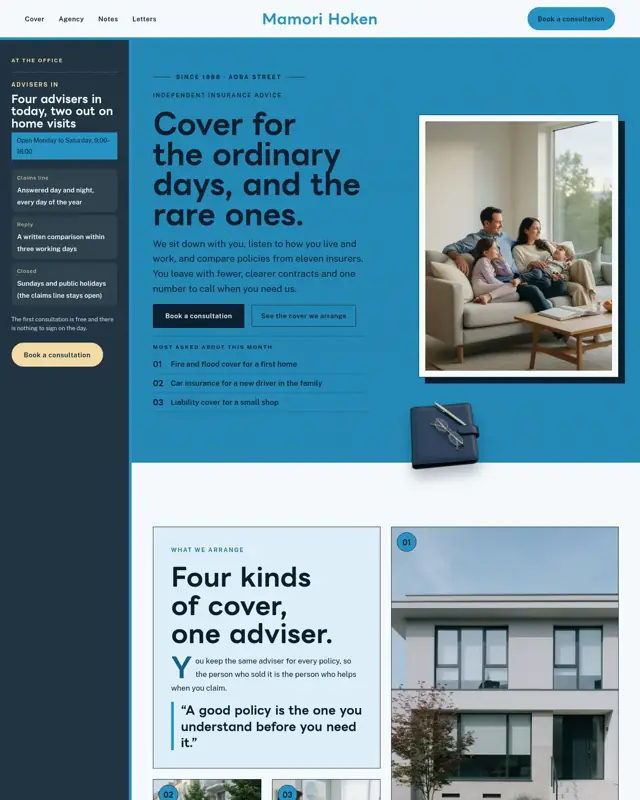

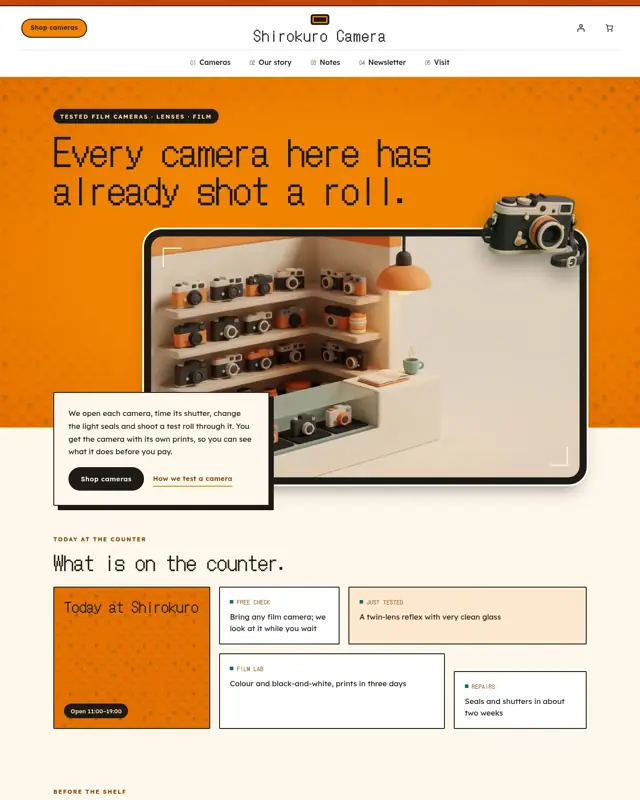
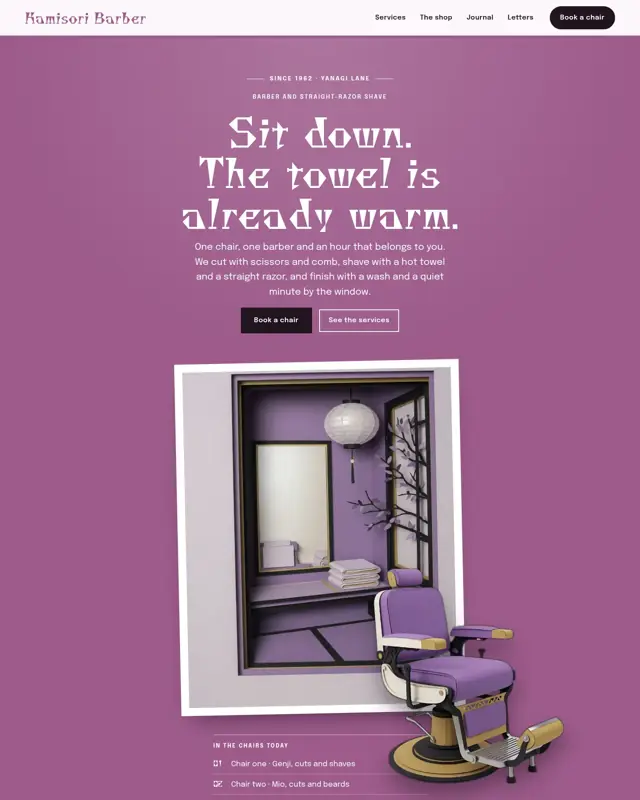
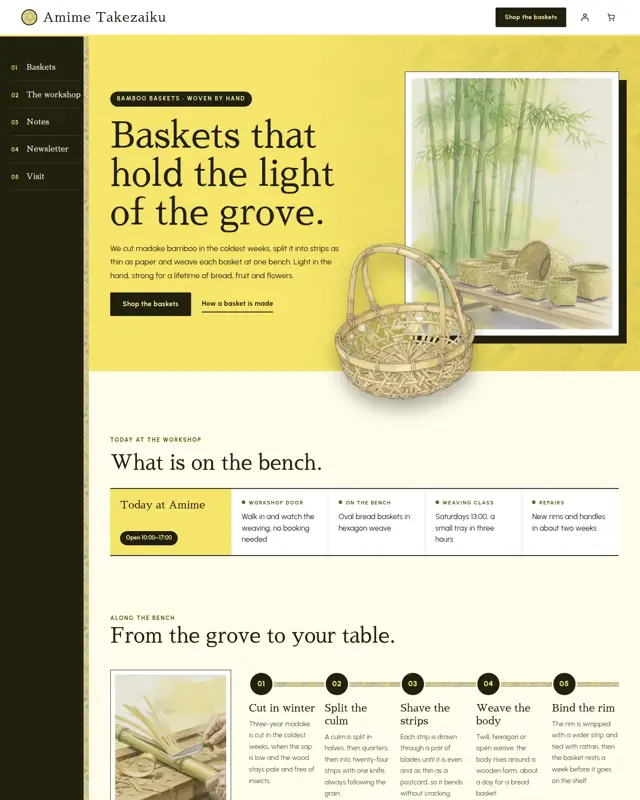
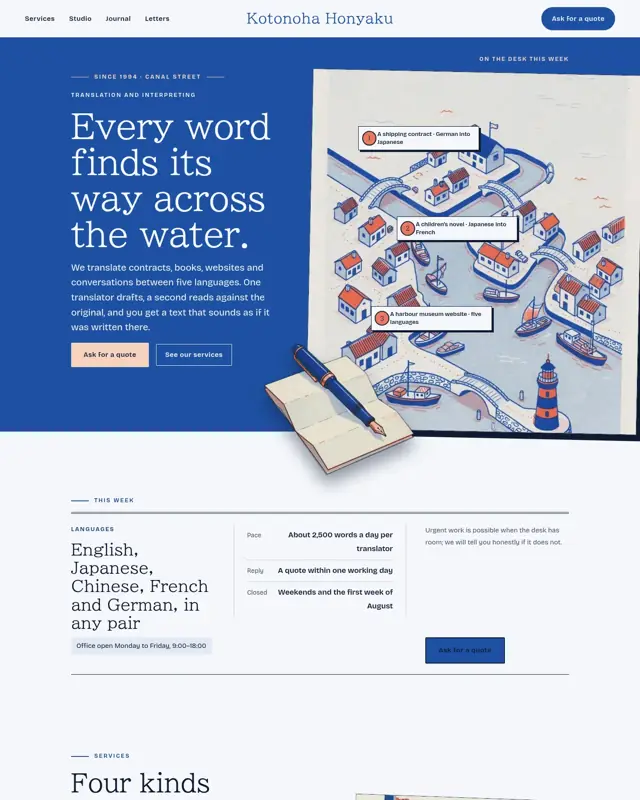
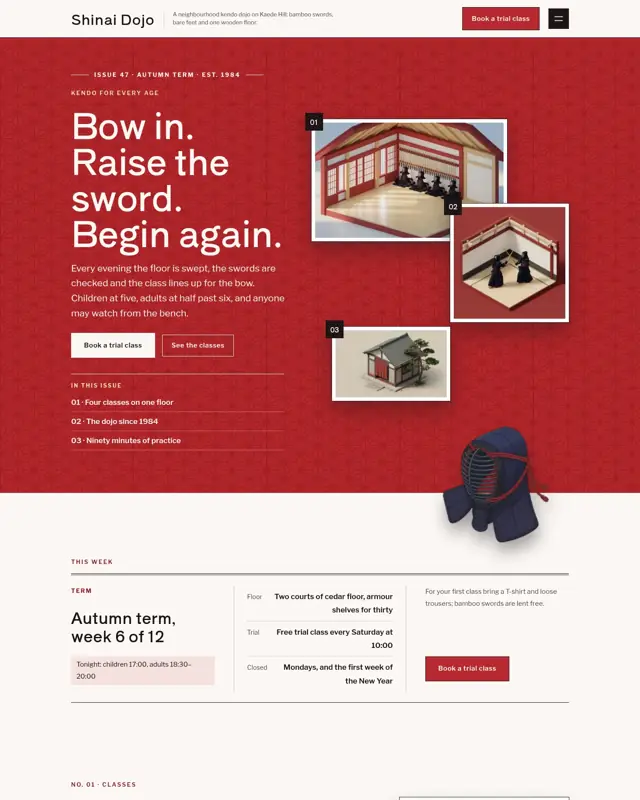

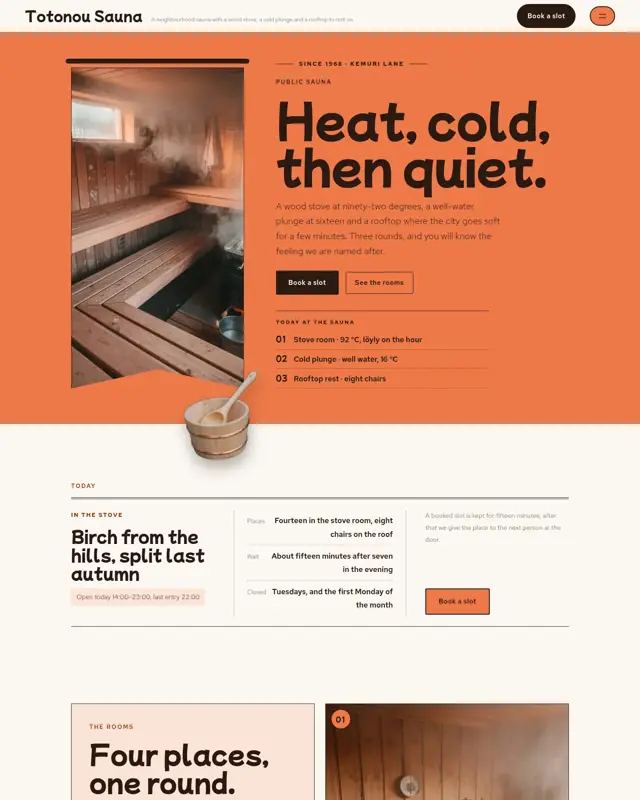
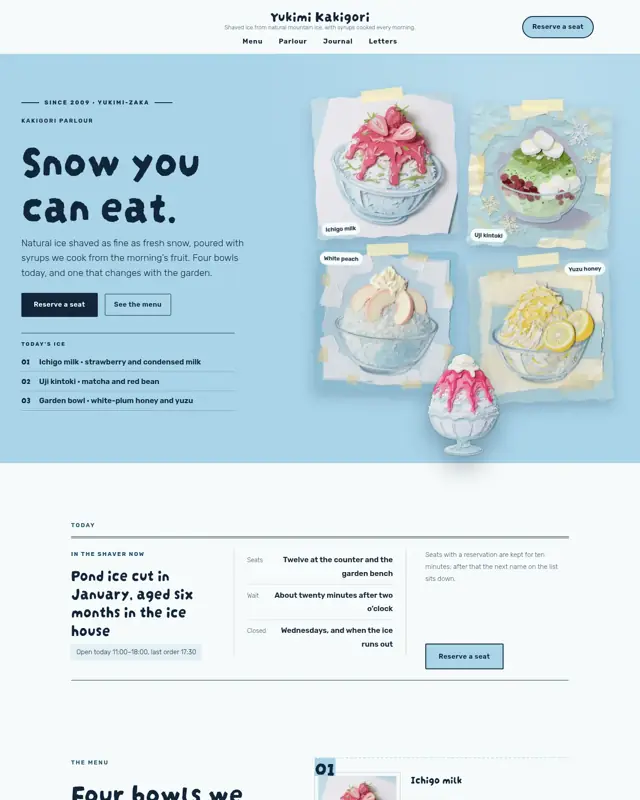

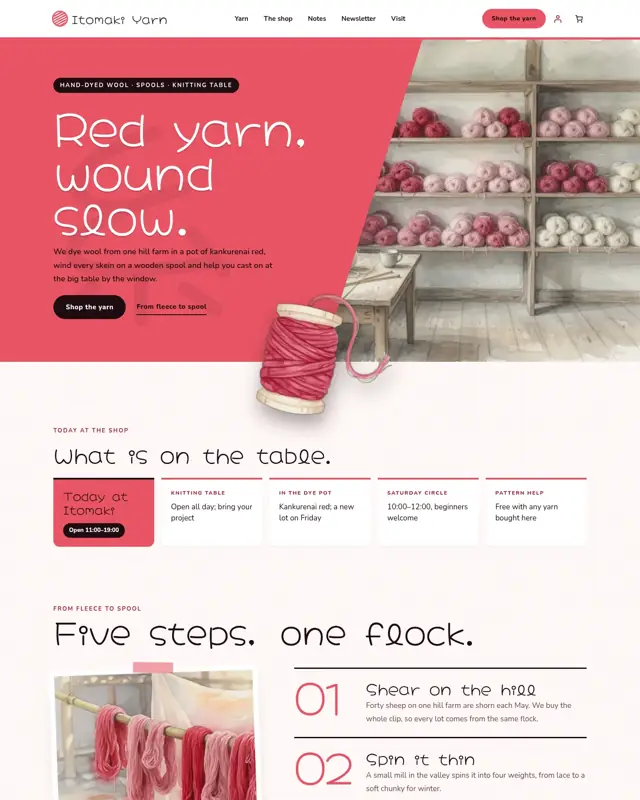
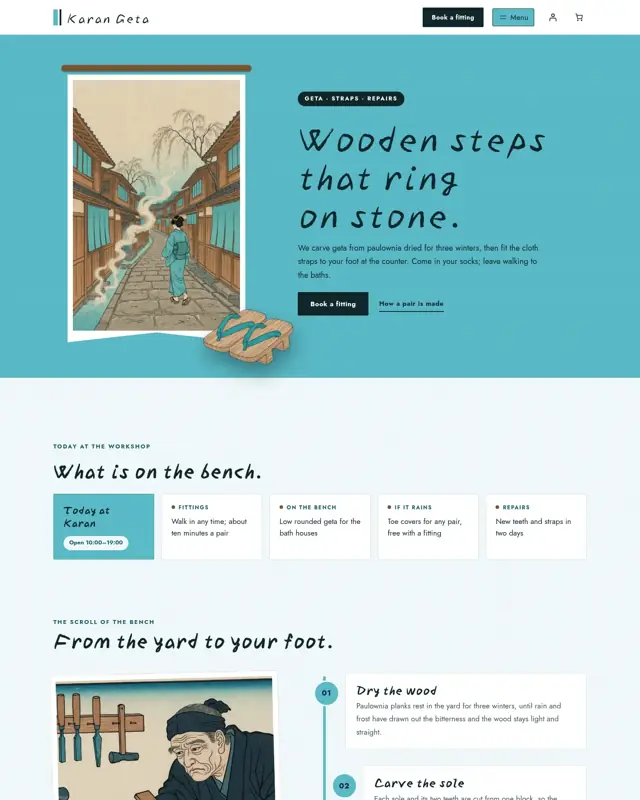
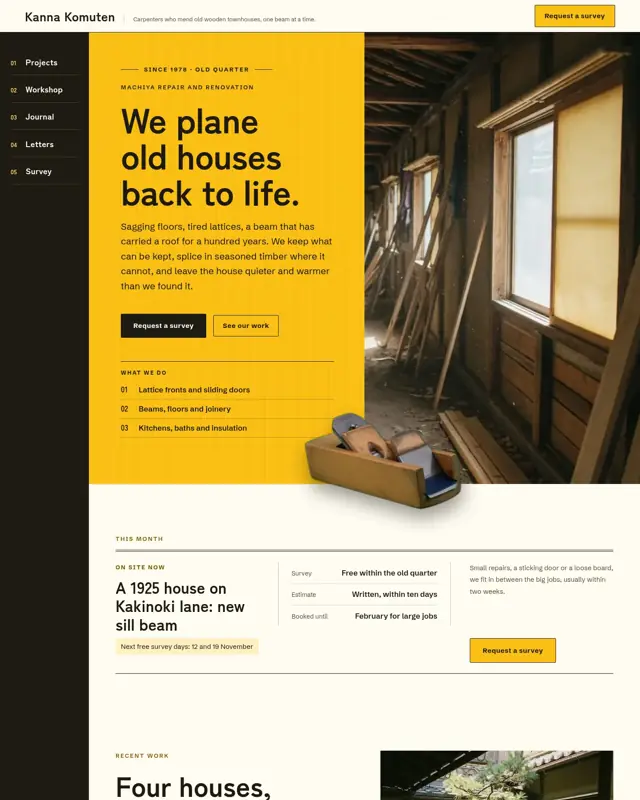

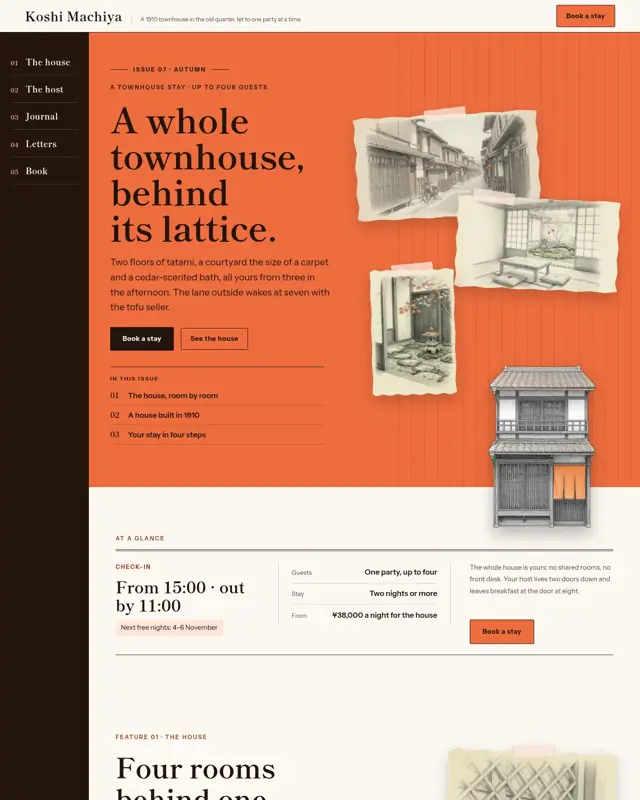
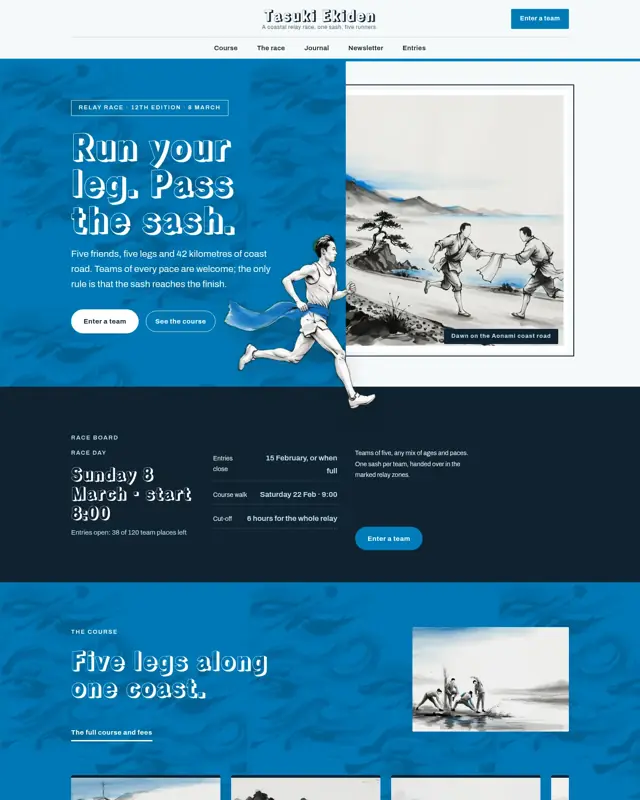
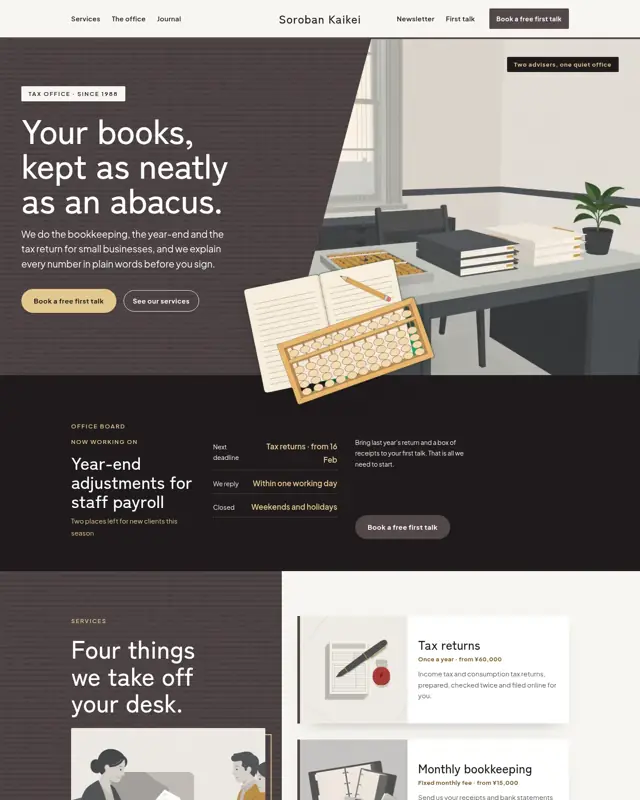
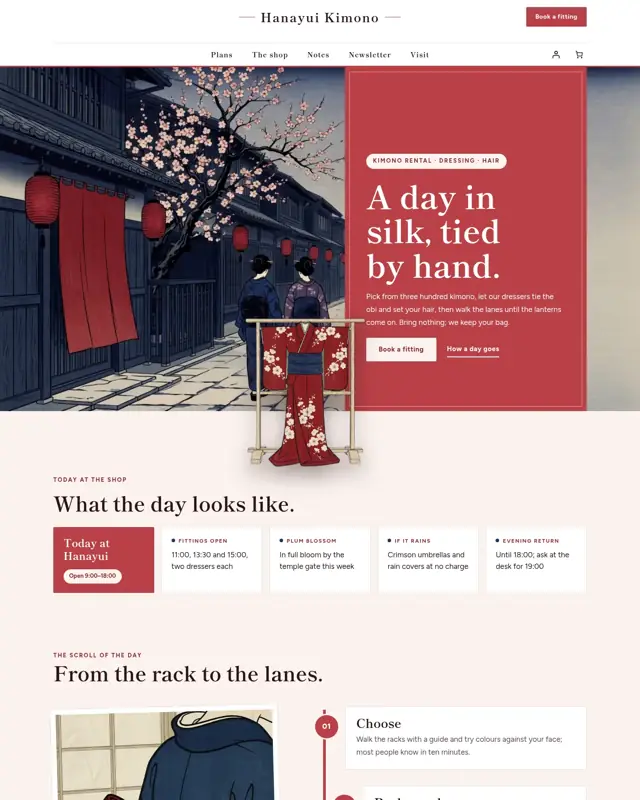
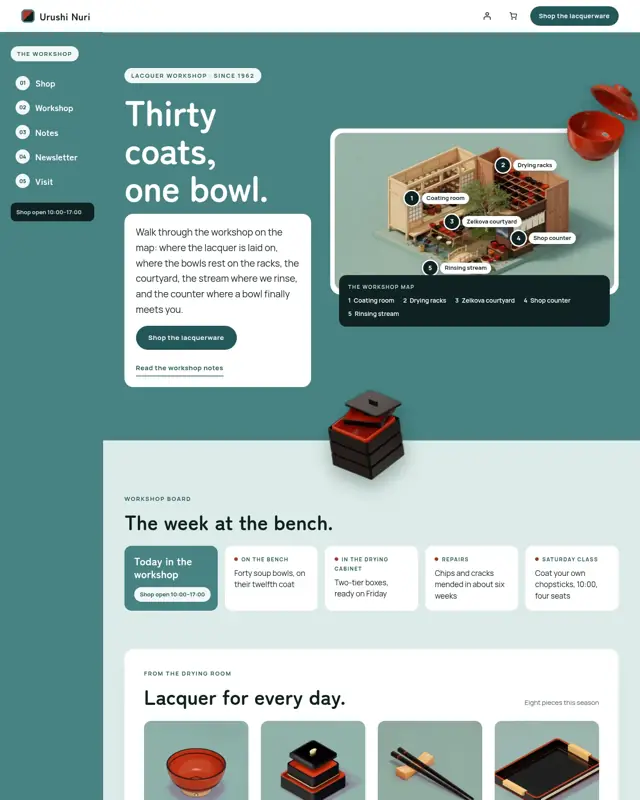


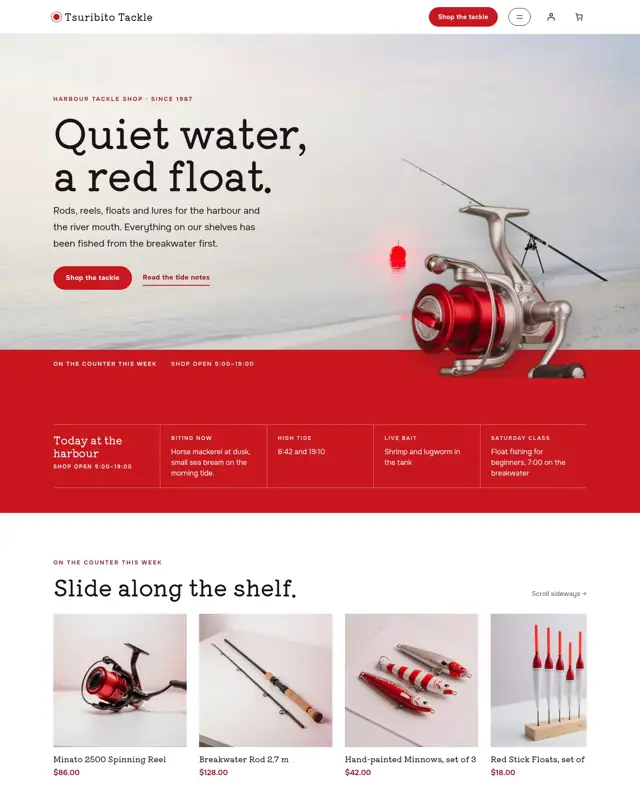
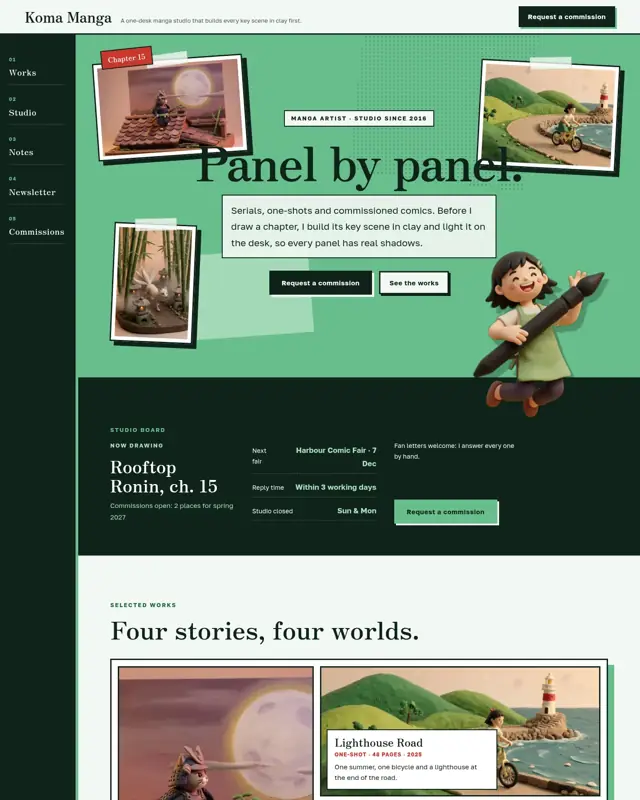
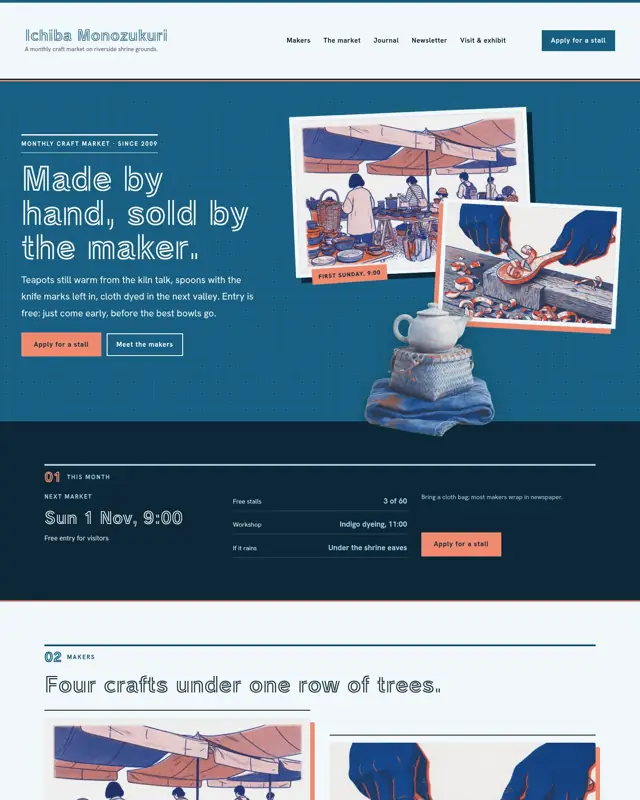
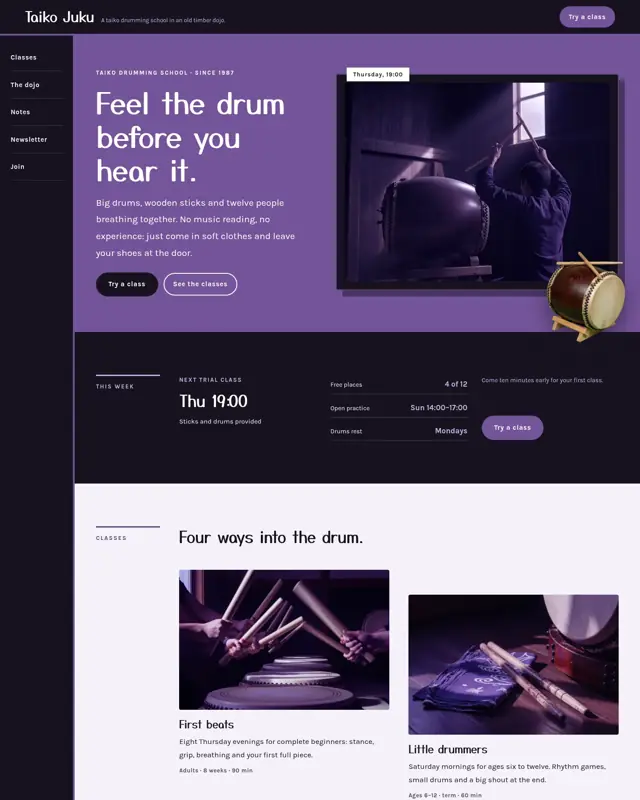
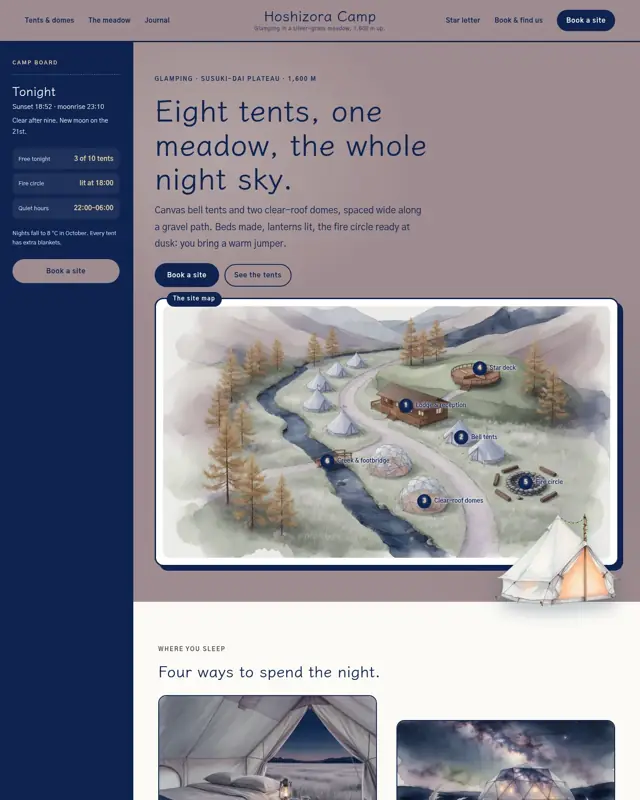

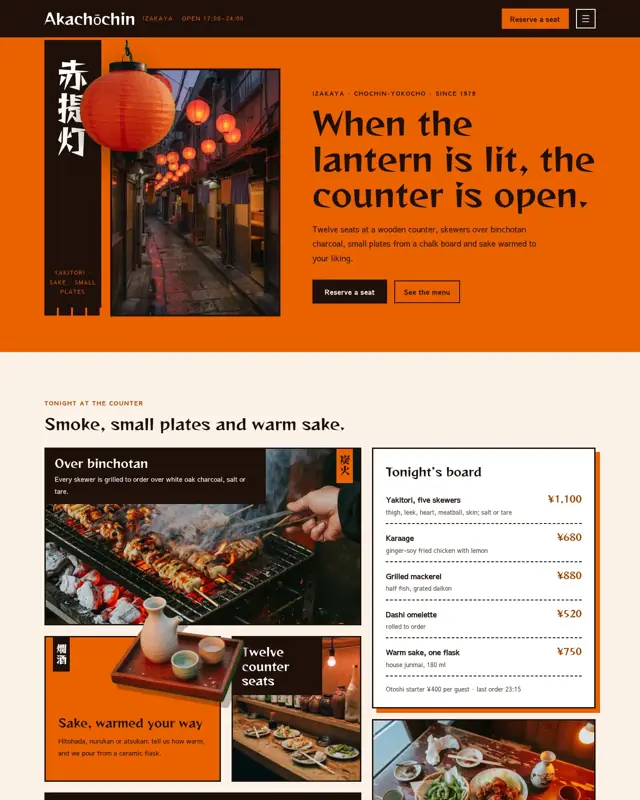
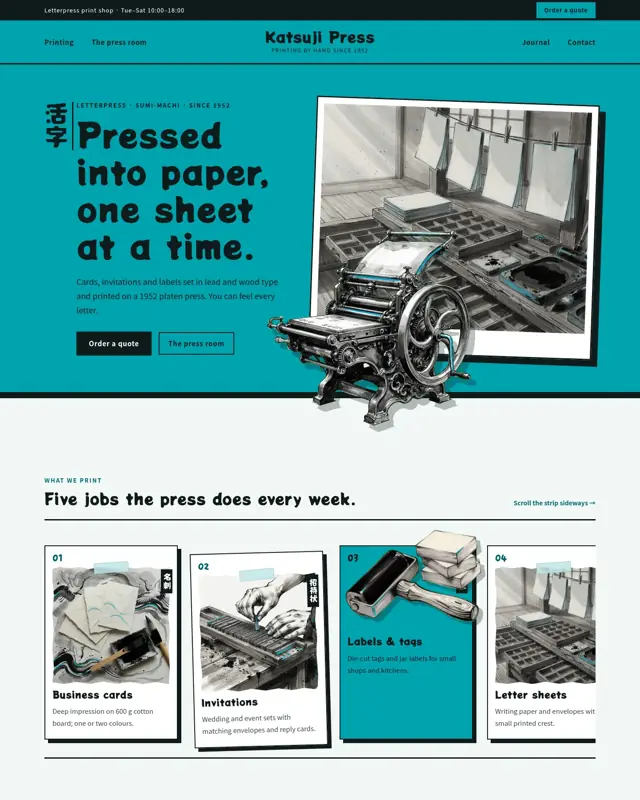
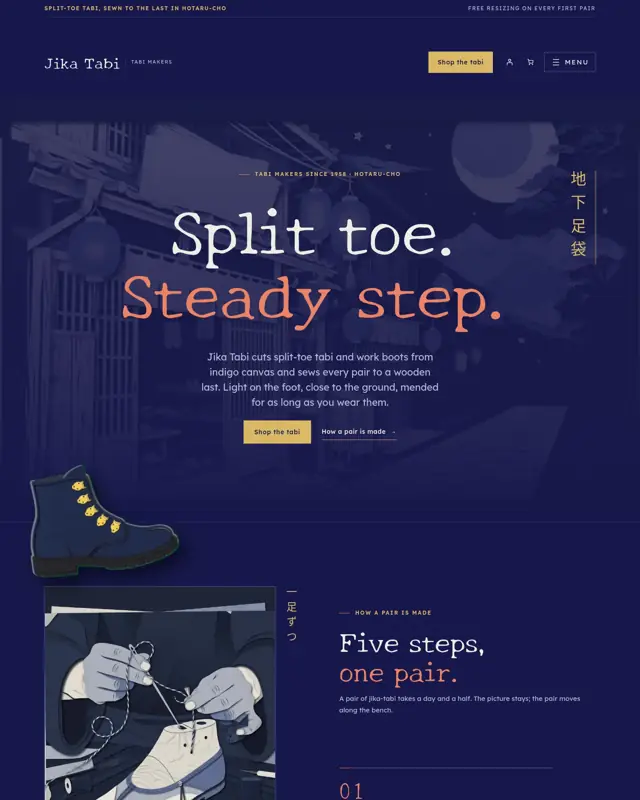
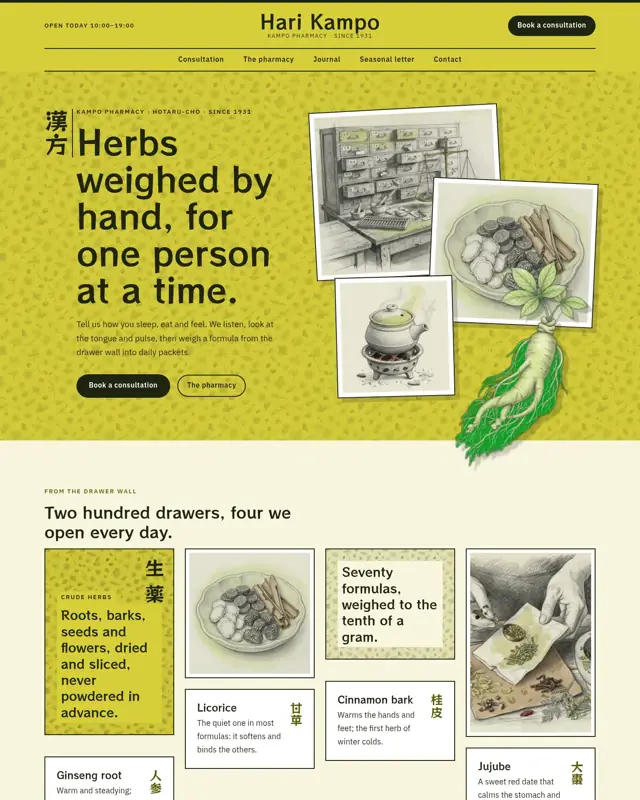
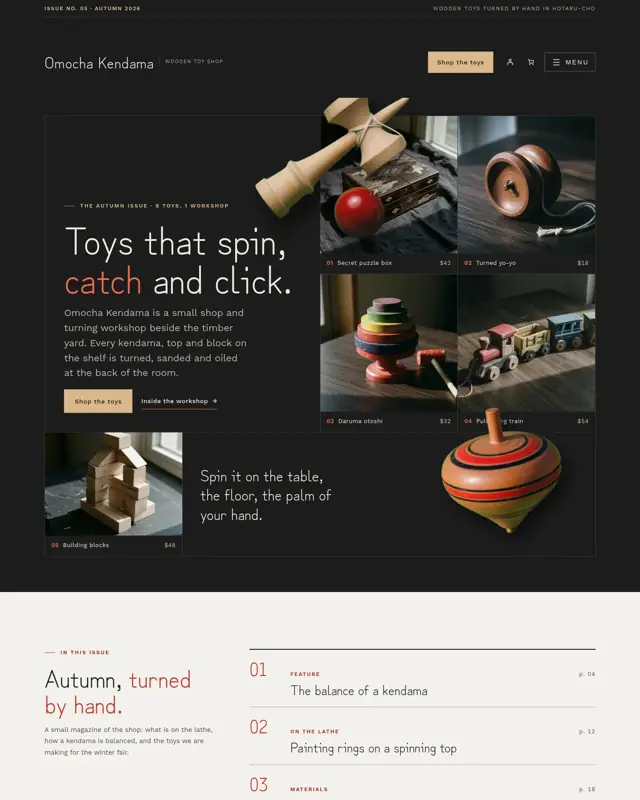

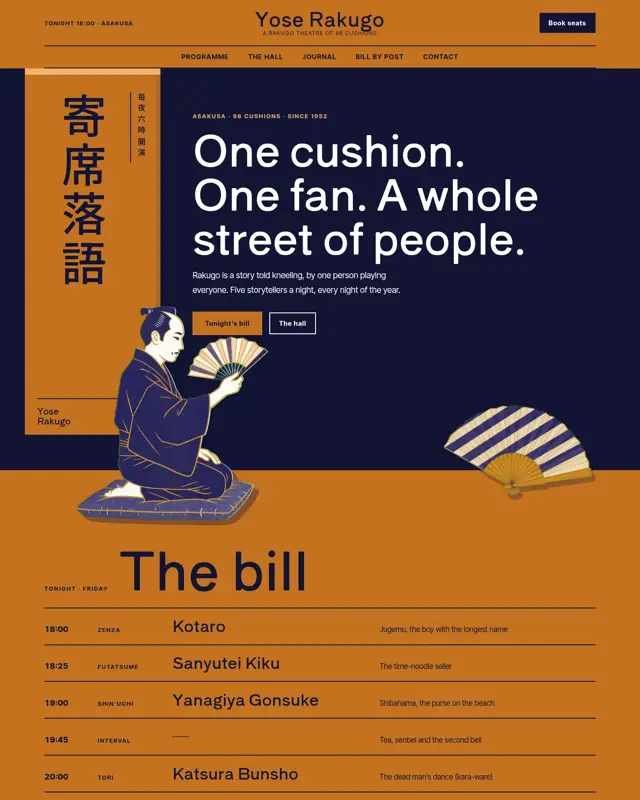
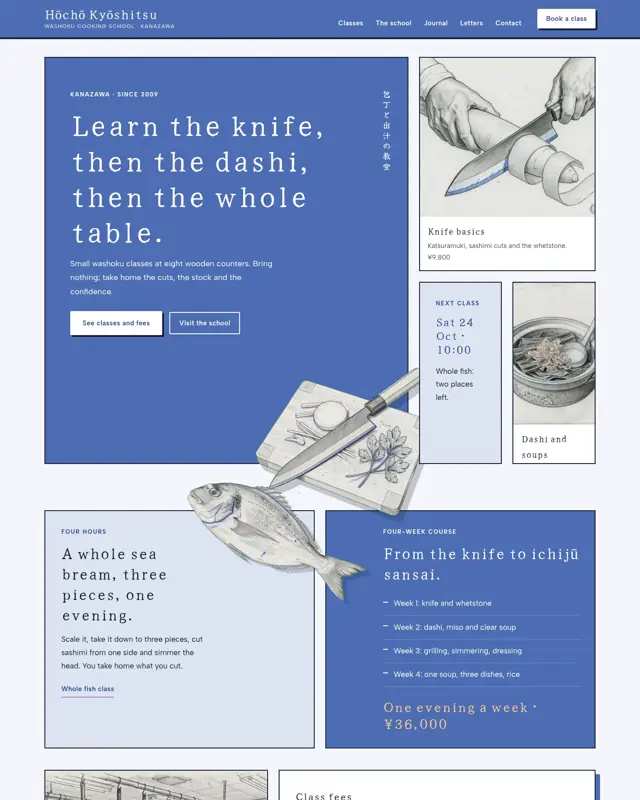
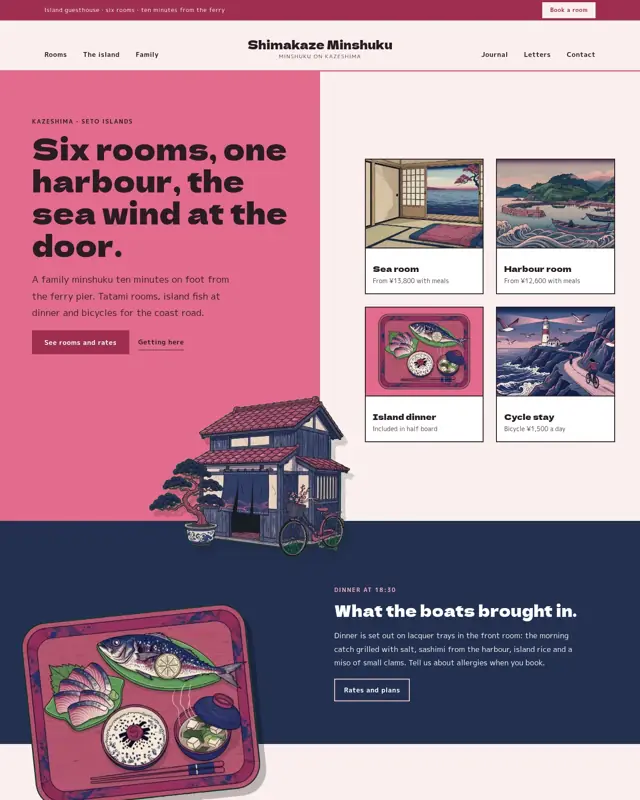
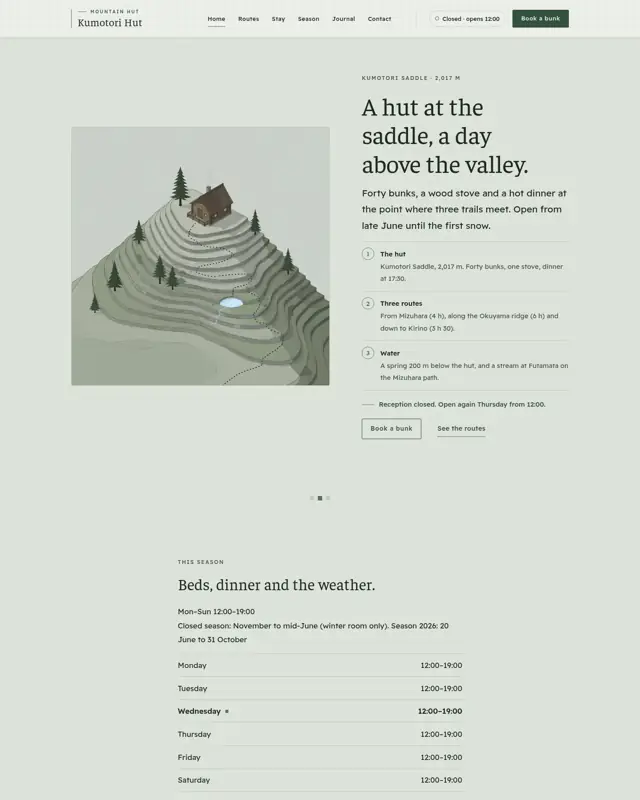


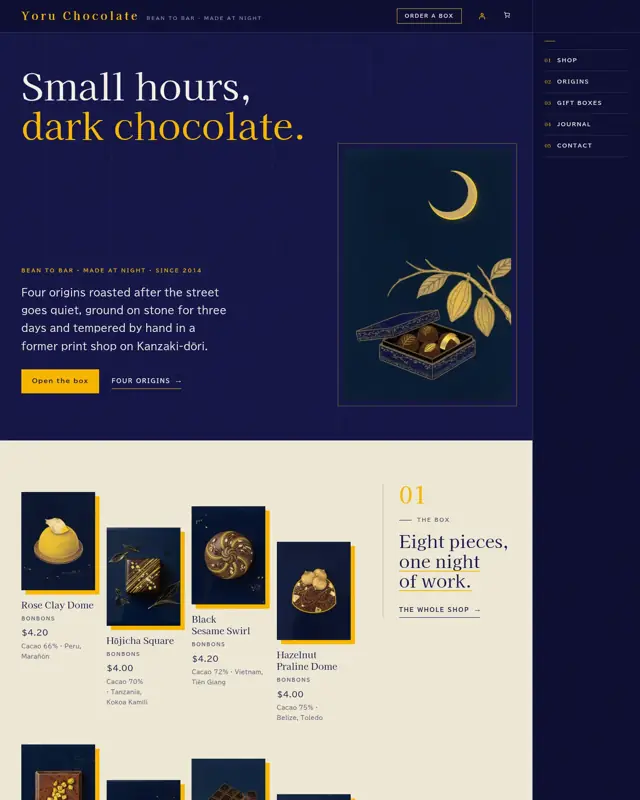
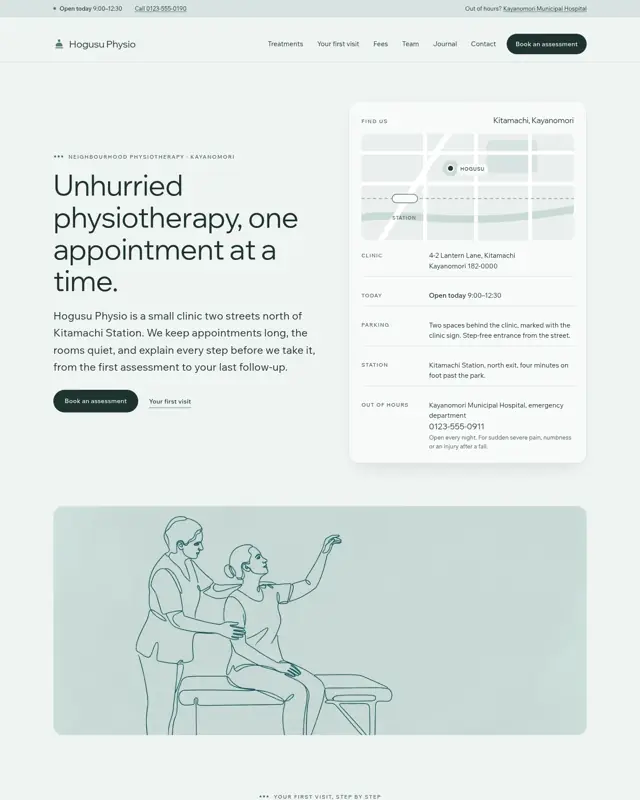
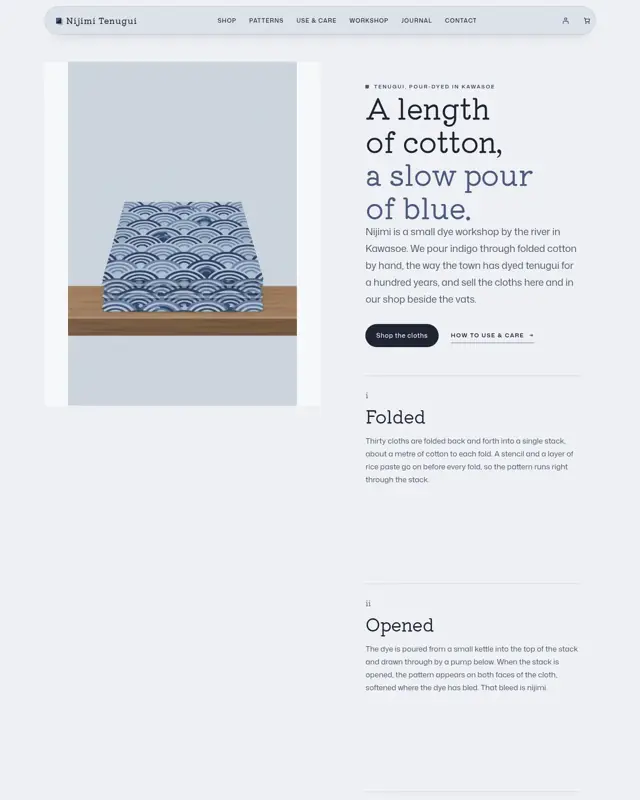
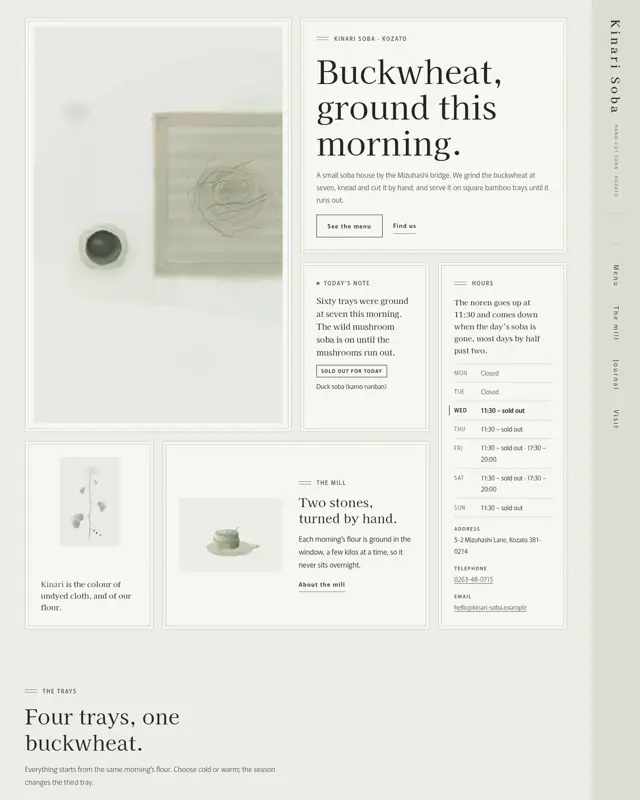
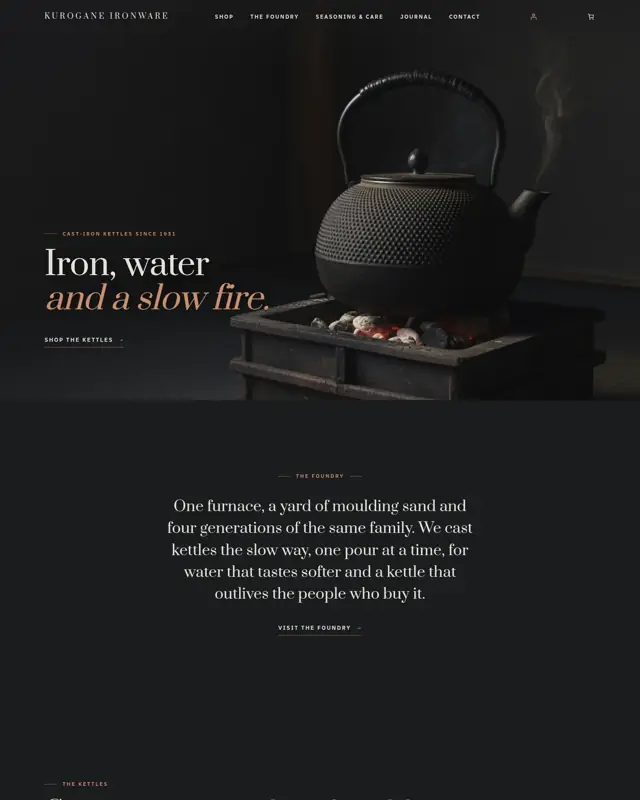
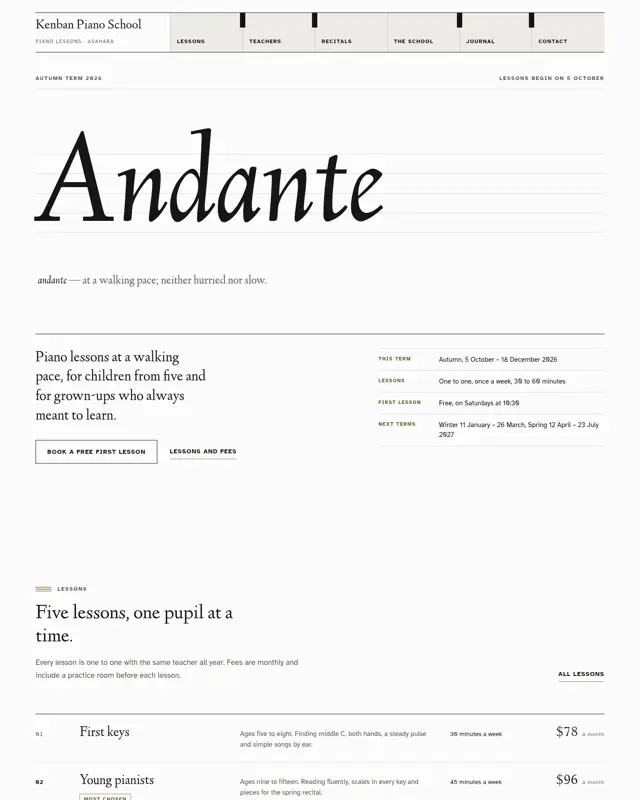
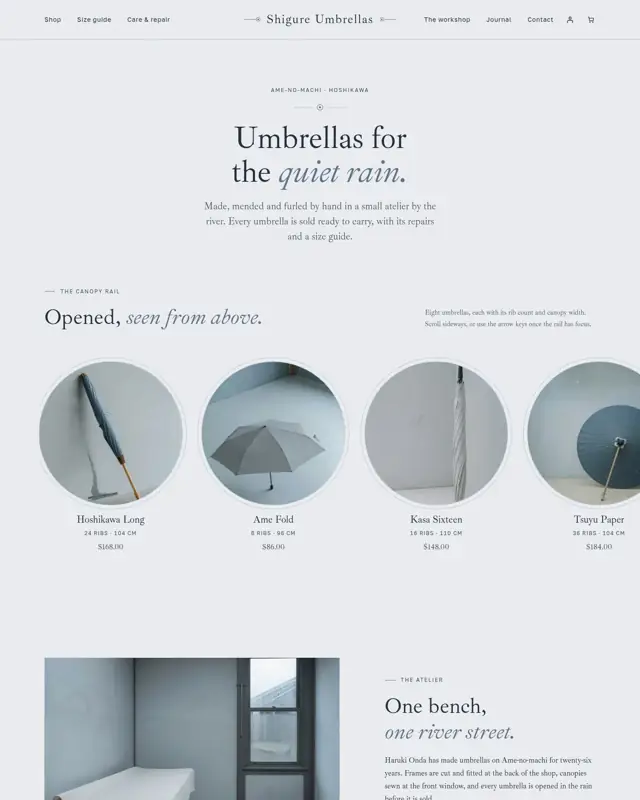

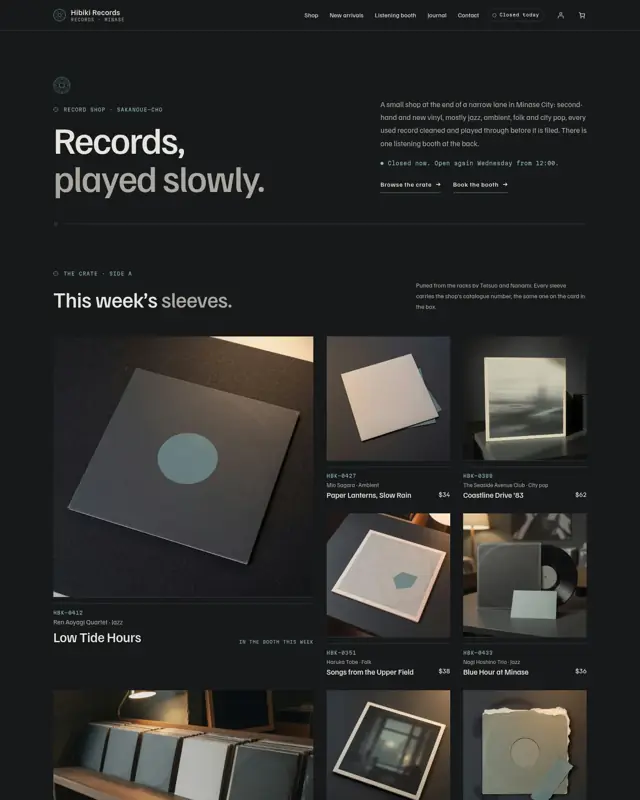
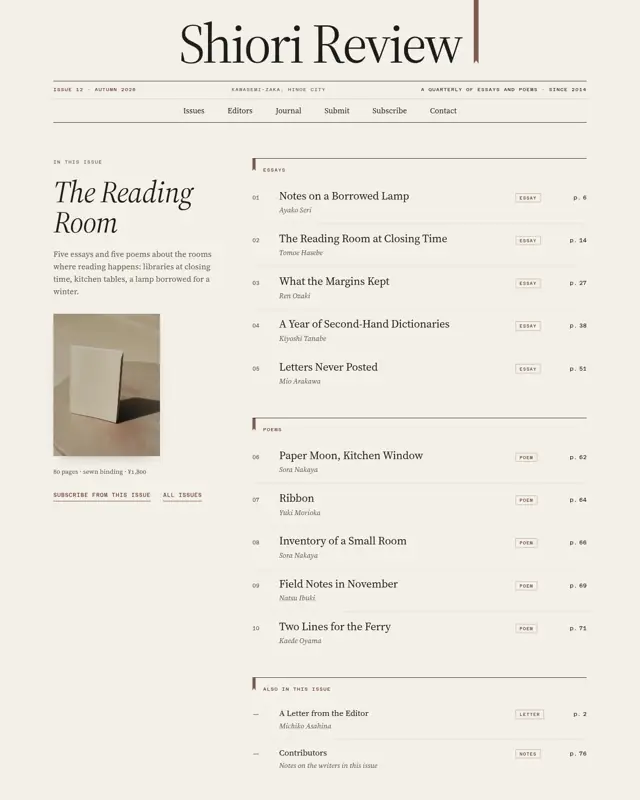



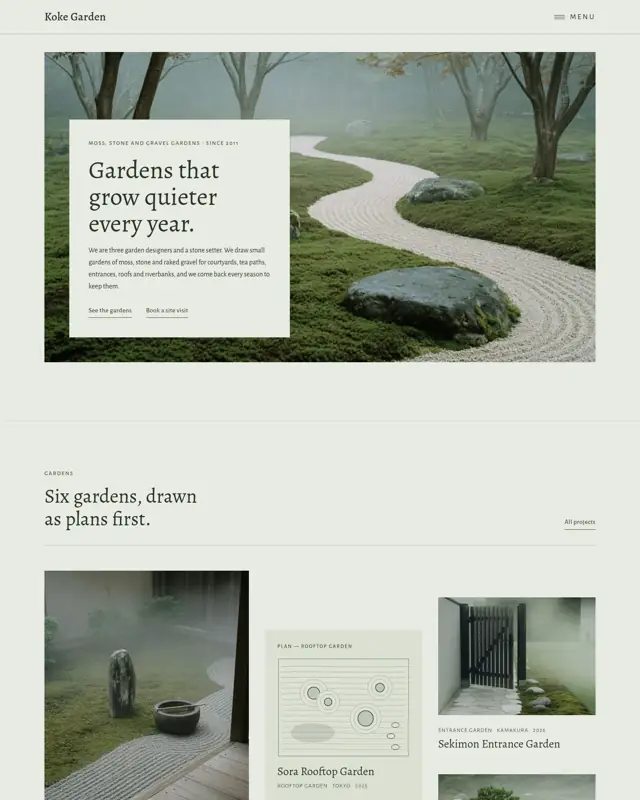


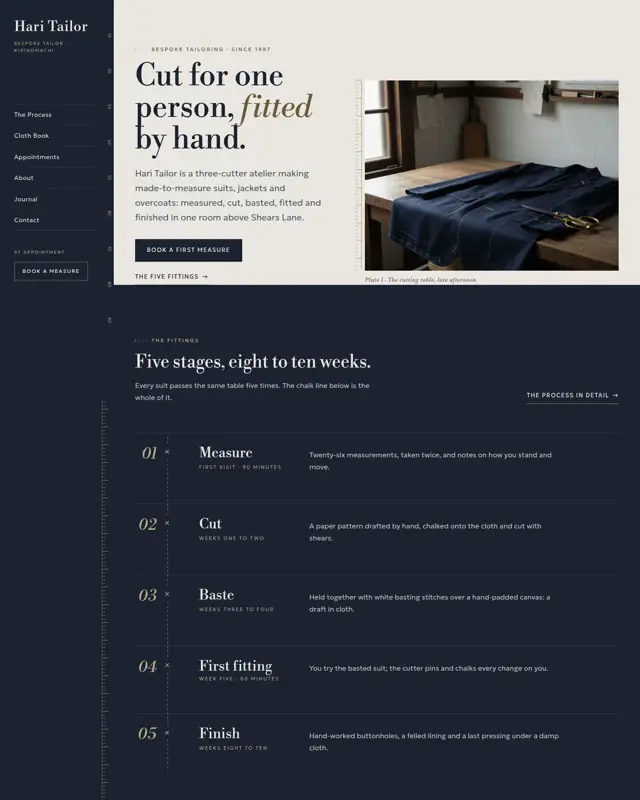
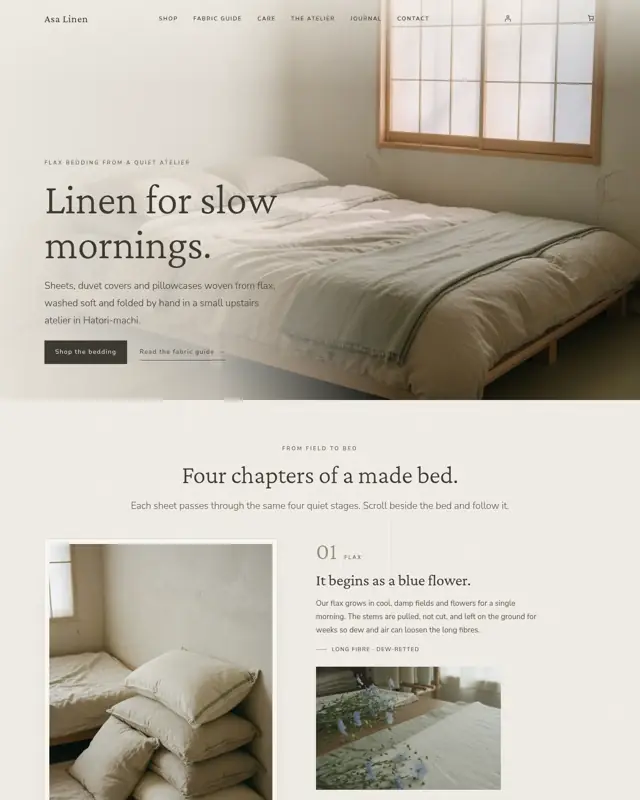
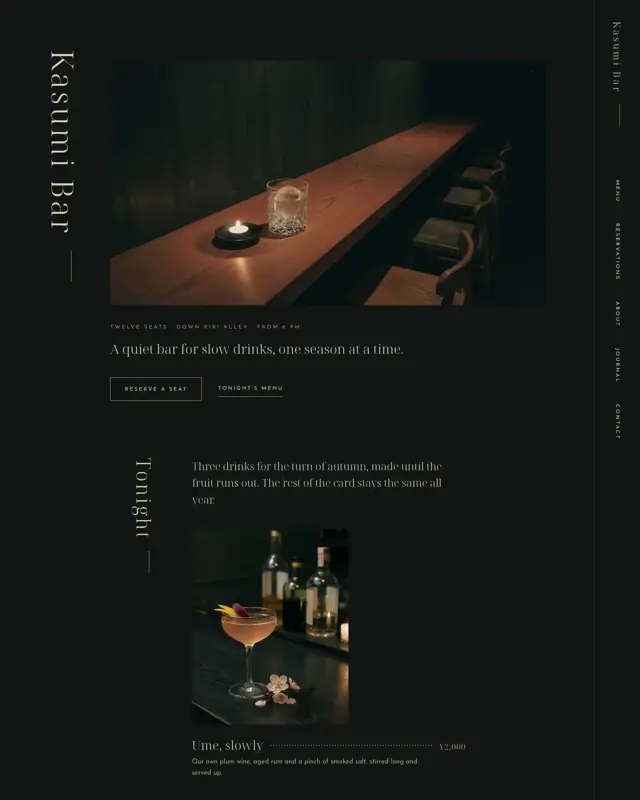
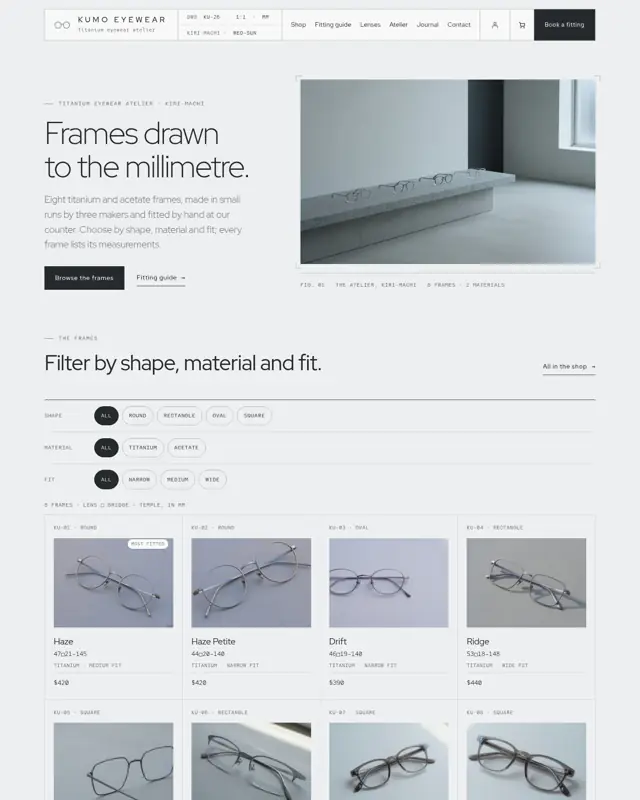
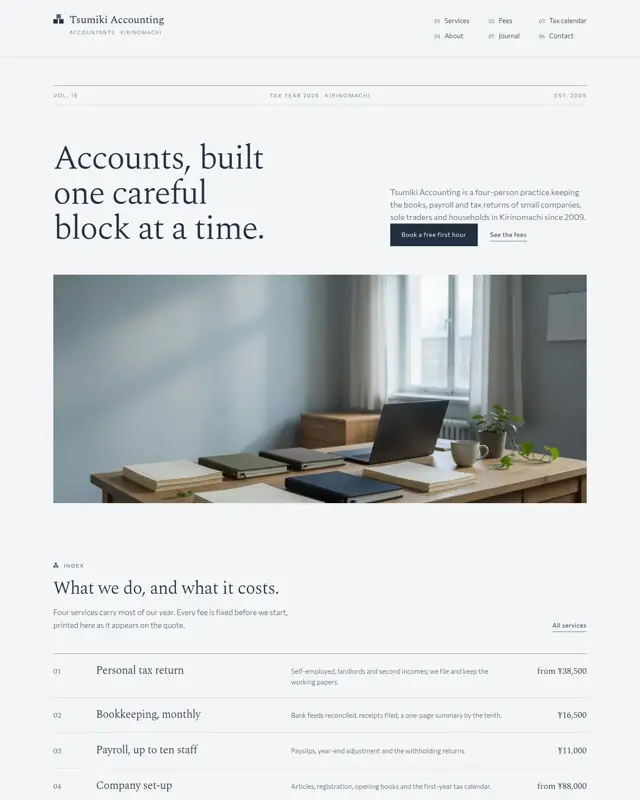
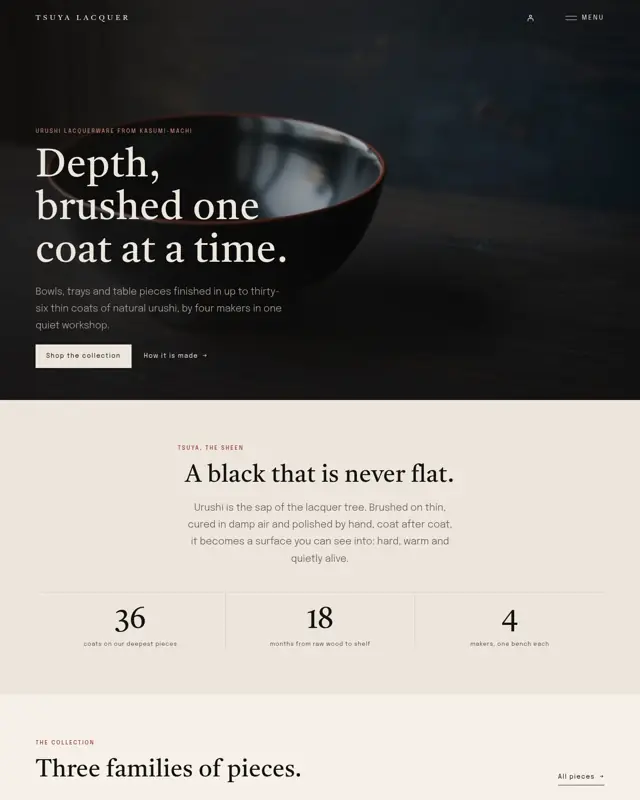
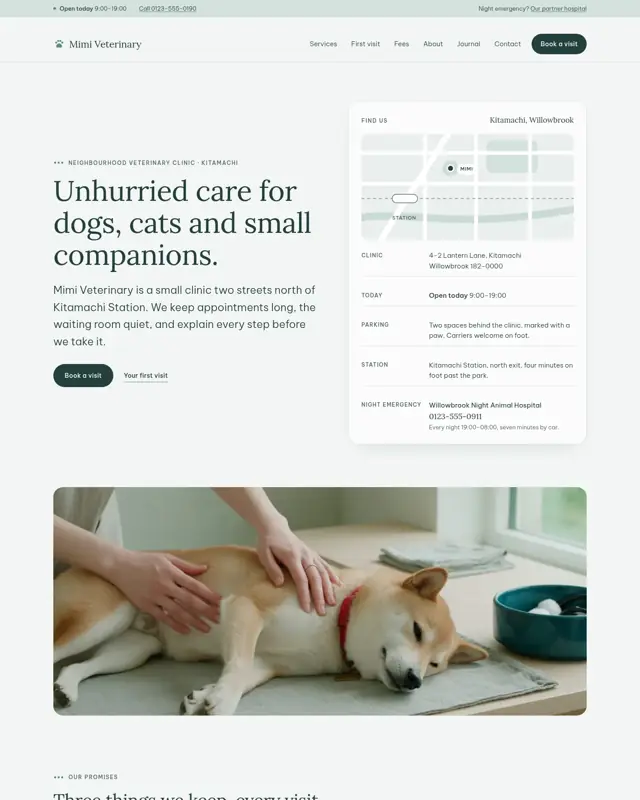


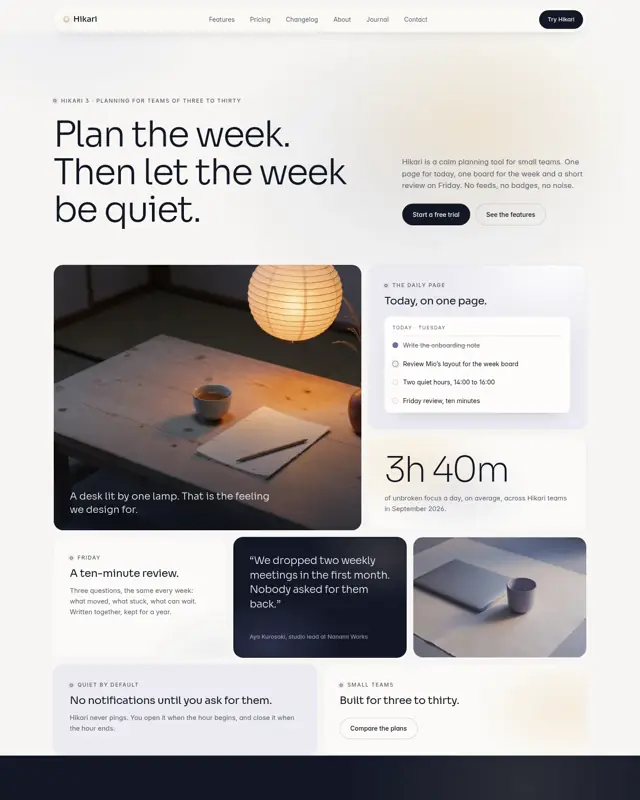
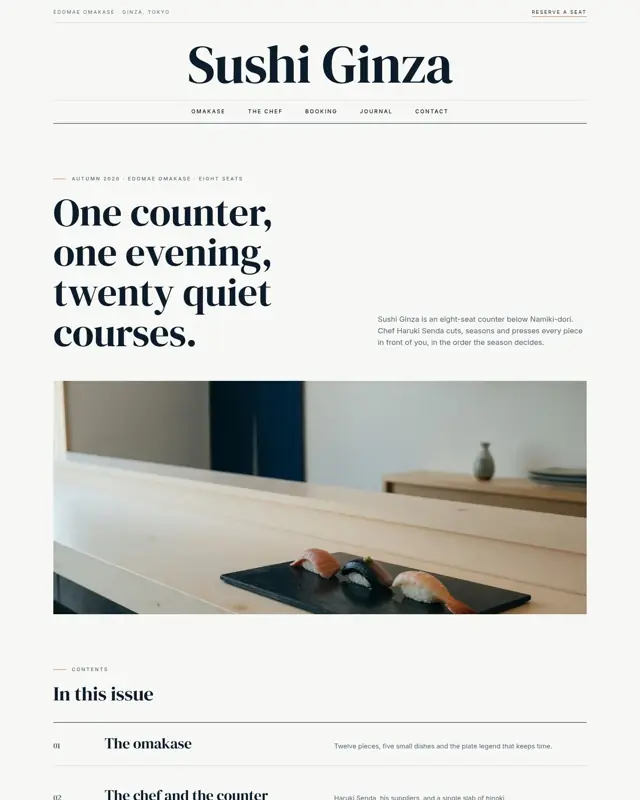
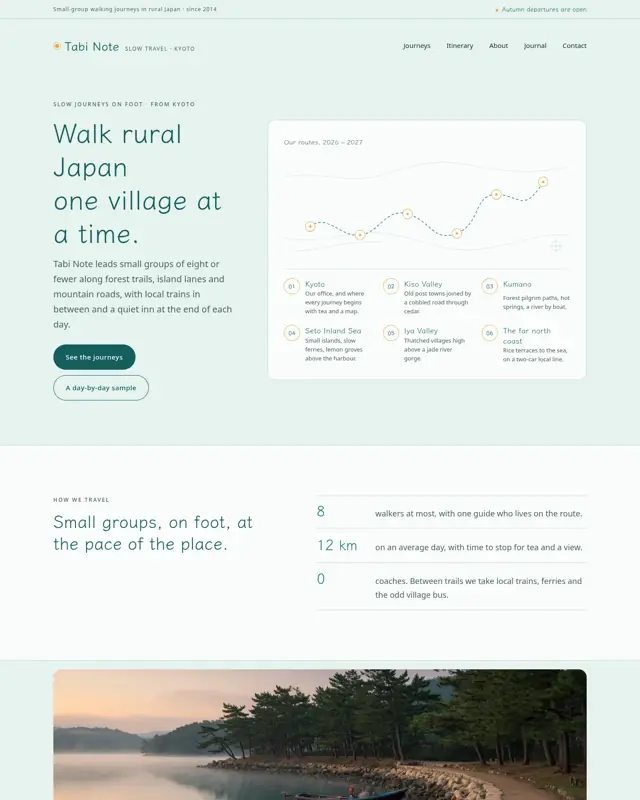

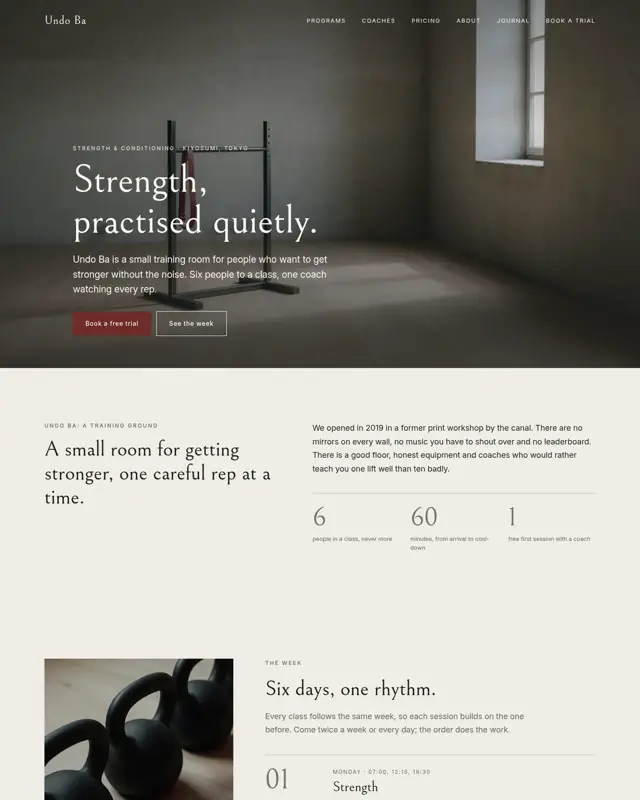


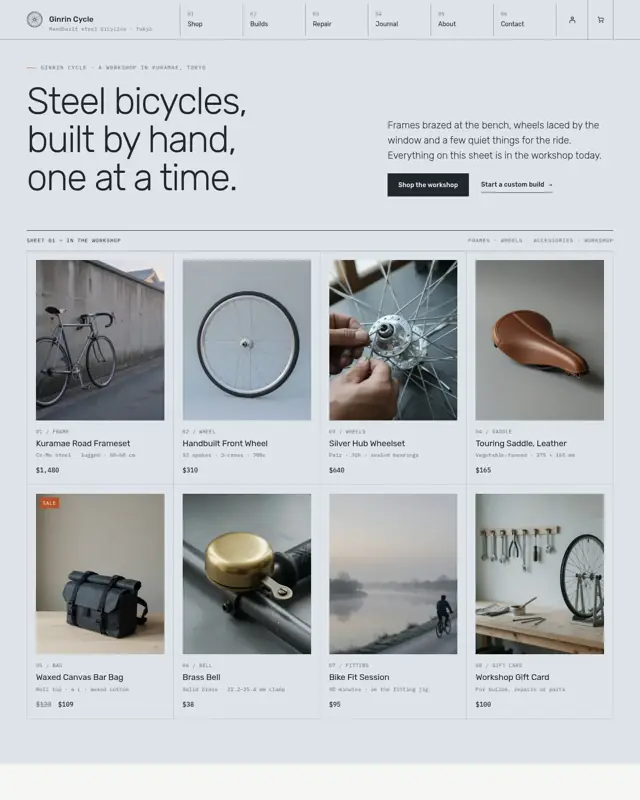
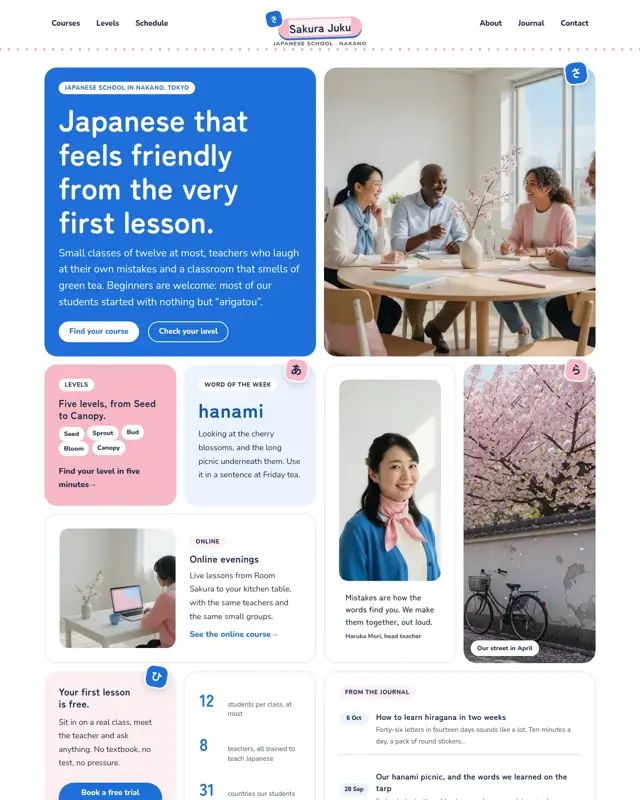

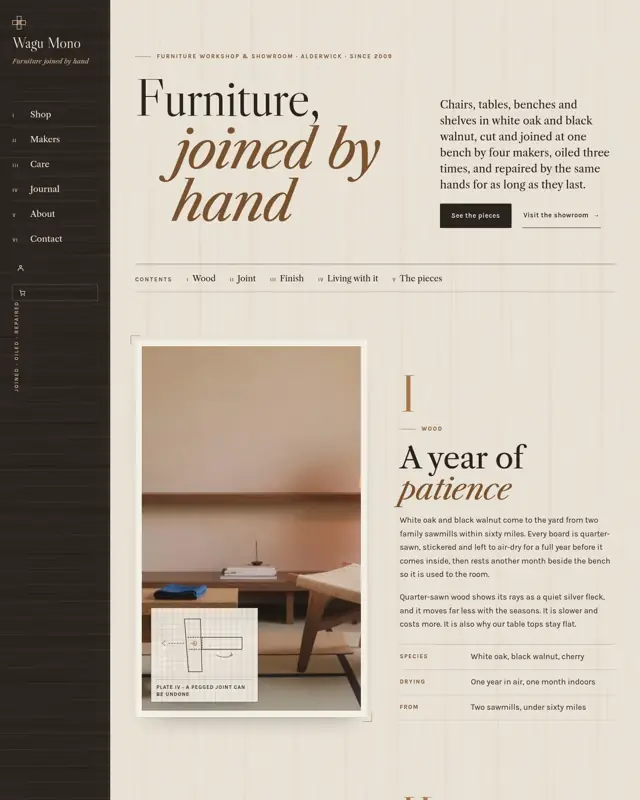
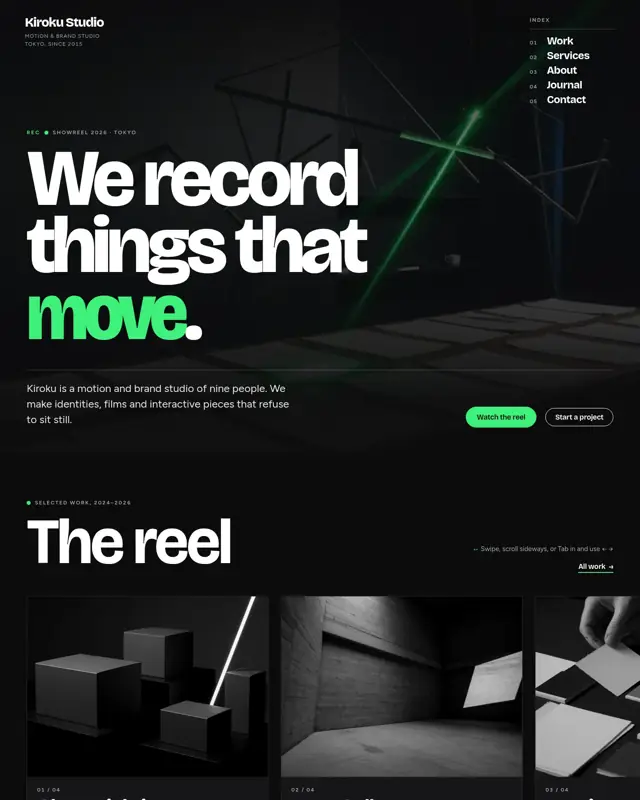

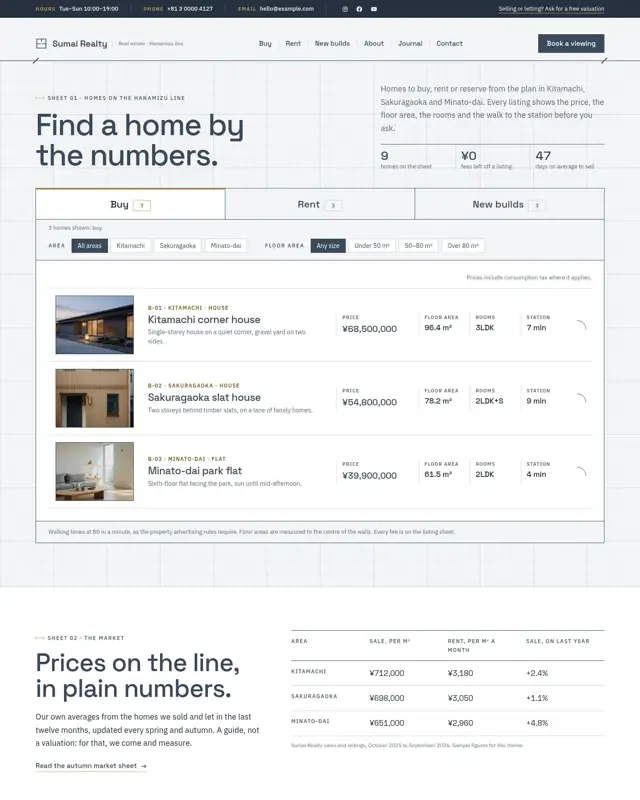



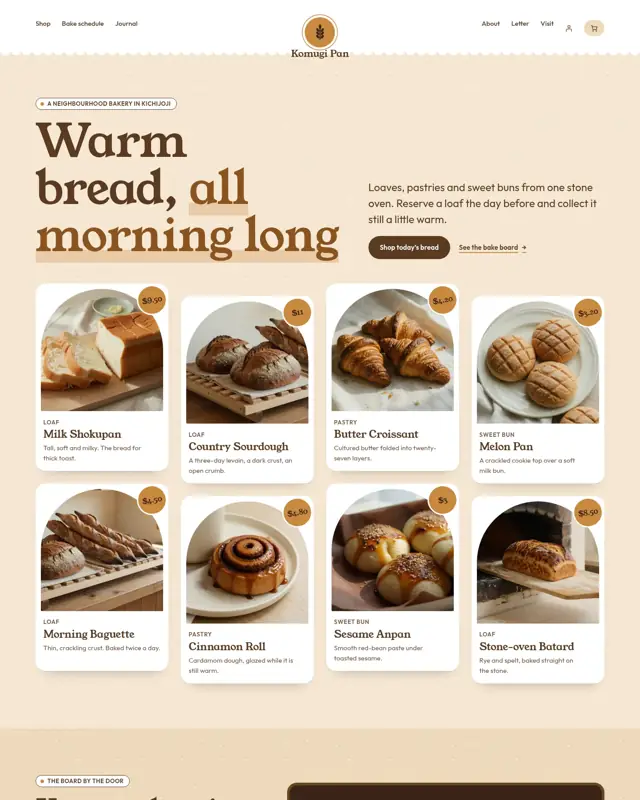
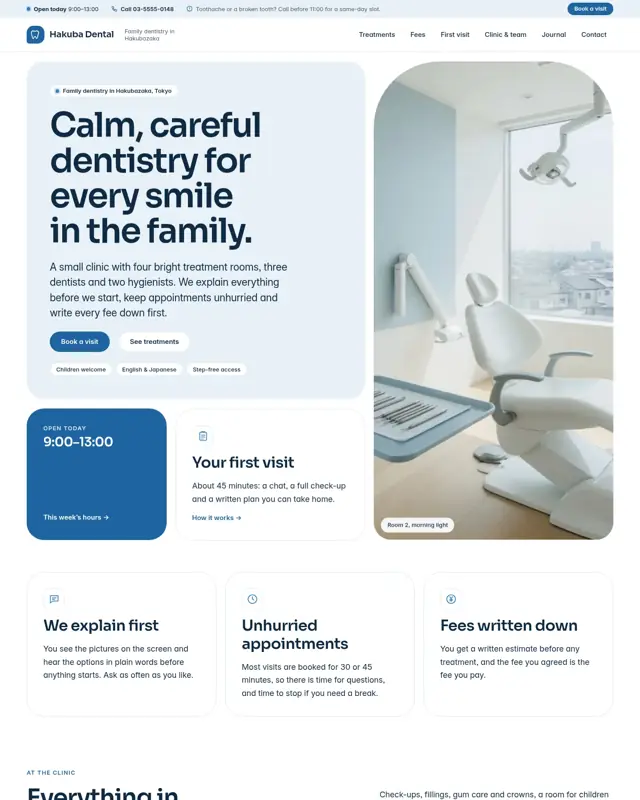
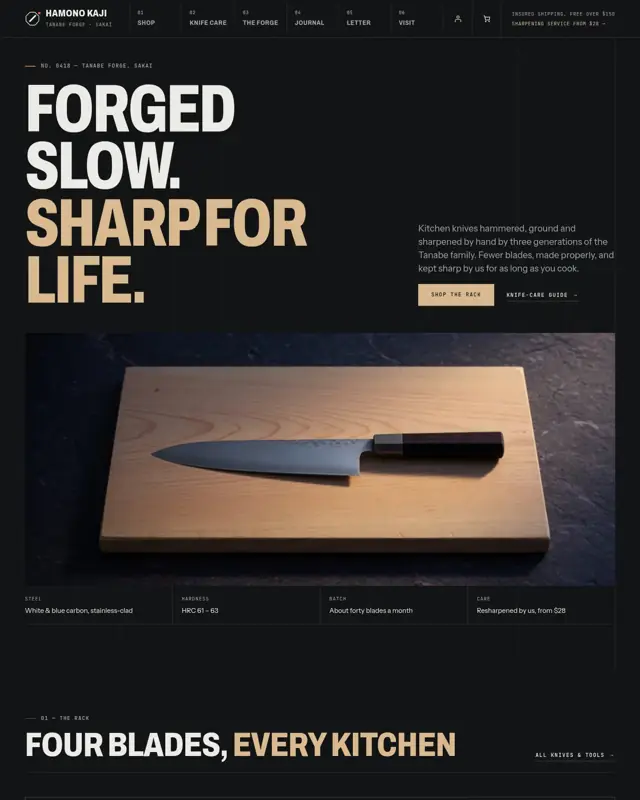
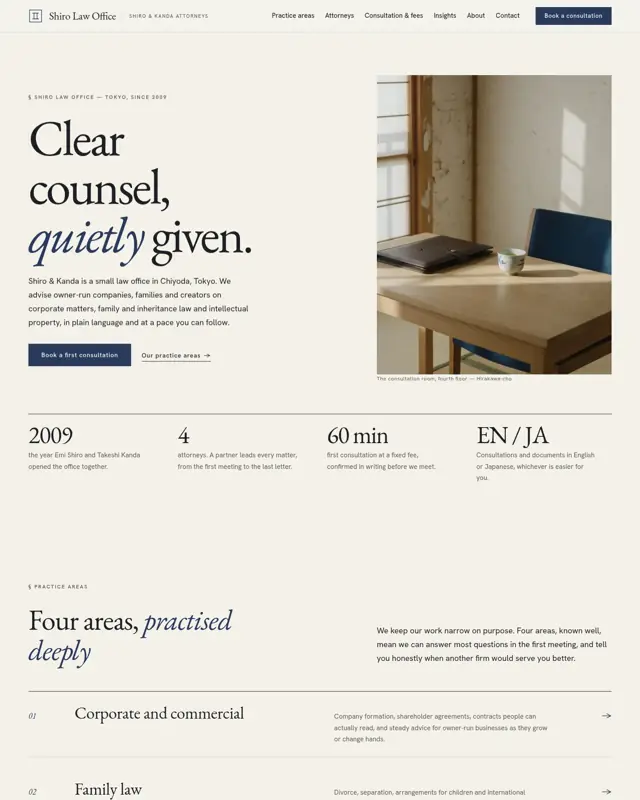
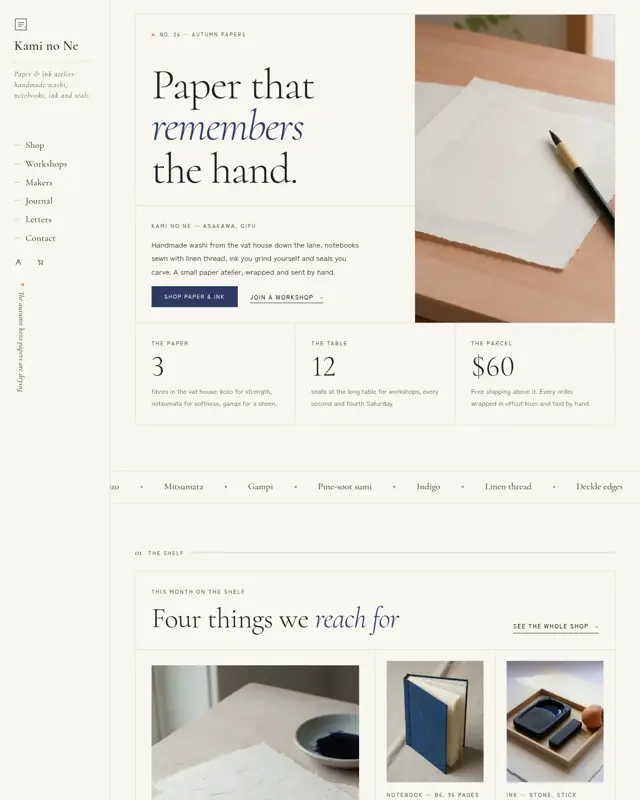



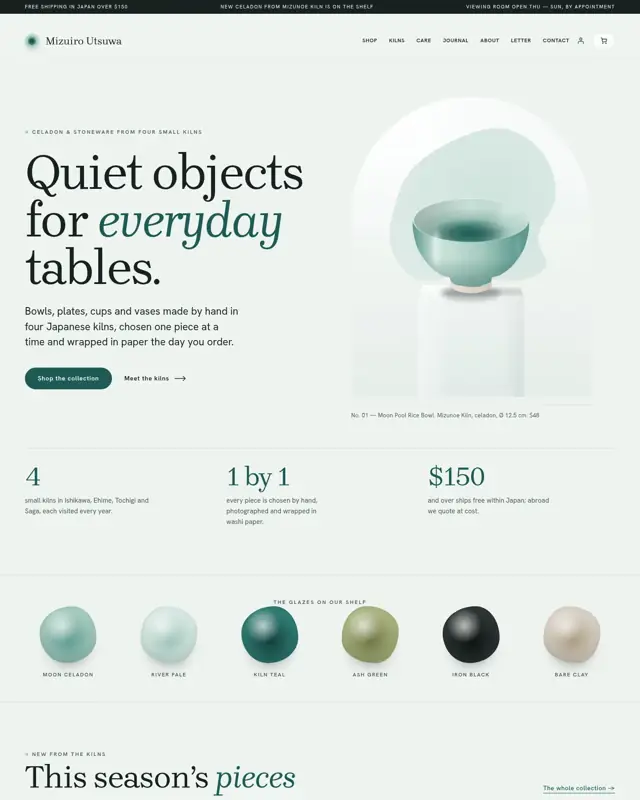
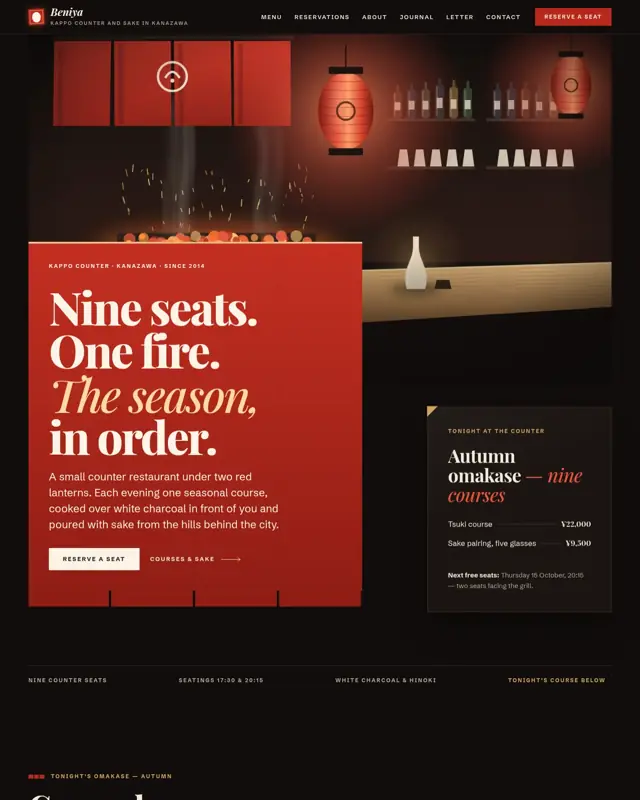





No design matches yet. In the app you can describe your site and ShipPress builds it anyway.
Download ShipPress for Mac to use these themes
Themes are installed from inside the ShipPress app.
What it works with
Only what the app does today.
Sign in with your own account inside each tool. ShipPress asks them to do the work and never sees your login.

Every design is a complete WordPress block theme with its own pages, fonts and colours, made for many kinds of small business. Or describe your business in one sentence and pick a design.

Designs marked E-commerce come with WooCommerce shop features, and you can filter the theme wall by them. A shop can’t be saved as a static version.
Sign in through the browser (or paste an API token), then create a site and publish. On Hostinger it only opens new sites on a plan you already have; ShipPress never buys a plan for you.

For example xCloud, SiteGround, Kinsta or Cloudways. In Advanced mode enter the server address and a password or key to publish, pull back and use WP-CLI. The password is kept in your computer’s keychain.

Save a static version, publish with ShipPress hosting, or put the static site online straight from your computer with your Cloudflare domain (free, but your computer and ShipPress stay on).
Claude, Claude Code, Grok, Codex, ChatGPT, WordPress, WooCommerce and all host names belong to their respective owners. ShipPress is an independent project and is not affiliated with or endorsed by any of them.
Data and privacy
The short version. The full wording is in the privacy policy.

The site, its chats and its restore points sit in a ShipPress folder on your computer. Nothing leaves it until you click Go live or turn on sharing.

You sign in inside Claude Code, Grok Build or Codex yourself. ShipPress doesn’t read, store or forward that login, and we never see it.

Your messages and the site files they involve go to the AI service you chose, with your own account, under that provider’s terms and privacy policy.

The site is uploaded to the host you picked when you click Go live. The dialog tells you what will be replaced, and if the AI asks to go live it waits for your Approve.

A password-protected temporary link lets your phone reach the site on your computer, until you stop sharing or the link expires.

This page sets no cookies and runs no analytics or trackers. The app only checks GitHub for new versions.
Why ShipPress
Say the site you want; ShipPress handles the rest. Here is how it works, and what it always stands for.

A real WordPress site. You get a standard WordPress block-theme site that you can still edit by hand in the WordPress admin.

Your own web address. You can go live on your own domain; the Go live dialog is where you pick the host and the address.

The site is yours. You own the sites and content you create, and you can move to another host whenever you like.

Ordinary hosting. The site is published to a regular web host such as Hostinger, or to any server you can reach over SSH.
Features
A real WordPress site runs on your computer. No account, no server.
Use Claude Code, Grok Build or Codex, signed in with your own account. ShipPress never sees your login.
Run a few Workers on one site at the same time. If two touch the same thing, you get a warning.
Each site has its own folder and chat history, kept in the ShipPress folder on your computer.
A copy is saved after every AI change. Go back to an earlier version if you do not like the result.
ShipPress speaks Traditional Chinese, English, Japanese, French and German.
Save the whole site as plain web files, with no PHP or database. Shops (WooCommerce) excluded.
Publish the static copy straight from this computer on your own Cloudflare domain. Free, but the computer and ShipPress must stay on.
No hosting company to find: buy a domain and publish in ShipPress, with forms e-mailed to you. Not for shops.
Hosting
Your site is built on your computer first. When you are ready, ShipPress copies it to a web host so everyone can see it. You connect a host once in the app, under Apps. No host? You can also make a static copy, use ShipPress hosting, or go online straight from your own computer.

Sign in with your browser (or paste an API token). ShipPress can create a site, publish to it and pull changes back. Good for quick temporary sites.

Sign in with your browser (or paste an API token). ShipPress lists your plans, creates the site, connects your domain and publishes. Pulling a live site back to your computer is not supported here yet; use SSH for that.
For hosts and servers that give you SSH access (a VPS, Hostinger Business, xCloud, Cloudways, Kinsta…). In Advanced mode enter the server address, username and a password or key. Publishing, pulling back and WP-CLI all work. Your password stays in your computer’s keychain.

Every xCloud site comes with its own site user for SSH. In the xCloud dashboard, open your site and go to Access Details → SSH/SFTP to copy the server address, username and password (or add an SSH key). Paste them into ShipPress under Apps → Connect with SSH (Advanced mode). Publish, pull and WP-CLI all work. Get xCloud hosting. Affiliate link

Kinsta sites offer SSH access. In your Kinsta dashboard, copy the server address, username and password or key, then paste them into ShipPress under Apps → Connect with SSH (Advanced mode). Publish, pull and WP-CLI all work. Get Kinsta hosting. Affiliate link

SiteGround plans include SSH access. In Site Tools, go to Devs → SSH Keys Manager to create a key, then paste the server address, username and key into ShipPress under Apps → Connect with SSH (Advanced mode). Publish, pull and WP-CLI all work. Get SiteGround hosting. Affiliate link

Cloudways servers offer SSH access. Copy the server address, username and password or key from your Cloudways dashboard and paste them into ShipPress under Apps → Connect with SSH (Advanced mode). Publish, pull and WP-CLI all work.

A Droplet running WordPress works over SSH. Enter its address, username and key in ShipPress under Apps → Connect with SSH (Advanced mode). Publish, pull and WP-CLI all work.
Some links are affiliate links: if you sign up or buy through them, we may earn a commission, and your price does not change. Learn more.
All third-party names, logos and trademarks belong to their respective owners. They are used only to show which hosts ShipPress supports and do not imply any affiliation or endorsement.

FAQ
No, the app is free today. You pay for your own AI plan, and for hosting when you decide to put a site online.
If you sign up for hosting through a partner link in the app, we may earn a commission at no extra cost to you. See our affiliate disclosure.
Yes. ShipPress uses an AI tool you are already signed in to on your computer, one of:
ShipPress doesn’t sell AI, and we never see your AI login.
No. Install the app and start building; making a site needs no ShipPress account.
You sign in to your own AI tool, and to a hosting company only when you decide to go live.
On your computer. Sites, chats and restore points live there, and a site only leaves it when you click Go live or turn on Share to phone (which you can stop at any time). The AI service you choose receives the requests you send it, under its own terms.
This web page uses no cookies, analytics or trackers. Details are in the privacy policy.
Macs today: Apple silicon and Intel Macs can download and use ShipPress right now. Windows version: leave your email and we’ll let you know when it’s available.
Leave your email and we will send you one message when the Windows version can be downloaded.
Yes, and every change can be undone: ShipPress saves a restore point after each AI turn, so you can go back to an earlier version.
Anything that reaches beyond the site on your computer, such as going live, creating a site on a host, pulling a live site over your local one, or installing and updating plugins, shows an approval card in the chat first and only runs after you click Approve.
The AI tool runs on your computer as an ordinary program, not in a locked-down sandbox, so keep your own backups of anything important.
Yes. Every change has a restore point, so you can go back to an earlier version. ShipPress saves one before restoring too, so even a restore can be undone. Problems and ideas are welcome on GitHub.
Usually, yes. Hosting and a domain are paid to the companies that provide them, at their prices, not to ShipPress.
The exception is putting the static version online from your own computer with a domain you have on Cloudflare: no hosting fee, but your computer and ShipPress must stay on. Until you go live, the site is built on your computer and needs no hosting at all.
ShipPress is not notarized by Apple yet, so macOS asks you to confirm the first time. Not sure which download you need? Apple menu → About This Mac: “Chip: Apple M…” means Apple silicon, anything else is Intel. Opening it takes under a minute:
Windows
ShipPress is for Mac today. Windows version: leave your email and we’ll let you know when it’s available, once.
Free to download. Bring your own AI account; your sites stay on your computer.
Windows version: leave your email and we’ll let you know · First launch help