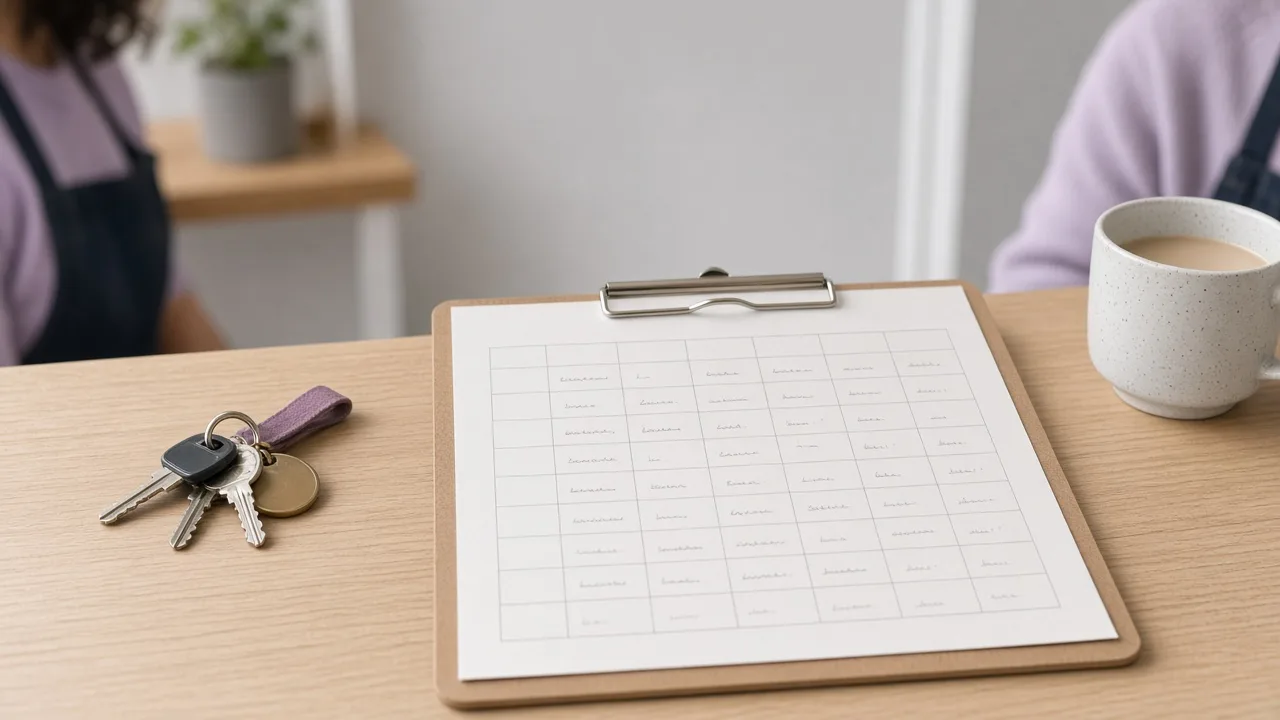
A paper rota is a weekly sheet on a clipboard, or pinned by the staff door, with names in pencil across the days. For a lot of independent shops it is still the clearest picture of the week. The person who wrote it knows who opens, who closes, and which part-timers can take a Thursday. Anyone walking past can read it. A change is a name rubbed out and written again. Before the shutters go up, the early shift can see it without unlocking a phone.
Wariate Shifts starts from that sheet. Laying out the week has three steps, and the first is to copy last week’s pattern. The second is to drag people into the gaps the new week has opened. The third is to publish the same week to everyone’s phone. A paper copy can still go on the wall. The point is not to retire the clipboard. The point is to stop the copying from being a private chore done after close, and to put the names where the people on them can read them.
Hanna Rautio, co-founder for product, ran a bakery floor for nine years. Those years were paper sheets, written before the ovens were really going, then rewritten when someone called in or swapped a Saturday. That is why the demo does not open with a tour. Minutes 0 to 10 are for how you lay the week out now, on paper or in a spreadsheet. Minutes 10 to 35 are for entering that real sheet together and laying out next week. You bring the grid you already trust. We do not hand you a blank one and ask you to invent the shop.
The sheet gets a few things right that are easy to lose once the week lives only in someone’s head. It keeps one week in one place. It lets a calm week be a copy with small edits. And it stays in the room. Hollin Bakery opens at 06:30, with 14 staff in a single shop, and Ines Duarte still needs the early names to be settled before that open. A pinned week is there when the lights come on. Publishing to phones does not remove the wall copy. It means the same names are in the room and in the pocket, including for the person who is not yet on the floor.
What the paper sheet does less comfortably is the back-and-forth after it is pinned. A weekend early shift fixed on a Friday phone call. Availability scattered through a group chat. A sick day filled by ringing down a list while the shutters come up. Hours added up from memory on Sunday. Those jobs are the rest of the product, and they sit on the same grid rather than in a second book. Staff mark the days they can work. A reminder goes out on Thursday. Answers land on the rota grid. A colleague offers a shift, another accepts, and you approve once. For a sick day you mark the shift open, free and qualified people are asked, and the first yes fills it.
Hours are the part managers often do last, when the week is already a blur. Clock in at the counter. Breaks are added up. Export the week by Sunday night. The export is the hours the floor worked. It is not a payroll system, and it does not calculate pay, tax or deductions. Shops with 1 to 6 locations and 5 to 60 staff are the ones this is written for. A 24-hour site with a clinical roster, or a team looking to replace payroll, is outside it.
Fennick Flowers shows the other kind of paper problem. Oskar Lund has 1 shop and 6 staff, and wedding Saturdays need extra hands. He collects availability for the season in March and lays those Saturdays out first, before the ordinary weeks are filled. Tessaly Books is the two-shop version: Ruth Adeyemi, 2 shops, 11 staff, some people working in both. One week shows both, so nobody is booked twice. In each case the paper habit was already right. The missing piece was a single grid that could hold the exception without a side conversation.
If you want to try this on your own sheet, the demo is 60 minutes on a weekday, at 10:00, 13:30 or 16:00, by video call, or at your shop if it is in Westmere. The hour is free. Afterwards a draft of next week arrives by email within 1 working day. The first month on any plan is free after the demo, and nothing is charged automatically. Bring the pencil copy. It is still the best brief we can be given.