\ Rota software for shops /
Write next week’s rota
before the shutters go up.
Wariate Shifts
\ One hour, free /
\ How a week is laid out /
First month free after the demo. Nothing is charged automatically.
\ Tuesday, 06:40, back counter /





Made for shops that open early
Bakery
Florist
Bookshop
Cafe
Deli
Grocer
Bike shop
Stationer
Tea room
Hardware store
Gift shop
Pharmacy counter
\ One week, one sheet /
A week laid out the way you already think
The week still starts on paper for most shop managers: a clipboard, last week’s pattern copied across, names pencilled into the gaps before the shutters go up. Wariate Shifts keeps that order. Copy last week’s pattern, drag people into the gaps, and publish the week to everyone’s phone. The grid is the sheet you already know. It is no longer the only copy in the building.
Staff see the week on their own phone. They mark the days they can work, a reminder goes out on Thursday, and the answers land on the rota grid. A colleague offers a shift, another accepts, and you approve once. A sick day is marked open, free and qualified people are asked, and the first yes fills it. Clock in at the counter, breaks are added up, and the week is ready to export by Sunday night. That is the whole week, on one sheet.
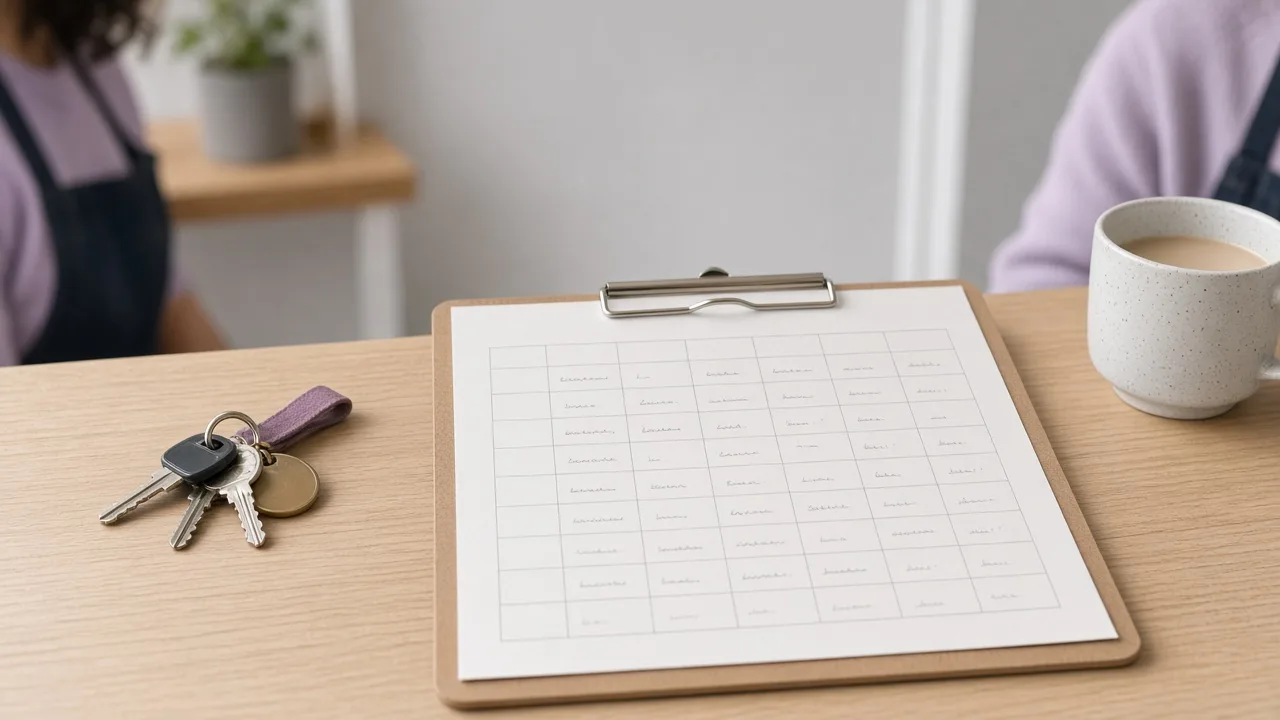
Starts from your paper sheet
Staff see the week on their phone
Hours ready for payroll
\ First month free /
\ Why managers move the sheet /
Four reasons it stays calm
1
It starts from your paper sheet
Bring the clipboard you already use. In the demo we enter your real sheet and lay out next week from last week’s pattern, the gaps and the names you would have pencilled in. It is still the week you would have written by hand, kept in one place.

2
Everyone sees their week on their own phone
Once the week is published, each person sees their own days on their phone. A reminder goes out on Thursday, staff mark the days they can work, and the answers land on the rota grid. There is one sheet for the week, before you close it.

3
Swaps stay between colleagues, you approve once
A colleague offers a shift, another accepts, and you approve once. The back and forth stays between the two people swapping, the way a weekend early shift used to be settled on a Friday phone call. You still see every change.

4
The hours add up by Sunday night
Clock in at the counter. Breaks are added up on the same sheet as the shifts, so Sunday night is an export, not a fresh tally from memory. The hours you send on for payroll are the week you already published, breaks included.

\ Five things, one hour /
What the demo shows
The hour covers five things, in this order: lay out the week, collect availability, swap a shift, cover a sick day, and hours for payroll. Here is the first.
Lay out the week
Start from the week you just finished, move people into the open shifts, then send the week to everyone’s phone.
1Copy last week’s pattern

Open on the week you just finished. The regular days stay where they were, and you change only the gaps this week needs filled.
2Drag people into gaps

Drag a name into an open shift on the grid. Their other days stay visible, so you see a clash before you let go.
3Publish to everyone’s phone
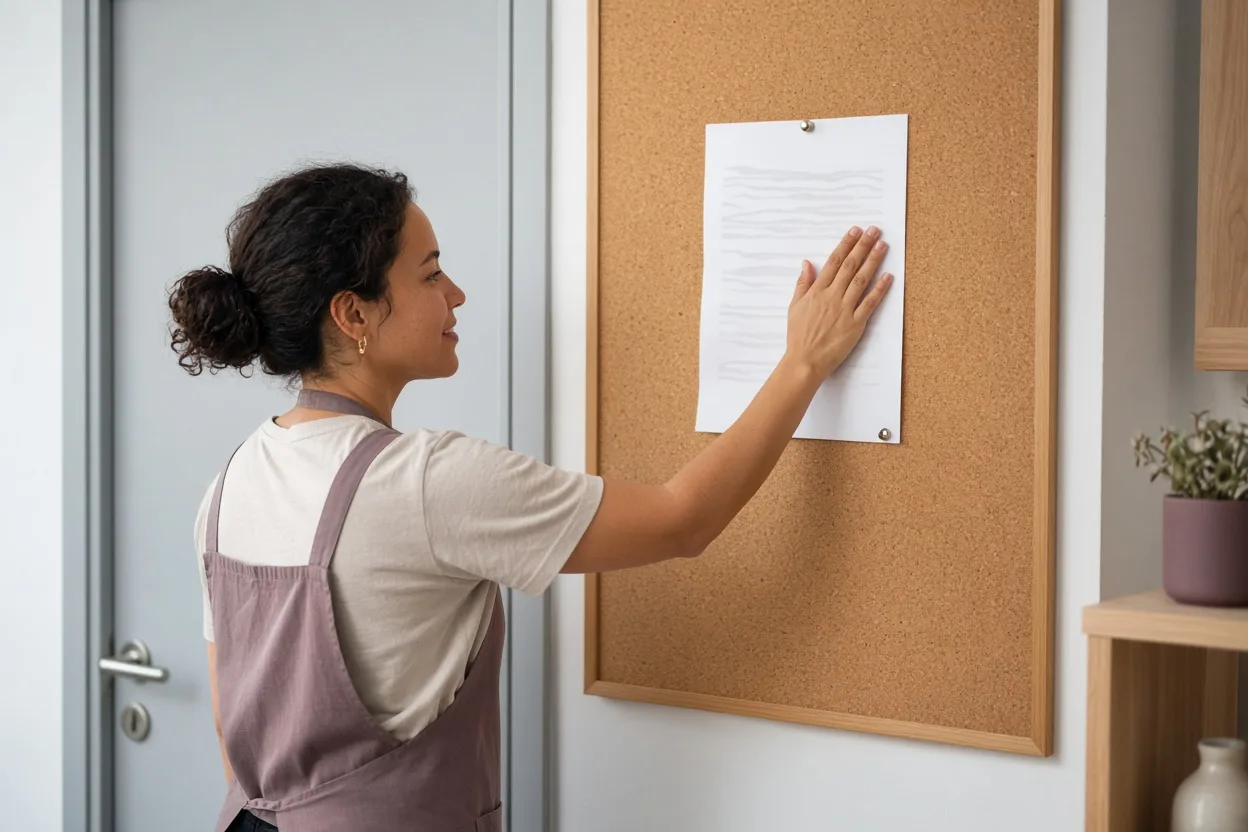
Publish the finished week. Each person sees the days they are on, and the paper you started from stays the source.

\ Is it for your shop? /
Which shops a demo suits
Wariate Shifts is for managers of independent shops with 1 to 6 locations and 5 to 60 staff. If the week currently lives on paper or in a spreadsheet, and someone has to finish it before the shutters go up, the demo is built around that sheet. We enter your real week together. Support opens at 07:00, because many of those shops open early.
Suits
- 1 to 6 shops
- 5 to 60 staff
- Shops that open before 08:00
- Teams with many part-timers
- Rotas on paper or in a spreadsheet today
Not yet
- 24-hour sites with clinical rosters
- A payroll system replacement

\ Tuesday, 10:00 /
The hour starts with your sheet, not our slides
The first demo of the day is at 10:00. Bring the paper sheet or the spreadsheet you use now, and we spend the opening minutes on how you lay the week out, before we touch next week. The rest of the morning at the office is setup, then the 13:30 and 16:00 demos.
\ Sixty minutes /
How the demo hour is spent
Sixty minutes, in four parts, on a video call. If your shop is in Westmere, the hour can be at the shop instead. Slots are Monday to Friday at 10:00, 13:30 and 16:00.
Your week
Minutes 0–10. How you lay the week out now, on paper or in a spreadsheet.
Build next week
Minutes 10–35. We enter your real sheet together and lay out next week. Last week’s pattern is copied where it still holds, and people go into the gaps that do not.
Changes
Minutes 35–50. An availability request, a swap and a sick day, done live. A day is marked, a shift offered and accepted, and the first yes fills the open shift.
Prices and questions
Minutes 50–60. Which plan fits, and what setup takes.
A draft of your next week arrives by email within 1 working day.
\ Per shop, per month /
Prices
| Demo hour | Free |
| One shop, up to 15 staff | $29 / month |
| One shop, 16–40 staff | $49 / month |
| One shop, 41–60 staff | $69 / month |
| Each additional shop | $25 / month |
| Setup session (90 minutes, we enter your staff and patterns) | $90 one-off |
| Paper-sheet import (we key in your last 4 weeks) | $60 one-off |
First month free after the demo. Nothing is charged automatically. Cancel any month.
\ The demo is free /
\ Three shops, three weeks /
Stories from the back counter

Hollin Bakery
The weekend early shift used to be fixed on a Friday phone call. Staff now swap it among themselves, and Ines approves once. The shop opens at 06:30, so that early name has to be on the sheet before the week begins.
Ines Duarte, manager

Fennick Flowers
Wedding Saturdays need extra hands. Oskar collects availability for the season in March and lays those Saturdays out first, before the rest of the week. The extra names come from people who have already said they can work.
Oskar Lund, manager

Tessaly Books
Some staff work at both shops. Ruth uses one week that shows both, so nobody is booked twice. A name on the counter at one shop is already on the sheet for the other, and the week is laid out once.
Ruth Adeyemi, manager
\ Before you book /
Questions
Do I need a laptop for the demo?
The demo is a 60-minute video call. A laptop helps if your week is in a spreadsheet you want to share. If the only copy is paper, hold the sheet up to the camera, or meet us at the counter if your shop is in Westmere.
Can my staff use their own phones?
Yes. Publish the week and each person sees their days on their own phone. They mark the days they can work, a colleague can offer a shift, and another can accept it. You approve a swap once.
What happens after the free month?
The first month is free on any plan after the demo. Nothing is charged automatically. Plans are billed monthly in USD: $29, $49 or $69 for one shop by staff count, plus $25 a month for each additional shop. Cancel any month.
Can we keep a paper copy on the wall?
Yes. Keep the paper copy by the staff door if the floor still reads the week that way. Publishing to phones leaves that sheet where it is, and the phone shows the published week, including approved swaps.
Do you replace payroll?
No. Hours for payroll stay on the rota: clock in at the counter, breaks are added up, and you export the week by Sunday night. The payroll system you already use is where pay is run.
Can the demo be at our shop?
Yes, if the shop is in Westmere. Anywhere else, the hour is a video call. Slots are Monday to Friday at 10:00, 13:30 and 16:00, each 60 minutes. We reply to a booking within 1 working day.
\ One hour, free /
Book a demo hour
The demo hour runs Monday to Friday at 10:00, 13:30 and 16:00. Each slot is 60 minutes, by video call, or at your shop if it is in Westmere. We reply within 1 working day. After the demo, a draft of your next week’s rota arrives by email within 1 working day. The first month is free on any plan. Nothing is charged automatically.
\ First month free after the demo /
Or call +1 555 0187, Mon–Fri 08:30–17:30.