\ Five things, in this order /
Everything the week needs
Wariate Shifts is rota software for shops: lay out the week, collect availability, swap shifts, cover sick days, and turn hours over for payroll. Each part below is the same work we walk through in the demo hour, in the same order.
\ Feature 1 of 5 /
Lay out the week
Lay out the week
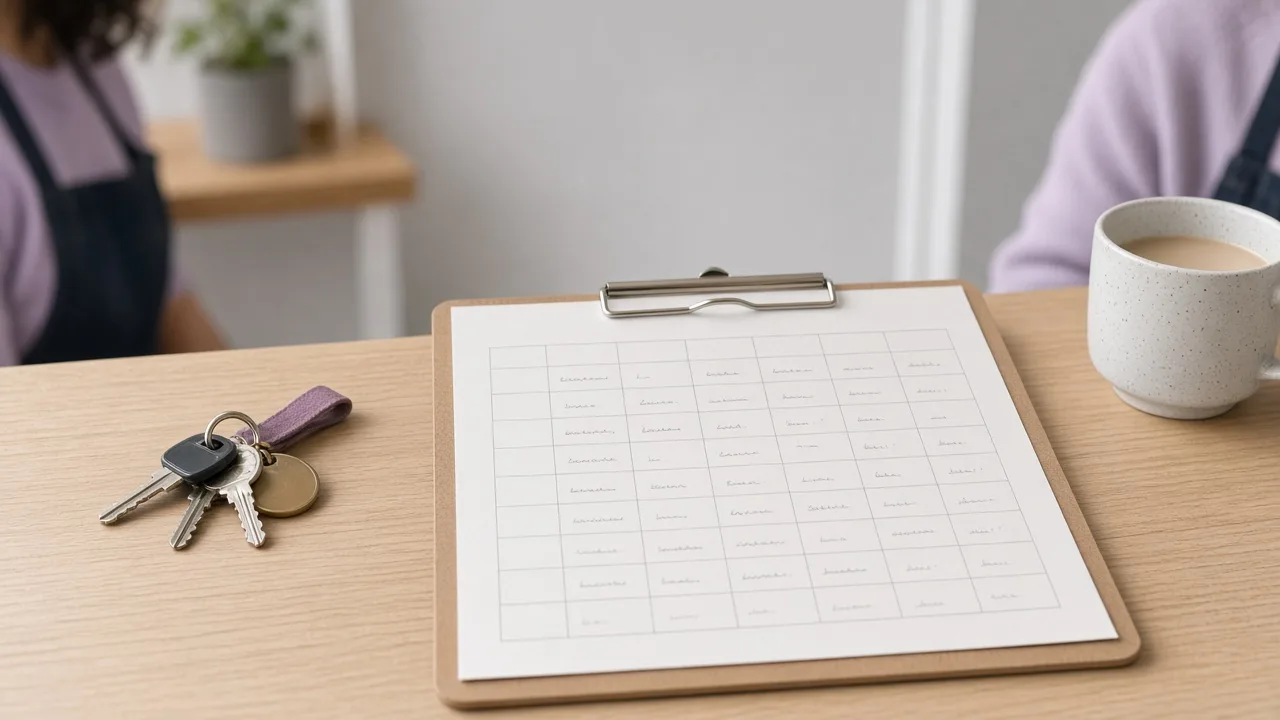
The week starts from the sheet you already keep. Copy last week’s pattern, then drag people into the gaps the new week opens. When the grid looks right, publish it to everyone’s phone.
A manager who has written the rota by hand usually knows the shape before sitting down: who opens, who closes, which days the part-timers can take. The pattern holds that memory, so you change only what changed. Staff read the published week on their own phones.
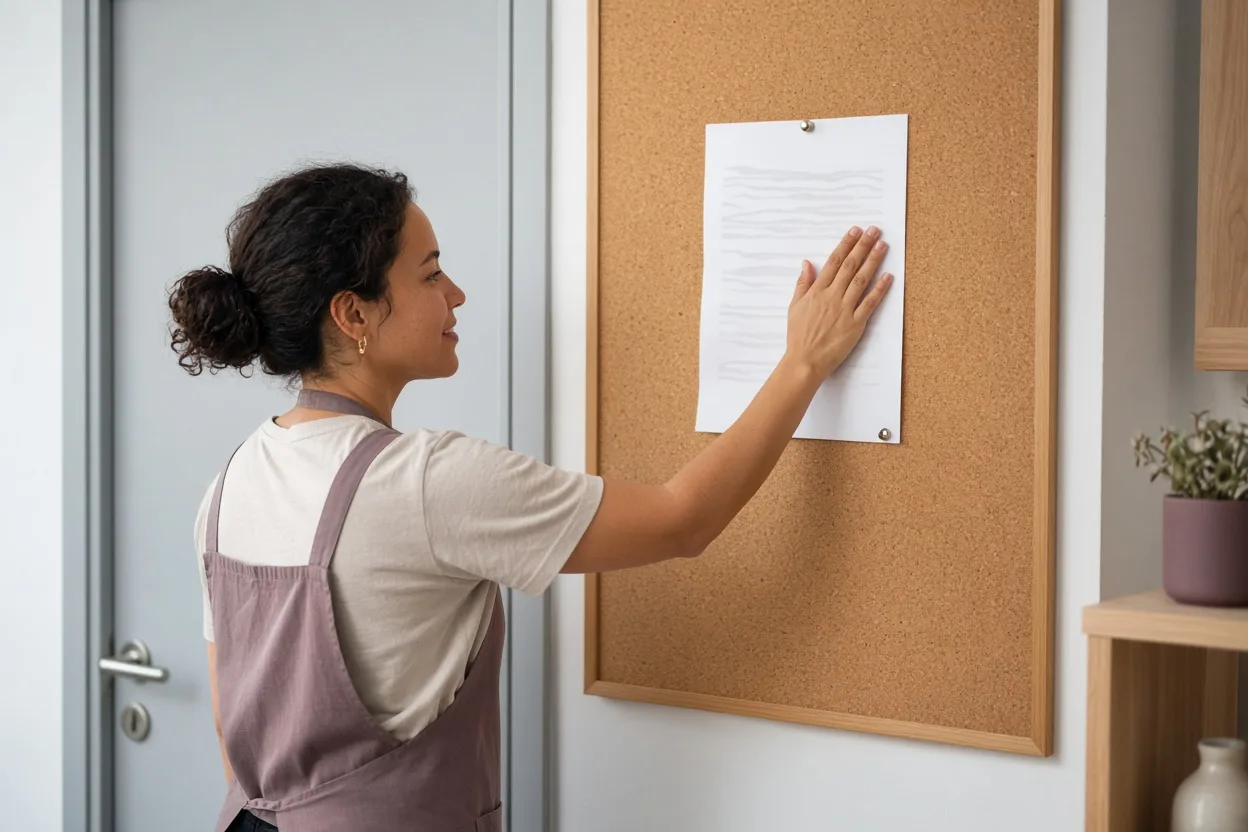
If the floor still wants paper, the same week can be printed and pinned by the staff door. In the demo this is minutes 10 to 35. We enter your real sheet together and lay out next week.
The pass does not ask you to learn a new way of thinking about the rota. It puts the week you already understand where the team can see it before the shutters go up.
\ Feature 2 of 5 /
Collect availability
Collect availability
Staff mark the days they can work. A reminder goes out on Thursday. Answers land on the rota grid.

You are not pulling replies out of a group chat and copying names across by hand. The reminder is one message, on the same weekday, which suits a shop that opens before 08:00 and does not want another thread running into the weekend. You still decide the week.
An answer is information on the grid, not a claim that every request can be met. When a season needs extra hands, the same three steps collect those days first, so the busy Saturdays are laid out before the ordinary week is filled. In the demo, an availability request is one of the live changes between minutes 35 and 50.
You see the reminder, the reply, and the grid update in the same hour, using your own staff and your own week.
\ Feature 3 of 5 /
Swap a shift
Swap a shift
A colleague offers a shift. Another accepts. You approve once.

The offer stays between the people who work that week, and the rota does not change until you say so. That path replaces the Friday phone call that used to fix a weekend early shift after the shop had already closed. At Hollin Bakery the weekend early shift, on a shop that opens at 06:30, used to be settled that way.
Now the staff swap it among themselves and Ines Duarte approves once. The same path works for a late close or a midweek gap. Both people can see the shift on their phones before anyone accepts, and you see the offer and the acceptance together.
In the demo we run one swap live, between minutes 35 and 50, so you can watch the approval land on the grid without the rest of the week being rebuilt.
\ Feature 4 of 5 /
Cover a sick day
Cover a sick day
Mark the shift open. Free, qualified people are asked. The first yes fills it.

You do not start a fresh phone round while the shutters are coming up. The open shift goes to people who are free that day and already able to do the work, and the first yes writes the name back onto the grid. You still see who was asked and who filled it.
A sick day is one of the three changes we run in the demo, in minutes 35 to 50, after the availability request and the swap. The point of doing it live is so you can see that the rest of the week stays put. One open shift is filled.
Neighbouring shifts are not rebuilt unless you move them. Shops with many part-timers often have more than one person who could cover. The ask goes to those people, not to the whole staff list.
\ Feature 5 of 5 /
Hours for payroll
Hours for payroll
Clock in at the counter. Breaks are added up. Export the week by Sunday night.

The hours follow the same grid you published, so the figure you hand across is the week the floor actually worked, with breaks included. This is not a payroll system. It does not calculate pay, tax or deductions, and it is not a replacement for the payroll you already run.
It gives you the hours, ready to export, on Sunday night, while the week is still clear. Support is open Mon–Sat 07:00–19:00 if a clock-in looks wrong before you export. The export sits on every plan, with the other four parts of the rota.
A setup session can enter your staff and patterns with you if you want that help. The session is 90 minutes and is a separate one-off, not part of the monthly price.
\ The demo is free /