
Tutorials
Short steps for the main jobs in ShipPress. Nothing goes on the internet until you click Go live.
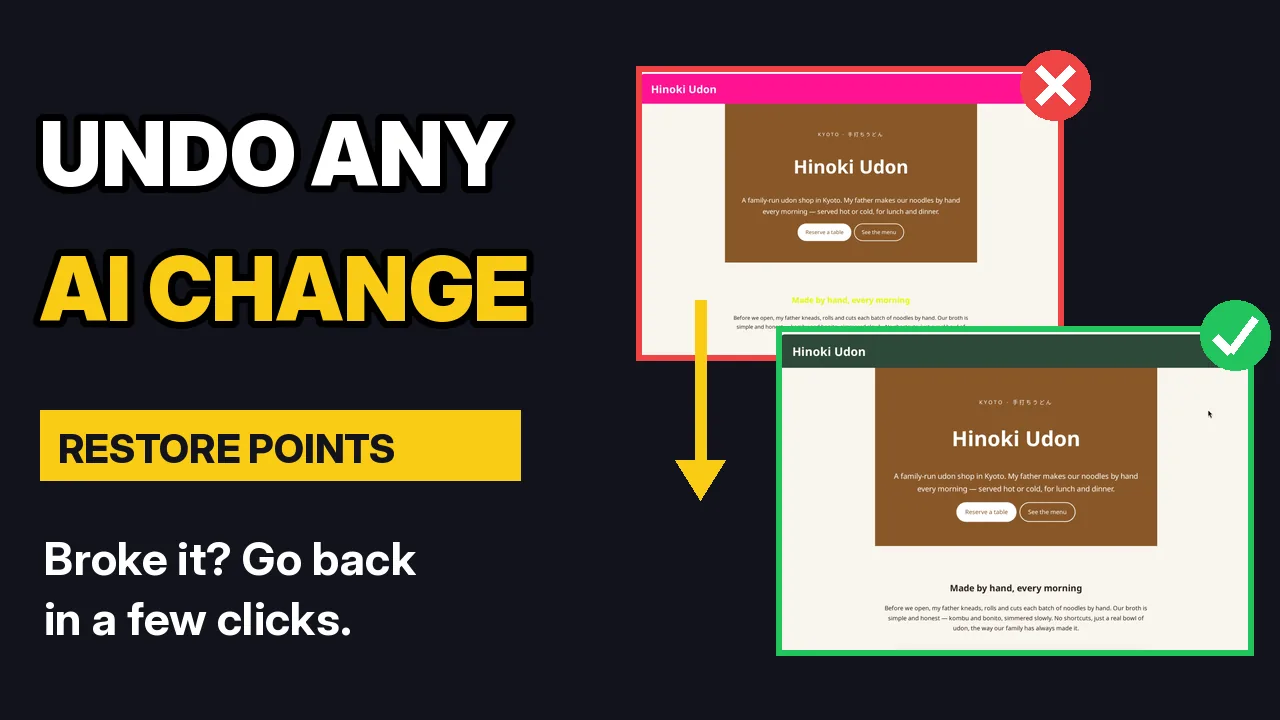 VideoUndo any AI change with restore pointsEvery AI change saves a restore point. Go back to any of them, and undo a restore too.
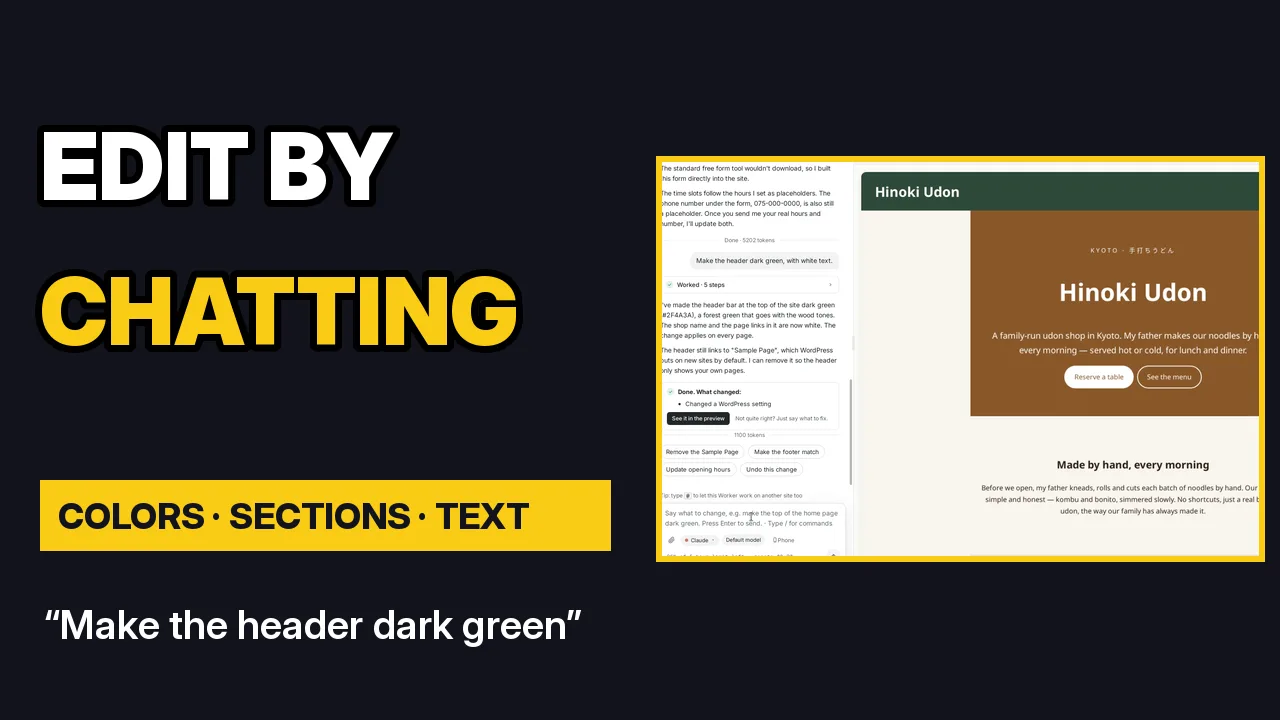 VideoEdit your site by chattingChange colors, add sections and update text by asking, one change at a time.
 VideoPublish your site free with a ShipPress addressPut your site online on a free .workers.dev address with no hosting company, then publish changes in one click.
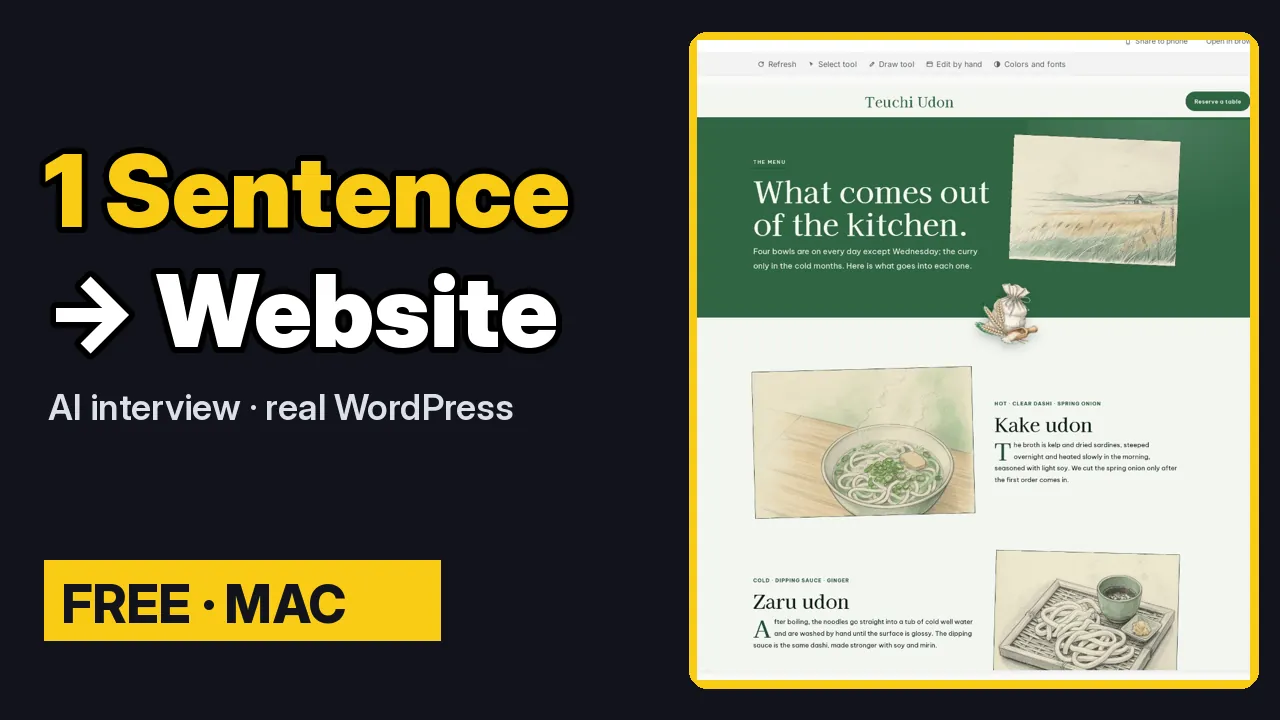 VideoDescribe your site in one sentenceType one sentence, answer a short interview, then give the first version a design that fits.
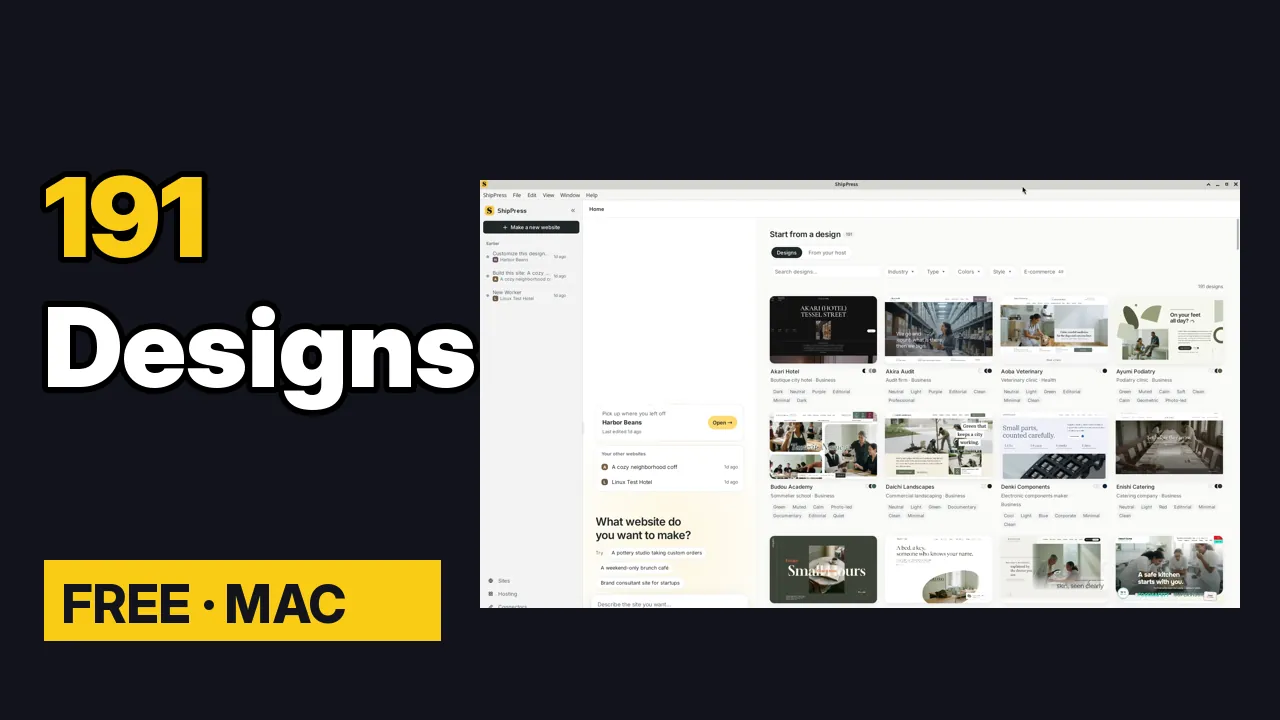 VideoFind the right design: filters, search and previewFilter, search and preview the design wall to find the design closest to the site you need.
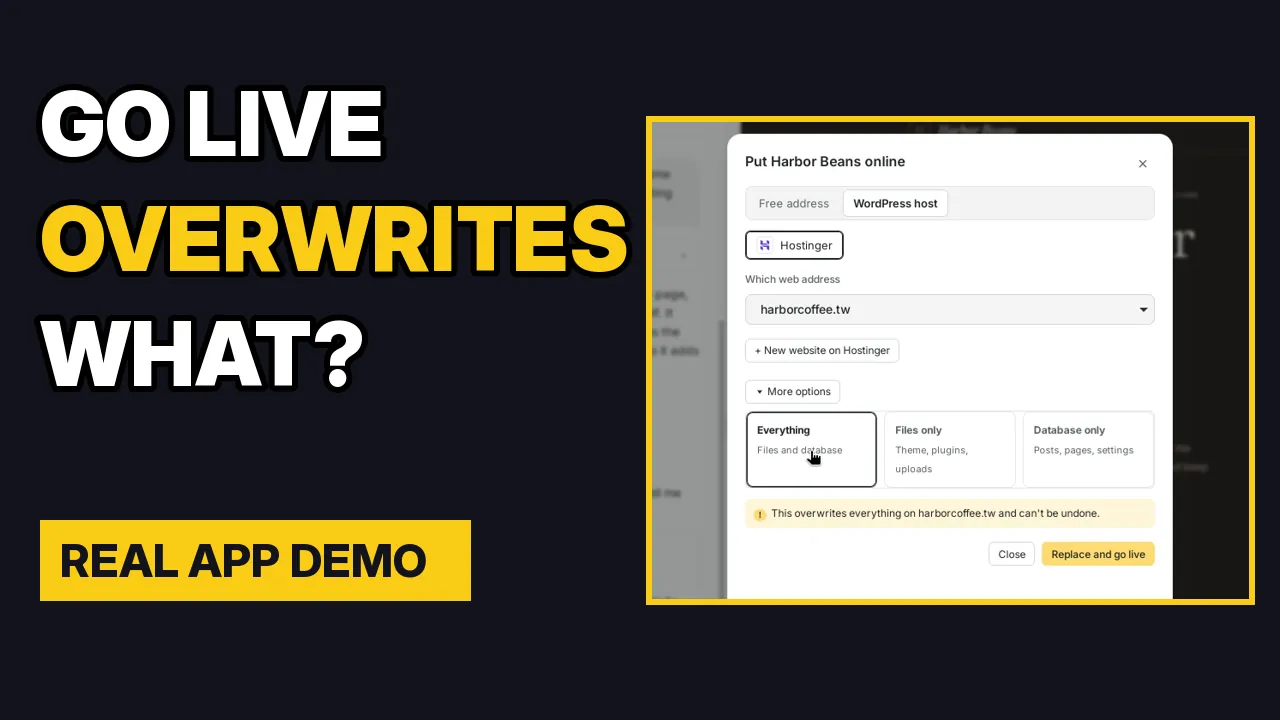 VideoFrom local to live: what Go live replacesWhat Go live replaces, what stays, and how to publish safely when a site has real orders.
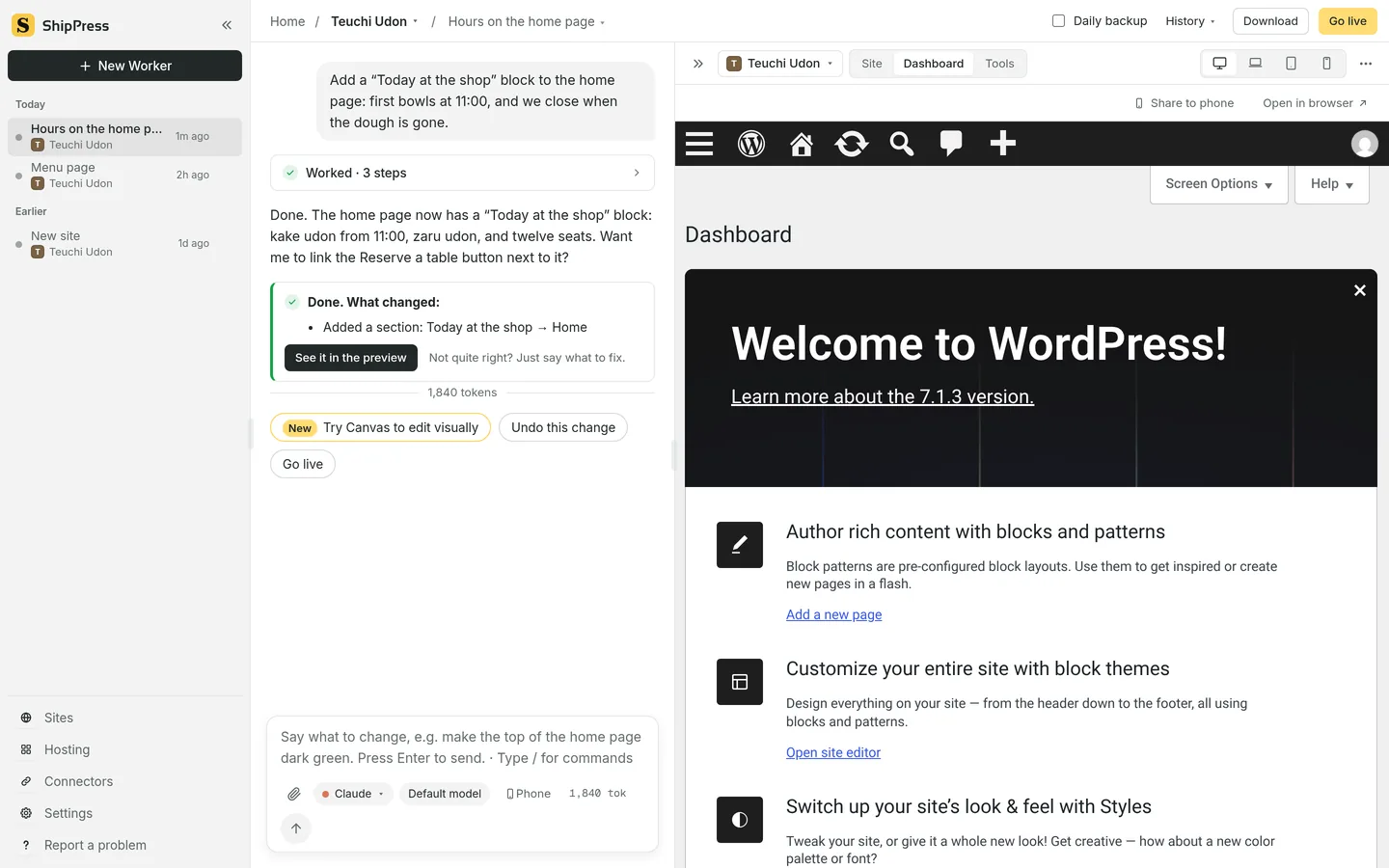 The Dashboard and ToolsThis site’s WordPress admin, and the Tools a Worker can make.
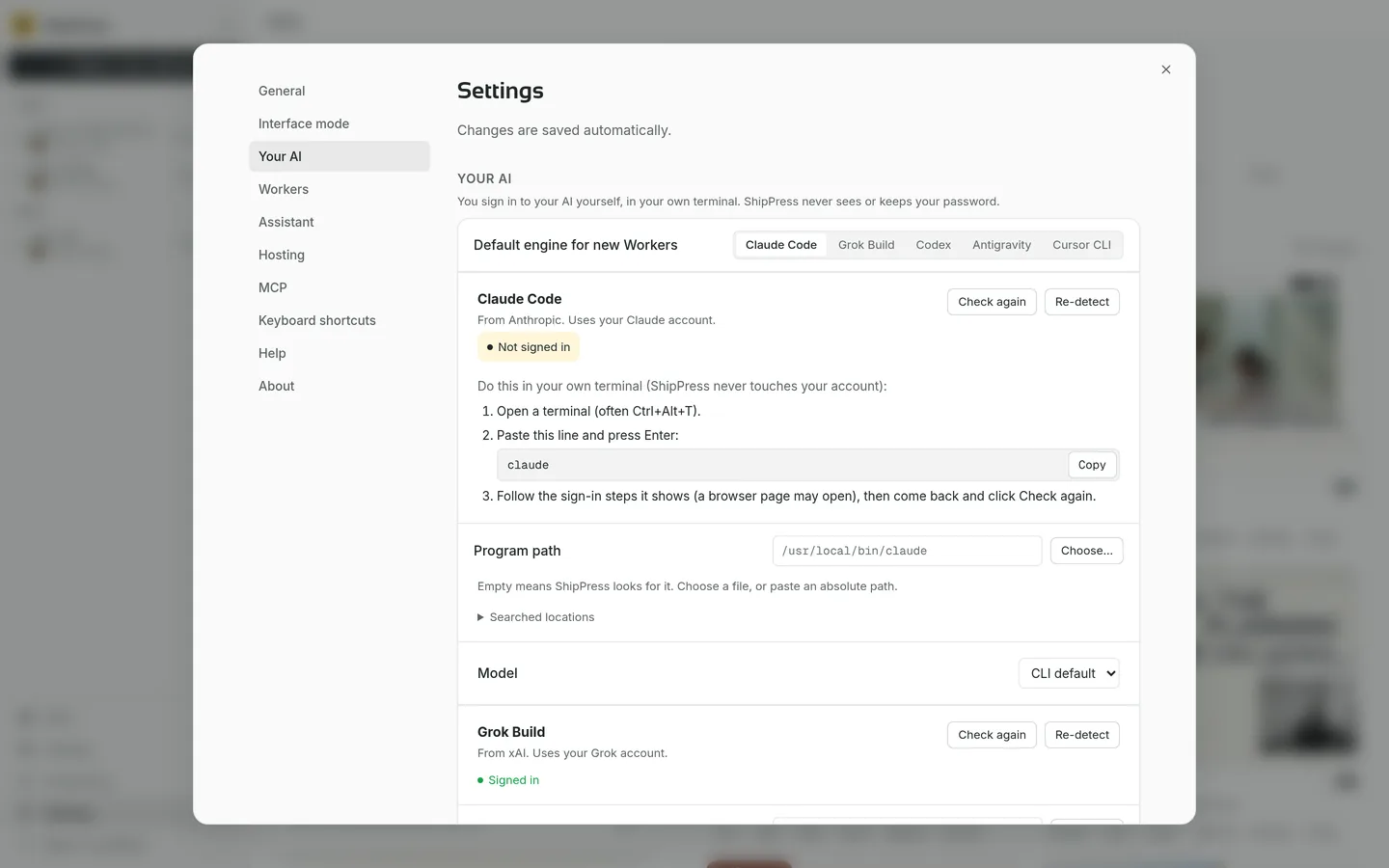 Sign in to your AIPick the AI for new work, then sign in with your own account.
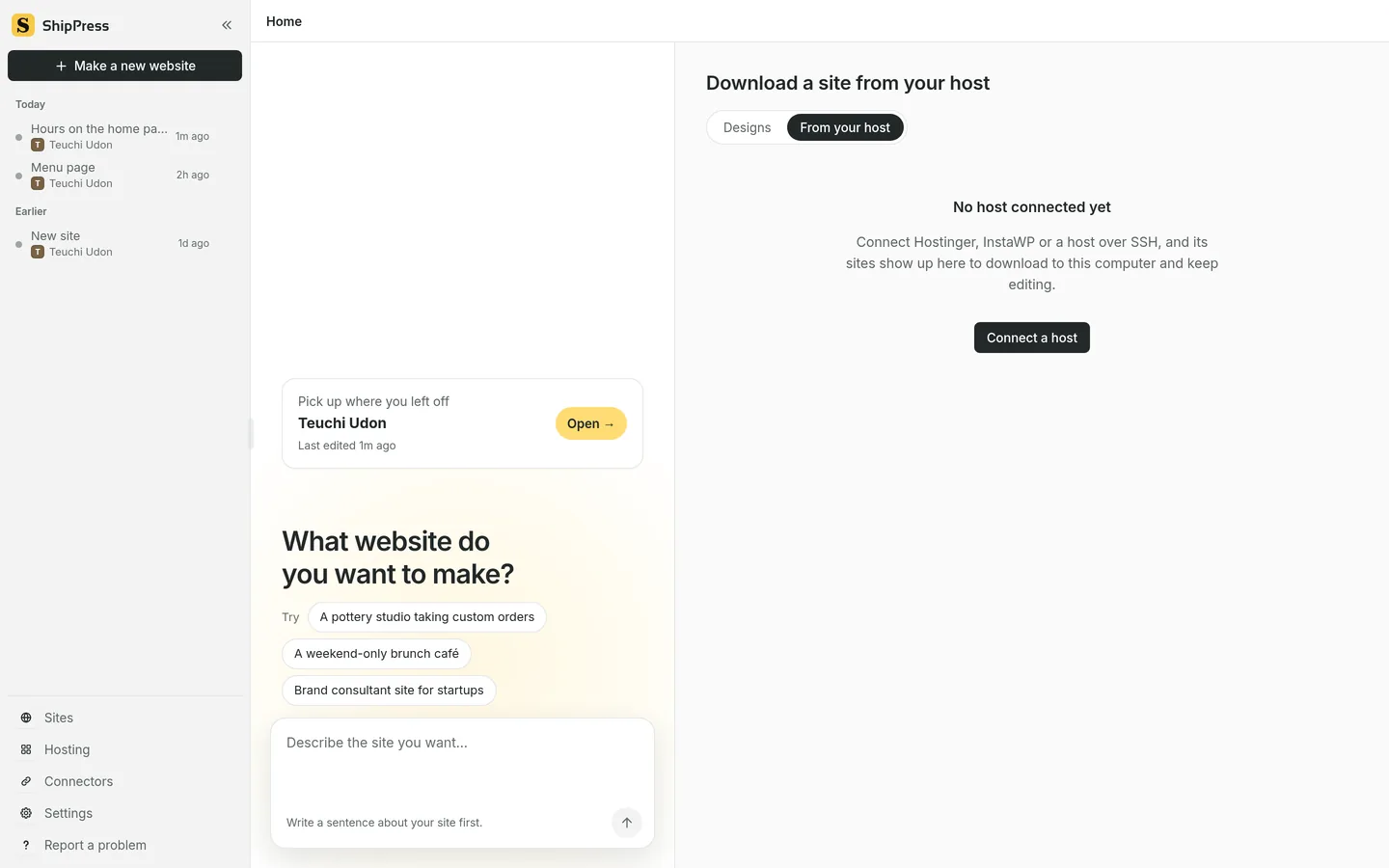 Download a site from your hostBring a site that is already online onto this computer.