
Build a coffee shop website from a pro design
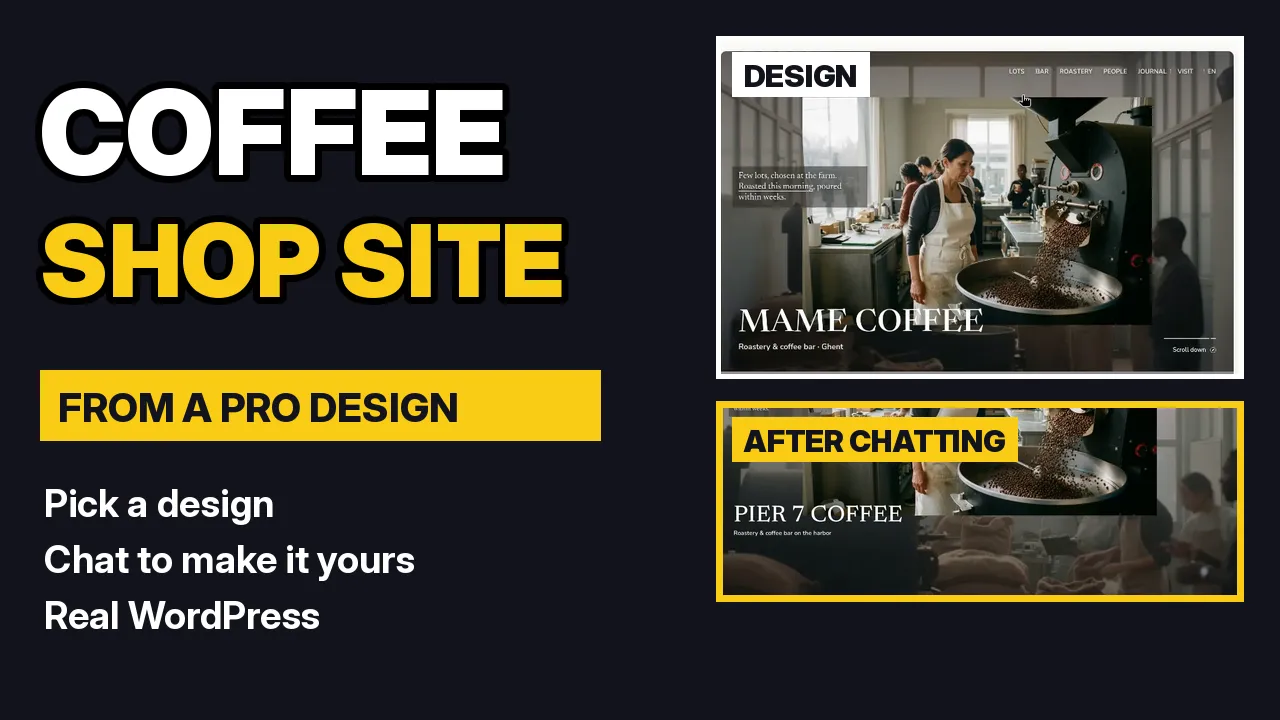
The quickest way to a good-looking site is to start from a finished design and let the AI make it yours. In this tutorial I build a coffee shop website for Pier 7 Coffee: search the design wall for cafe, preview a design with all its pages, name the site, then chat to change the name, menu, prices and hours, and add a seasonal specials section.
By Oberon Lai. I make ShipPress (Codotx, LLC), so this is our own product. There are no affiliate links on this page.
-
Search the design wall for cafe
On the Home screen, ShipPress shows the design wall: Start from a design. Type cafe in Search designs. The wall narrows to the coffee and food designs. You can also use the Industry, Type, Colors and Style filters.
-
Preview the design and its pages
Click a design to open its preview. Every design is a full WordPress block theme with its own sample pages, so you can click through them at the top (Home, Bar Menu, Visit & opening hours and more) and switch between Computer and Phone. The panel on the right says what happens next: ShipPress makes a new website on your computer, you tell the AI what to change, and nothing goes online until you click Go live.
-
Name your site and click Use this design
Under What's your website called? type your shop's name (you can change it later), then click Use this design. The first time, the design downloads, which can take a minute. Then your site opens on the right and a Worker, the AI helper that changes your site, waits on the left.
-
Tell the AI what to make yours
In the chat box, describe your shop in plain words: the name and tagline, the drinks and prices for the menu page, and your opening hours. Press Enter. The Worker reads the pages first, then changes them step by step, and the preview jumps to each page as it works. If a change needs your OK, it asks with an approval card.
Tip: name the page you mean (for example On the Bar Menu page…). You can keep typing while the AI works; new messages go next.
-
Check every page
When the Worker says it's done, click Refresh and look through the pages with the page menu above the preview, or All pages. The design stays the same, but the name, menu, prices and hours are now yours. Every finished change also saves a restore point under History, so you can undo it.
-
Add a section by chatting
Want more? Just ask, for example: On the home page, add a Seasonal specials section with three winter drinks and prices. The Worker builds the new section in the same style as the rest of the design.
-
Next steps
Keep editing by chat or by hand, then put the site online for free with a ShipPress address, or move it to your own host. See Edit your site by chatting and Publish your site free.