
Download a site from your host
The download is a new copy on your computer. It does not, by itself, replace the live site.
-
Open From your host
On the home screen, open From your host. The heading is Download a site from your host.
-
Connect a host if you need one
If it says No host connected yet, click Connect a host. You can connect Hostinger, InstaWP, or a host over SSH. Pulling a Hostinger site onto this computer needs SSH, so use Connect with SSH for that.
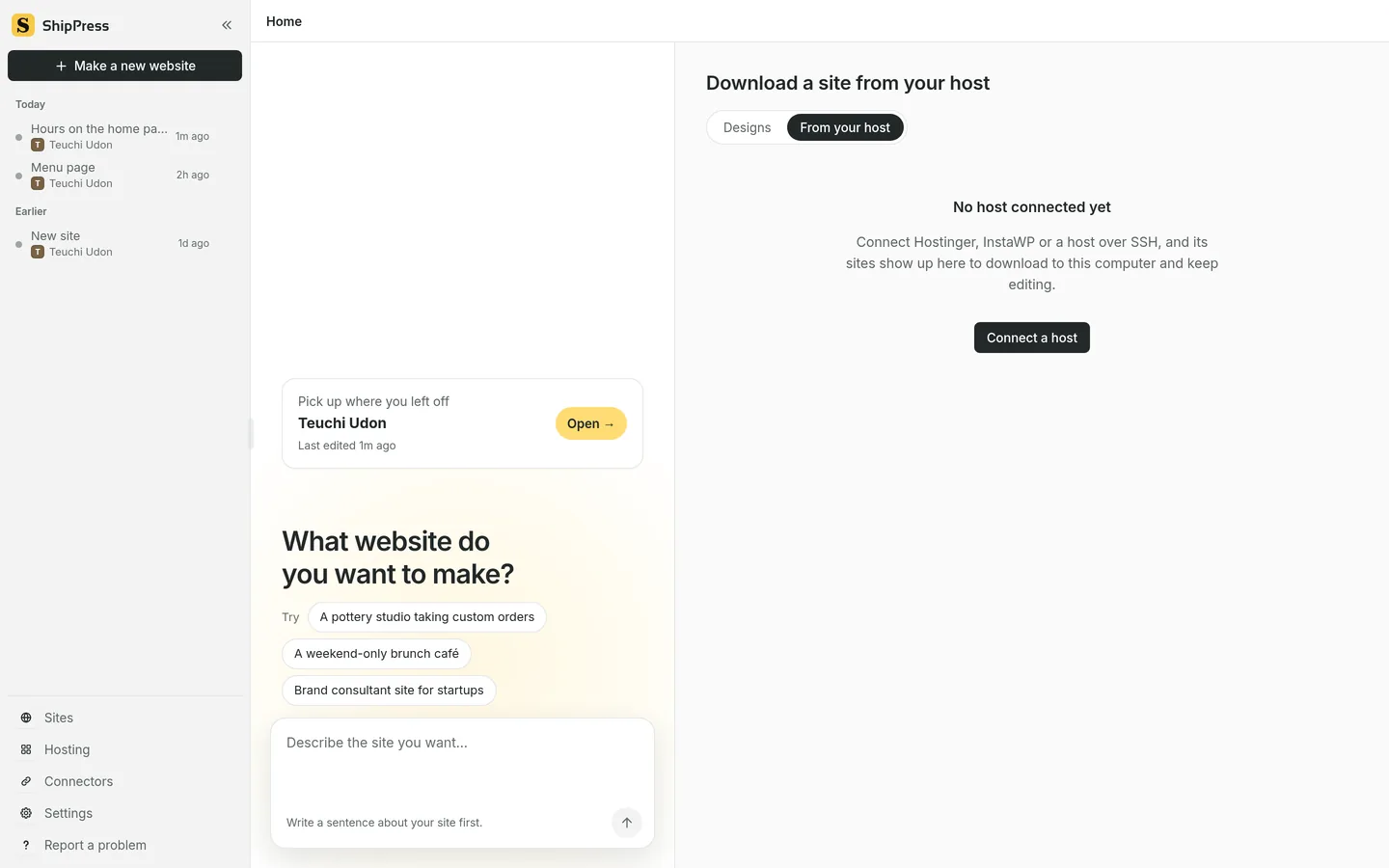
From your host, before any host is connected. Connect a host to see its sites. -
Download the site
The host’s sites show up in the list. Click Download on the one you want. That makes a new site on this computer. Edit it here, then click Go live when you want to send it back.