
Make your first site
The site is built on your computer. Visitors cannot see it until you click Go live. The first one takes longer while ShipPress gets WordPress ready.
-
Describe the site
The home screen asks What website do you want to make? Type one sentence in the box that says Describe the site you want… and press Enter. Under Try you can use a ready sentence, such as “A pottery studio taking custom orders”. If the box is empty, ShipPress asks you to write a sentence about your site first.
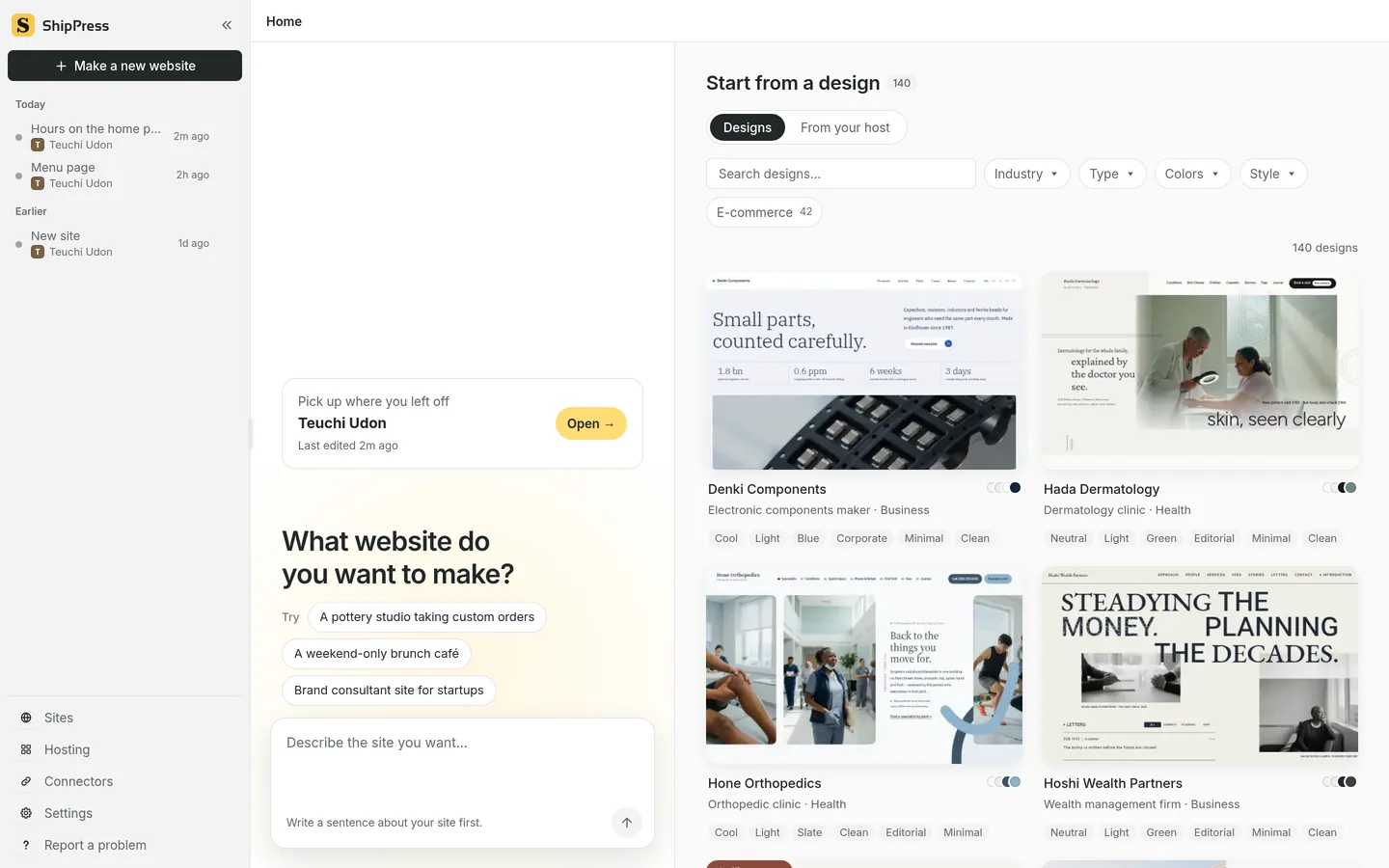
The home screen: describe the site, try a suggestion, or pick a design on the right. -
Or start from a design
On the right, Start from a design opens Designs. Search, or filter by Industry, Type, Colors and Style. E-commerce keeps only designs with shop features (WooCommerce). On a card, Take a look opens it, then Use this design starts the site.
-
Answer the website interview
Six short questions follow. The screen says Website interview, and question 1 of 6 is Who are you, and what do you do? Short answers are fine, and you can leave any blank. Next moves on. The last button is Build my site. Skip questions, build my site builds with whatever you already wrote. Back on the first question returns home.
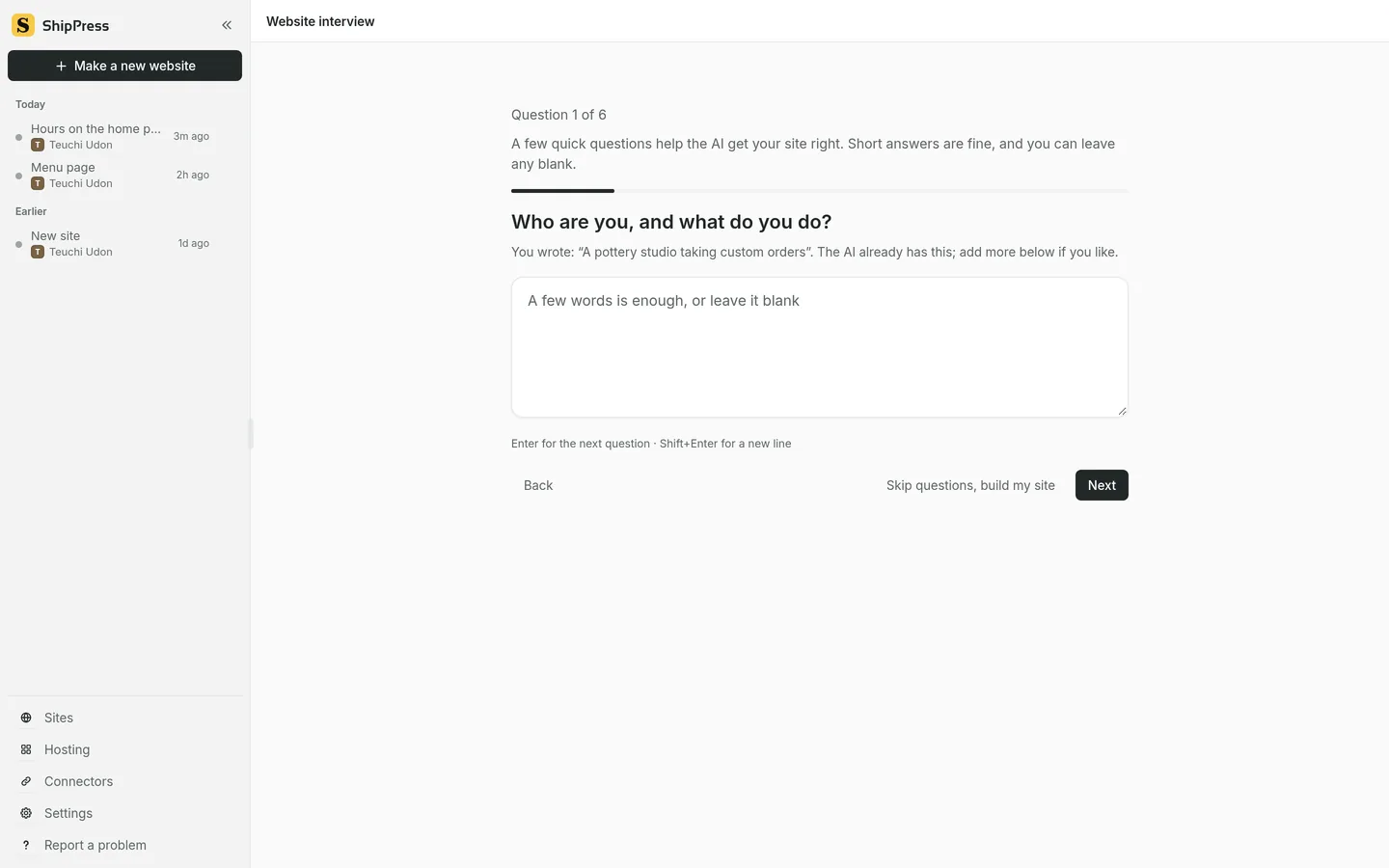
Question 1 of 6. Skip questions builds straight away. Next goes to the following question. -
Wait on this computer
ShipPress builds the site here and shows it in the preview. Nothing is public until you click Go live.