
Pick a design
A design is a starting point on your computer. It is not public until you click Go live.
-
Open the design wall
On the home screen, open Start from a design. Stay on Designs.
-
Filter the list
The filters are Industry, Type, Colors and Style. E-commerce keeps only designs with shop features (WooCommerce).
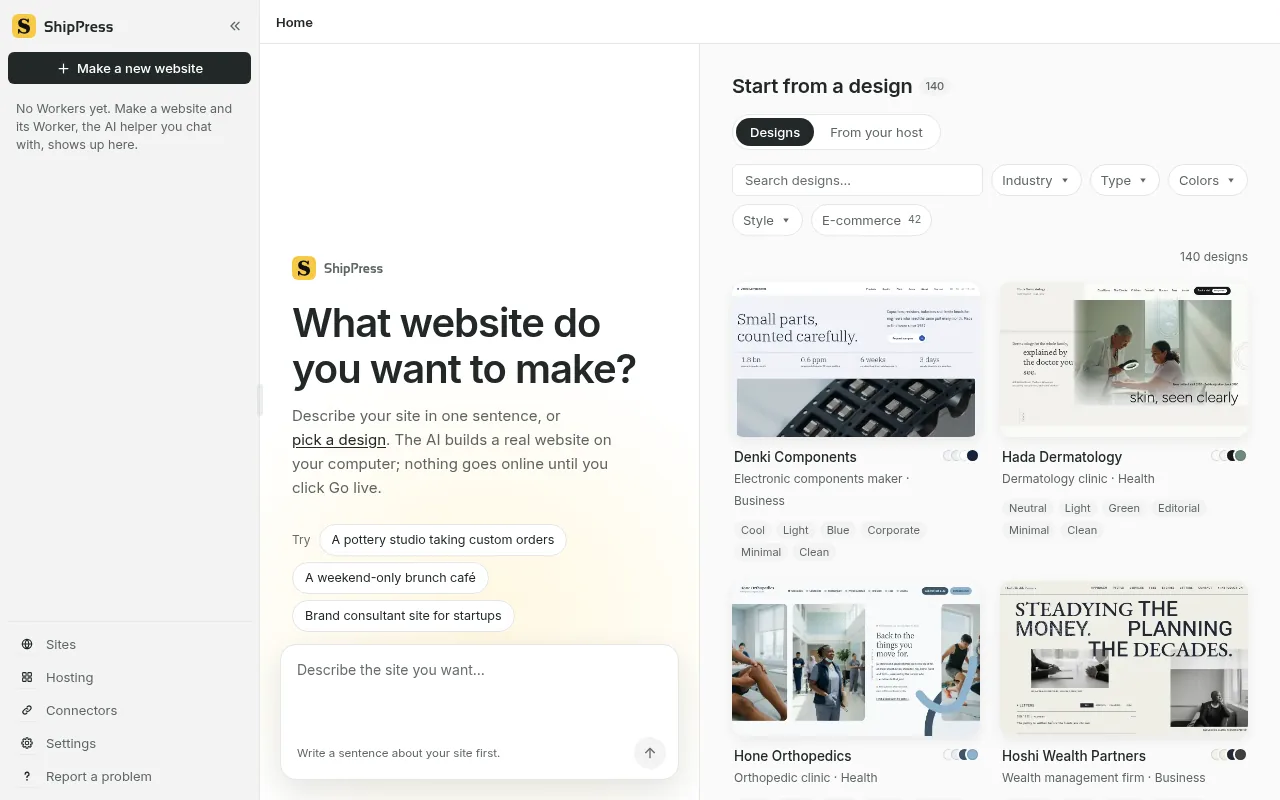
Designs, with Industry, Type, Colors, Style, and E-commerce for shop designs. -
Use a design
Take a look opens the pages. Use this design makes the site. You can describe the site in words instead. Either way, it stays on this computer until you click Go live.