Pre-order · batch 1
See the free desk first.
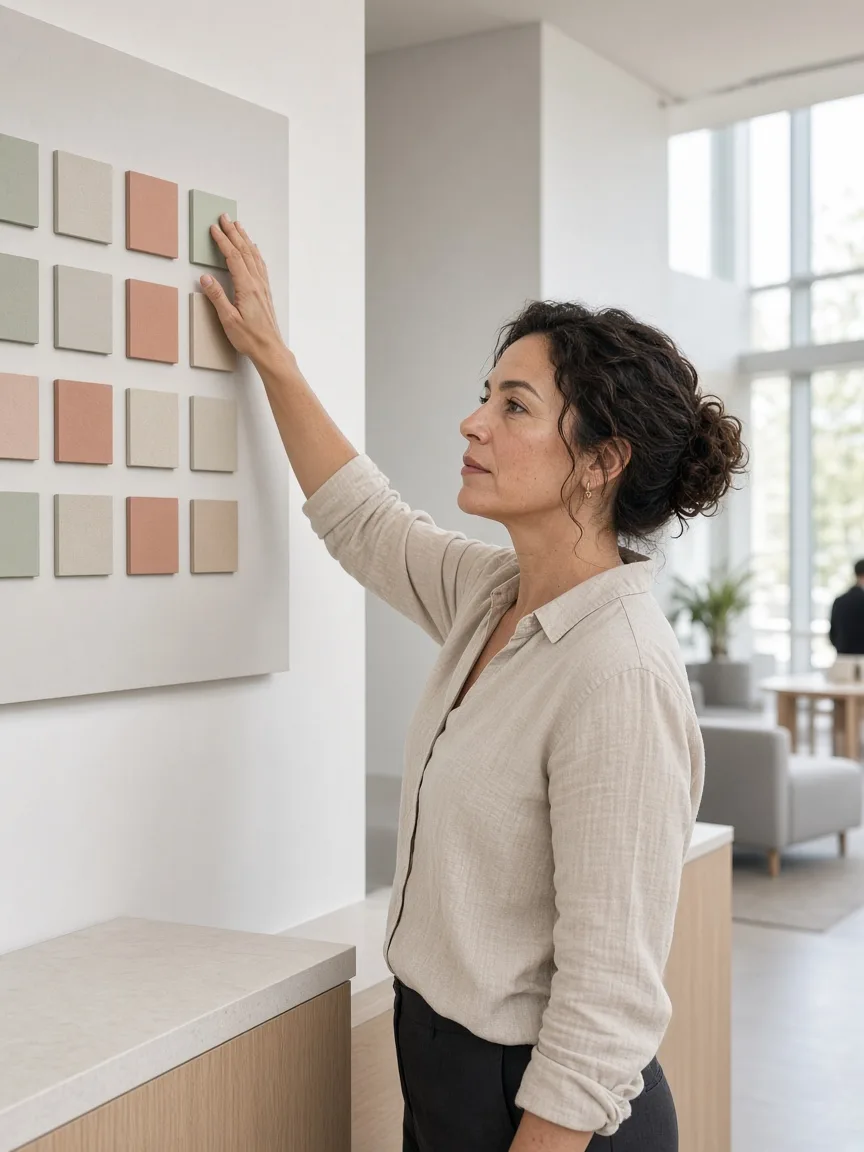
A wall panel for shared offices. Visitors and members see which desks are free from the lobby, and hold one for fifteen minutes.

Pre-order
Open — first batch of 300 panels
Installs
6 April – 25 June 2027
Deposit
EUR 200 per panel, refundable
01 / 03
The floor
Most mornings start with a walk.
In most shared offices the day starts with a lap. People walk the long aisles and look into every bay for an empty chair, and too often a desk that looks free from across the room turns out to hold a notebook, a jacket or a bag. The lap costs ten minutes, and everyone who joins the floor later does it again.
By nine, the front desk takes the strain. Receptionists are asked whether anywhere is free forty times before ten o'clock, which interrupts the work they are there to do and builds a small queue in the foyer while newcomers wait to be pointed at a chair on another floor.
A panel in the lobby answers the question before anyone takes a step. It suits the people an app never reaches: day visitors, clients and hybrid staff who have not installed anything. They look at the wall, see what is free and walk straight to it.

Holding a desk
Three taps, one desk.
01
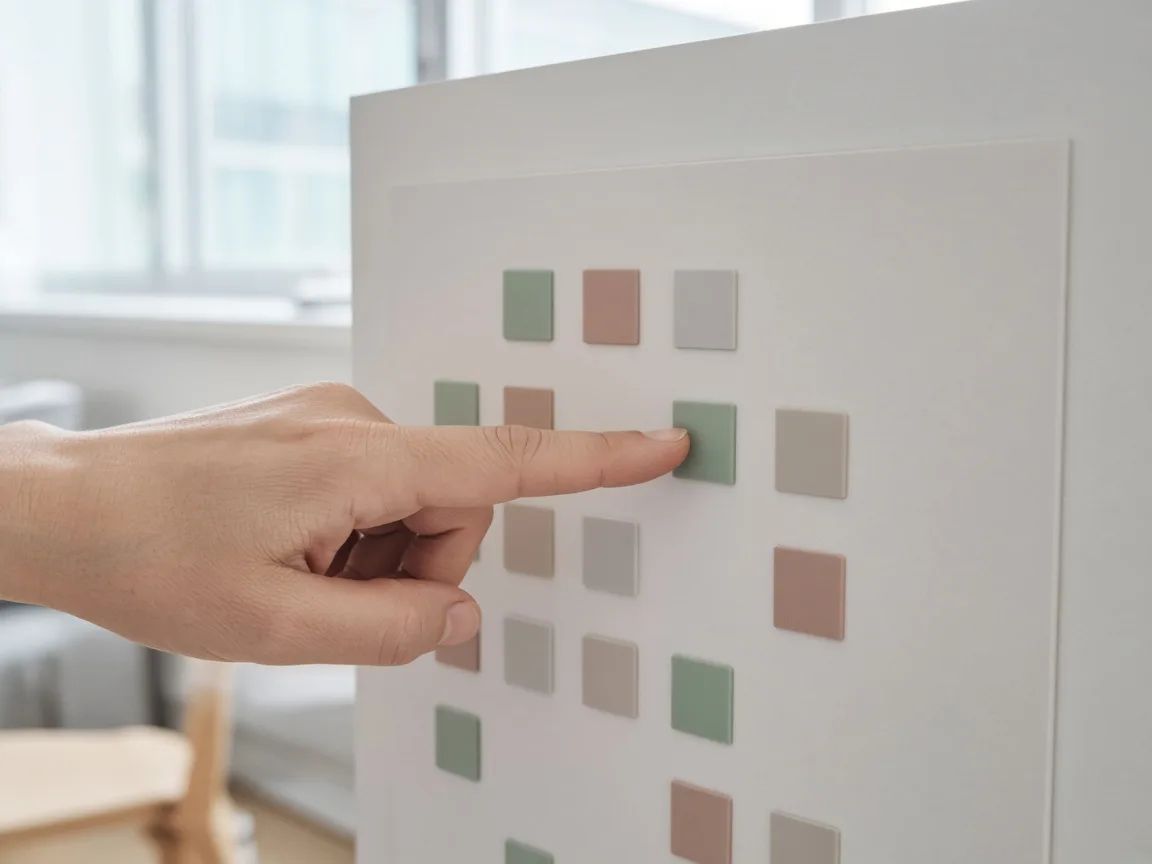
Tap the panel
Walk in, look at the panel and tap a free desk, shown in sage. It turns clay and is held for you for fifteen minutes, so nobody else can take it while you cross the floor with your bag and your coffee.
02
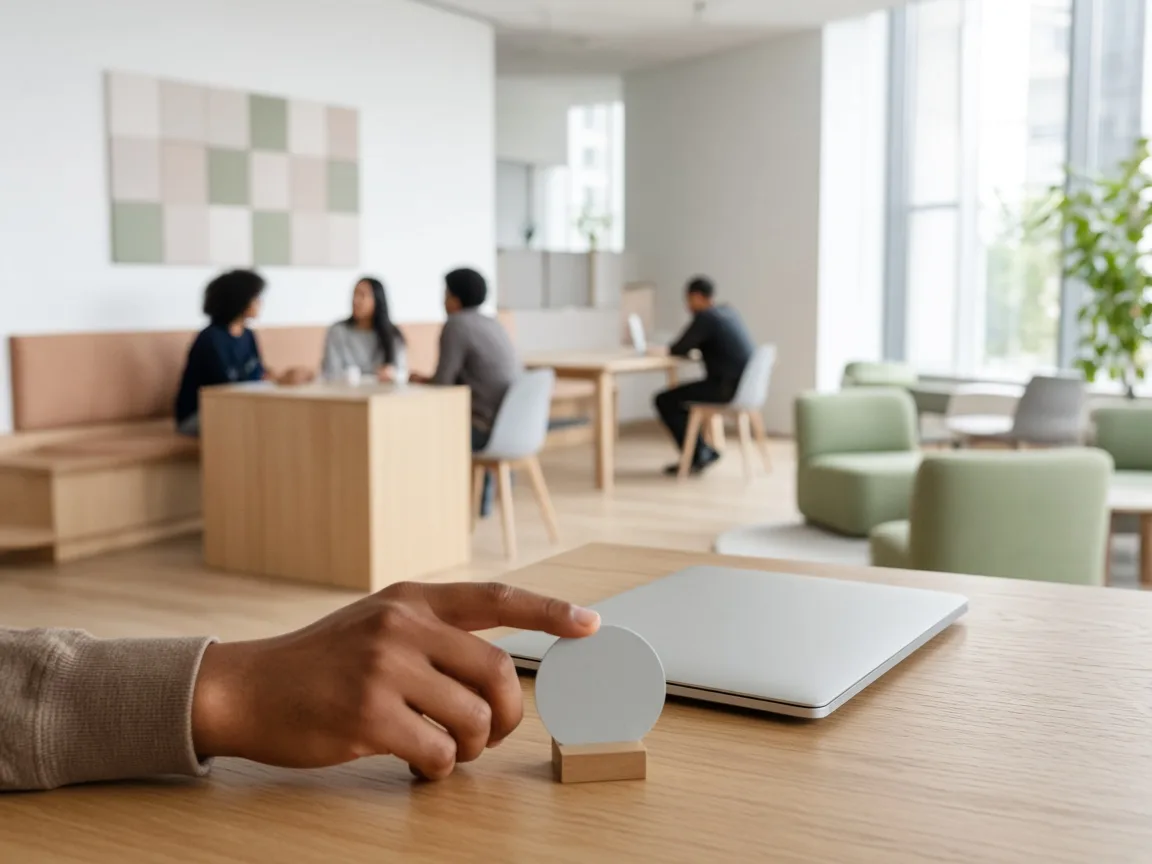
Tap the tag
At the desk, tap the small round tag on the desk edge. The desk turns stone, taken, and stays that way until you tap out or leave for the day. There is nothing to sign into and no code to type, and a visitor can do it as easily as a member.
03
Let it go
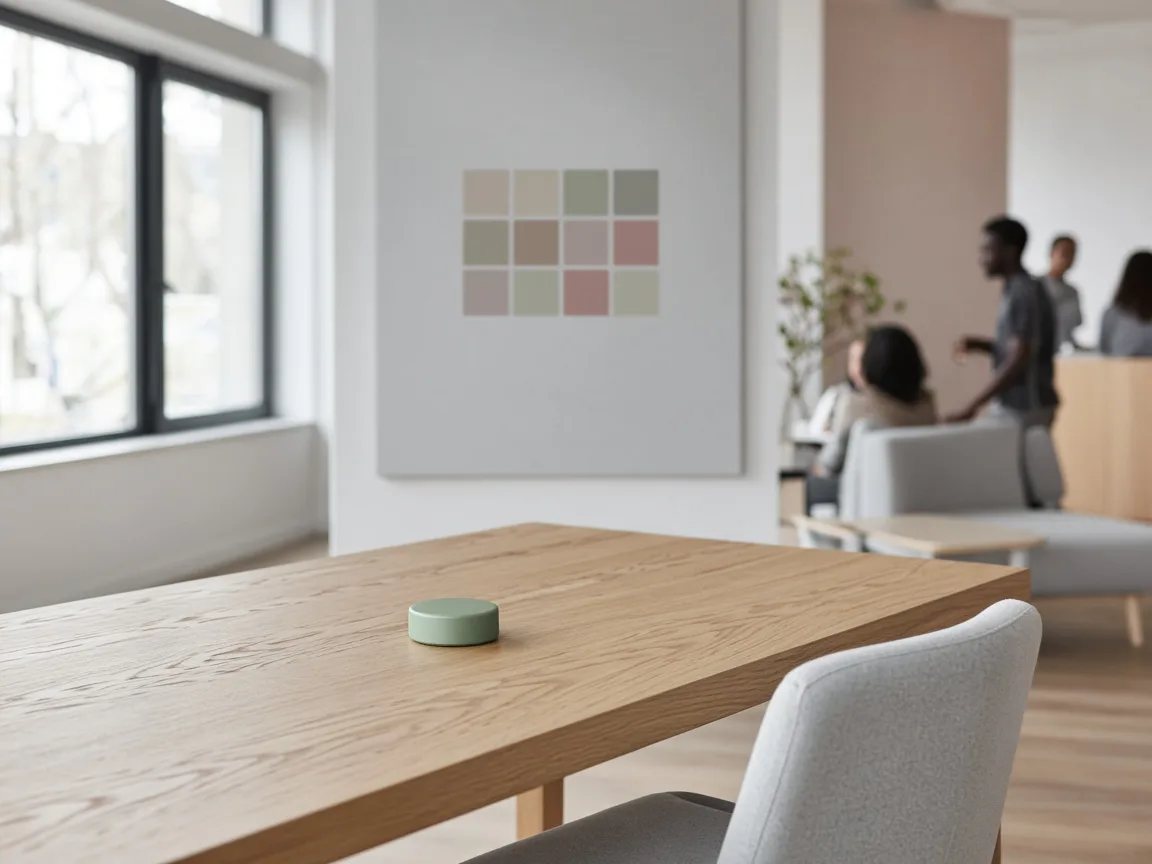
If nobody taps in within fifteen minutes, the hold lets go by itself and the desk turns sage again. Plans change on a busy morning, so no desk stays reserved for someone who never arrived, and nobody has to cancel anything.
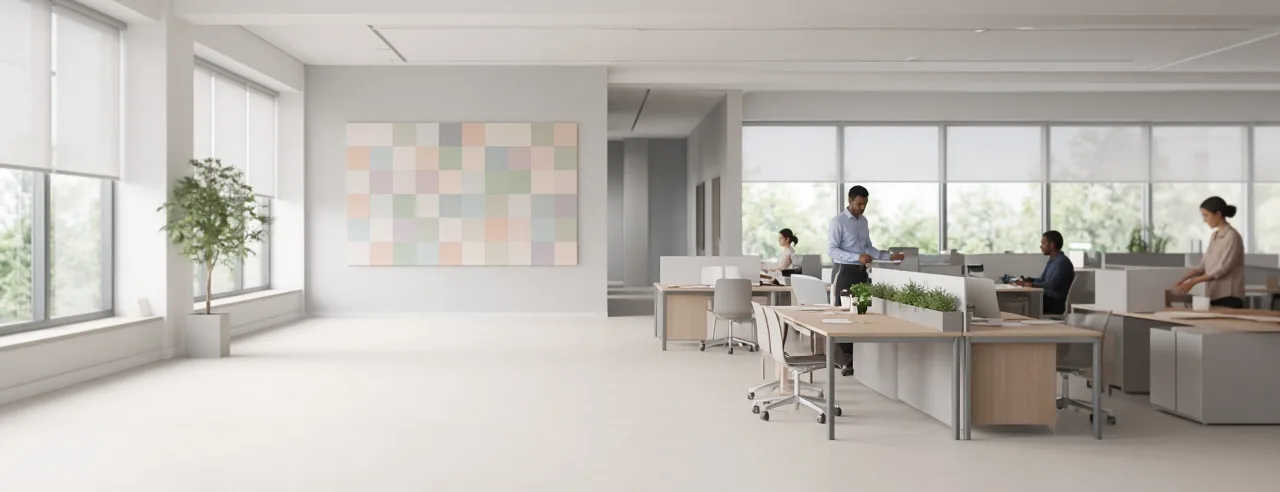
08:40, Quayside Works
As the morning arrivals step into the lobby, the panel on the wall shows every occupied seat. Members glance at it and head straight to an open desk, and the reception area stays clear.
In the box
Everything for one floor, in one crate.
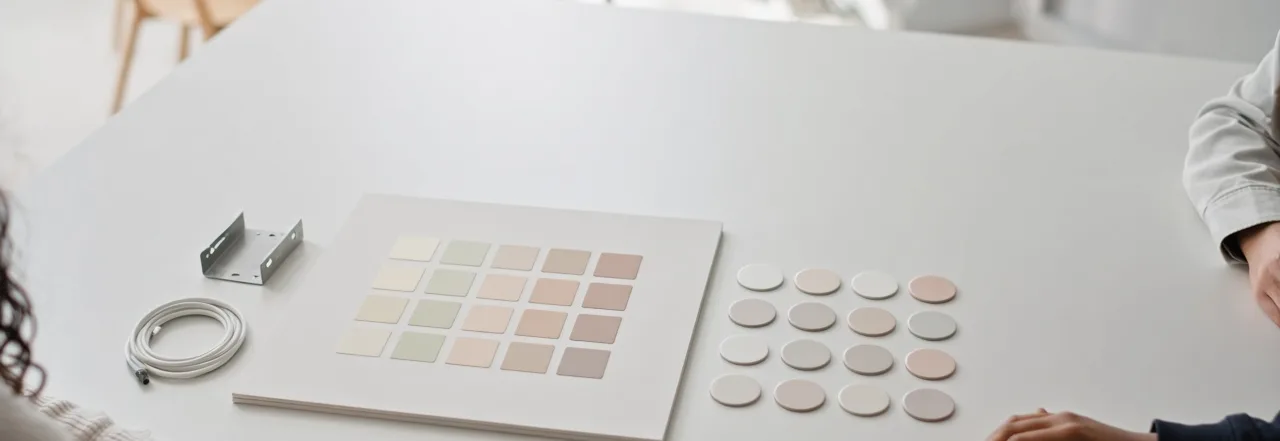
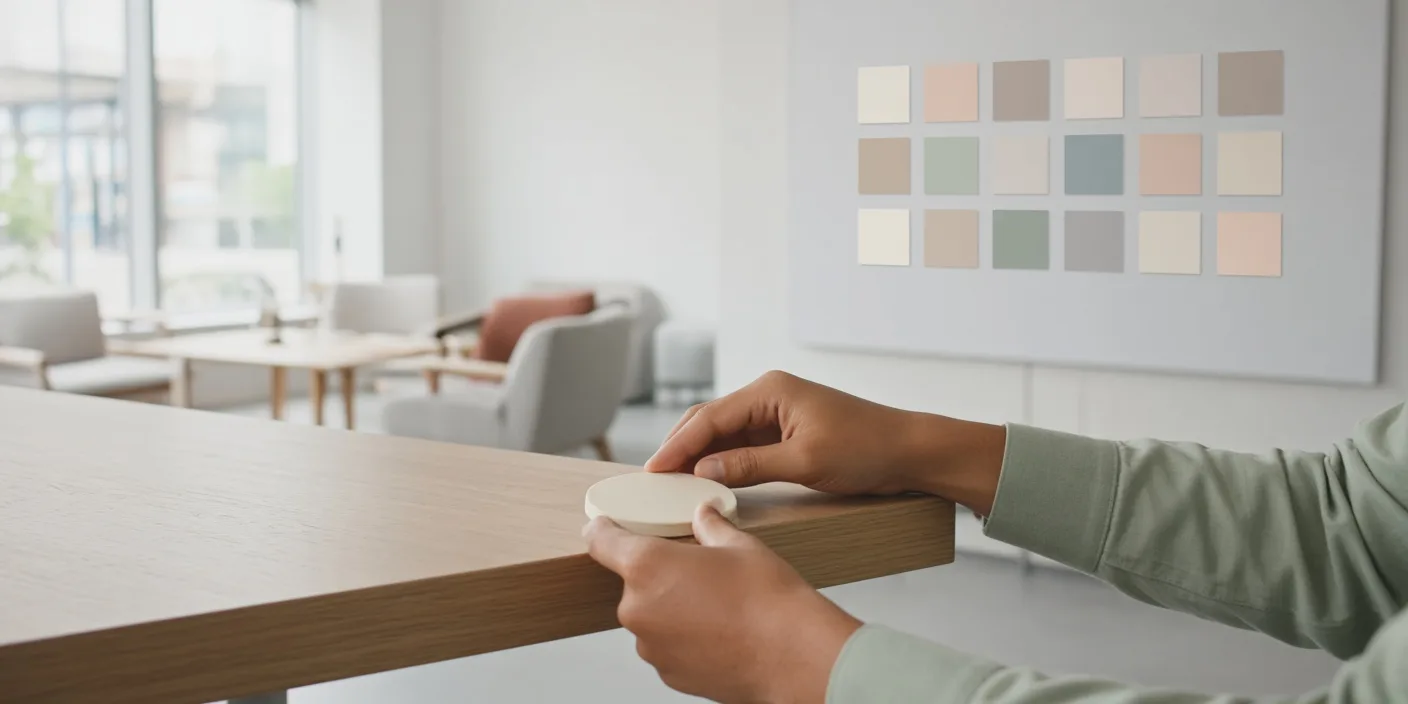
Fitting a tag
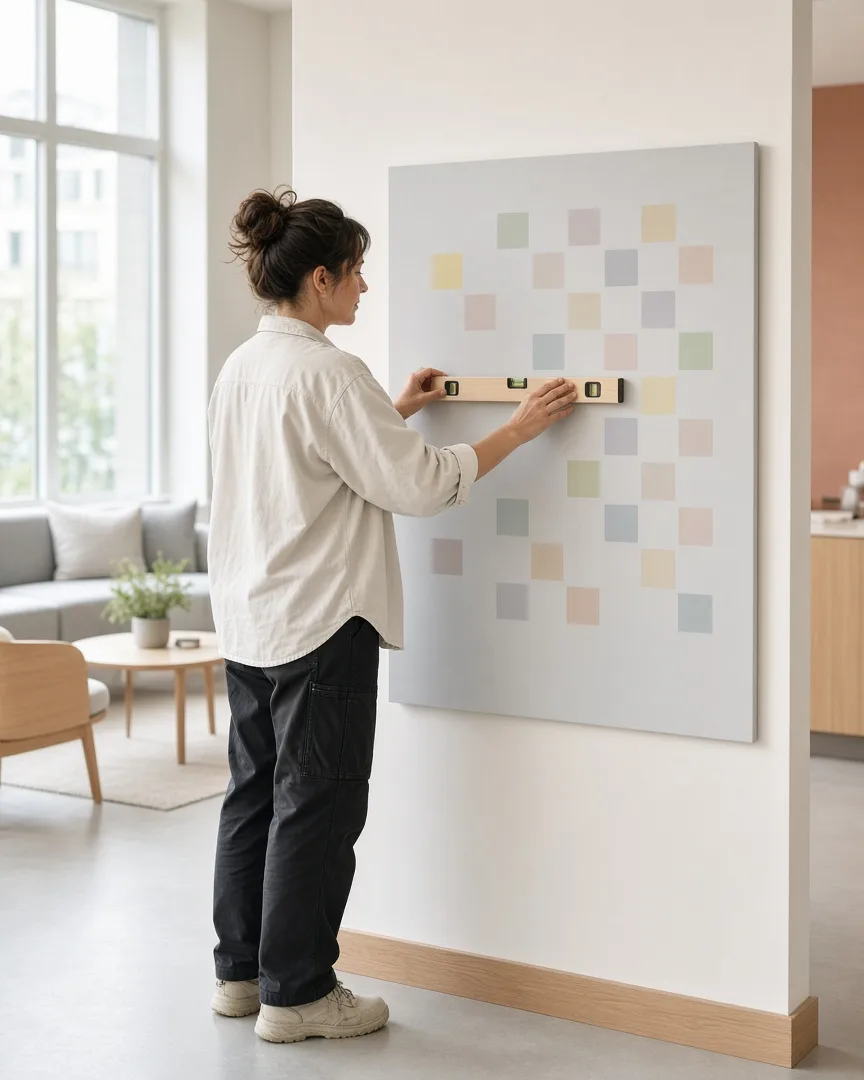
Install
One day per floor.
Every building install takes a single day per floor. Daniel surveys the floor two to three weeks before, and Priya's team arrives with the crate, fits the bracket, tags every desk and walks your front-desk staff through the panel.
| Item | What is included | When |
|---|---|---|
| Survey | Walls, sockets, desk count and Wi-Fi checked on site by Daniel. | Survey visit |
| Wall and power | Bracket at 140 cm centre height, one socket within three metres. | Install day |
| Desk tags | One round tag fixed to the edge of every desk. | Install day |
| Floor plan | Drawn once from the survey and checked with you. | Before install |
| Walk-through | Front-desk staff shown the panel in 20 minutes. | Install day, 20 min |
Price
One price per floor.
Pre-orders are open for the first batch of 300 panels. One panel serves one floor of up to 120 desks, and every price below is what you pay: the install, the tags and the care plan are listed, not hidden in a quote.
| Item | What it covers | Price |
|---|---|---|
| Zaseki Panel | One wall panel, one floor, up to 120 desks, bracket and 3 m cable | EUR 1,480 |
| Desk tags, pack of 20 | Round tags, adhesive pads, coin cells | EUR 260 |
| Building install | Survey visit and one install day, one floor, walk-through | EUR 640 |
| Additional floor panel | Same building, installed on the same day | EUR 1,180 |
| Floor-plan update | Redraw after a re-layout, sent to the panel remotely | EUR 90 |
| Care plan | Per panel per year: spare parts, remote updates, phone help | EUR 180 / year |
Prices exclude VAT. EUR 200 deposit per panel, refundable until your build slot is confirmed.
How a pre-order runs
01
Send the pre-order form or email the desk.
02
Within two working days we confirm a build slot and a survey date, and ask for the EUR 200 deposit.
03
Daniel surveys the floor two to three weeks before the install.
04
Priya's team installs on one day; the balance is invoiced after the walk-through.
Terms
First batch of 300 panels. Installs 6 April – 25 June 2027. Pre-orders close 31 January 2027. EUR 200 deposit per panel, refundable in full until your build slot is confirmed. The balance is invoiced after the walk-through and payable in 30 days.
Pilot notes

Quayside Works
The morning queue at my desk is gone. People look at the wall first and walk to the chair.
Rosa Almeida, front desk

Lindenhof Commons
Members hold a desk from the lobby on the way in from the bike store, helmet still on.
Jonas Feld, community manager
Oriel House
Three studios share one floor, and on Tuesdays everyone can finally see who sits where.
Amaka Obi, studio manager
From the workshop
12 Nov 2026
21 Oct 2026
Questions
Before you pre-order.
Does the panel need Wi-Fi?
Yes. The panel uses the local Wi-Fi to talk to the desk tags and to receive floor-plan updates. The survey checks the signal at the wall before anything is ordered.
Can one panel cover more than 120 desks?
One panel shows up to 120 desks on one floor. For a bigger floor or another floor in the same building, an additional floor panel is installed on the same day.
Do visitors need an account or an app?
No. Nobody installs or signs into anything. Anyone who can reach the lobby wall can tap a free desk and hold it.
What if we re-arrange the floor?
Send us the new layout and we redraw the floor plan and send it to the panel remotely. A floor-plan update is EUR 90.
Can we cancel the pre-order?
Yes. The EUR 200 deposit is refundable in full until your build slot is confirmed.
When will the panel arrive?
Installs for batch 1 take place between 6 April and 25 June 2027, in the build-slot order we confirm after your pre-order.