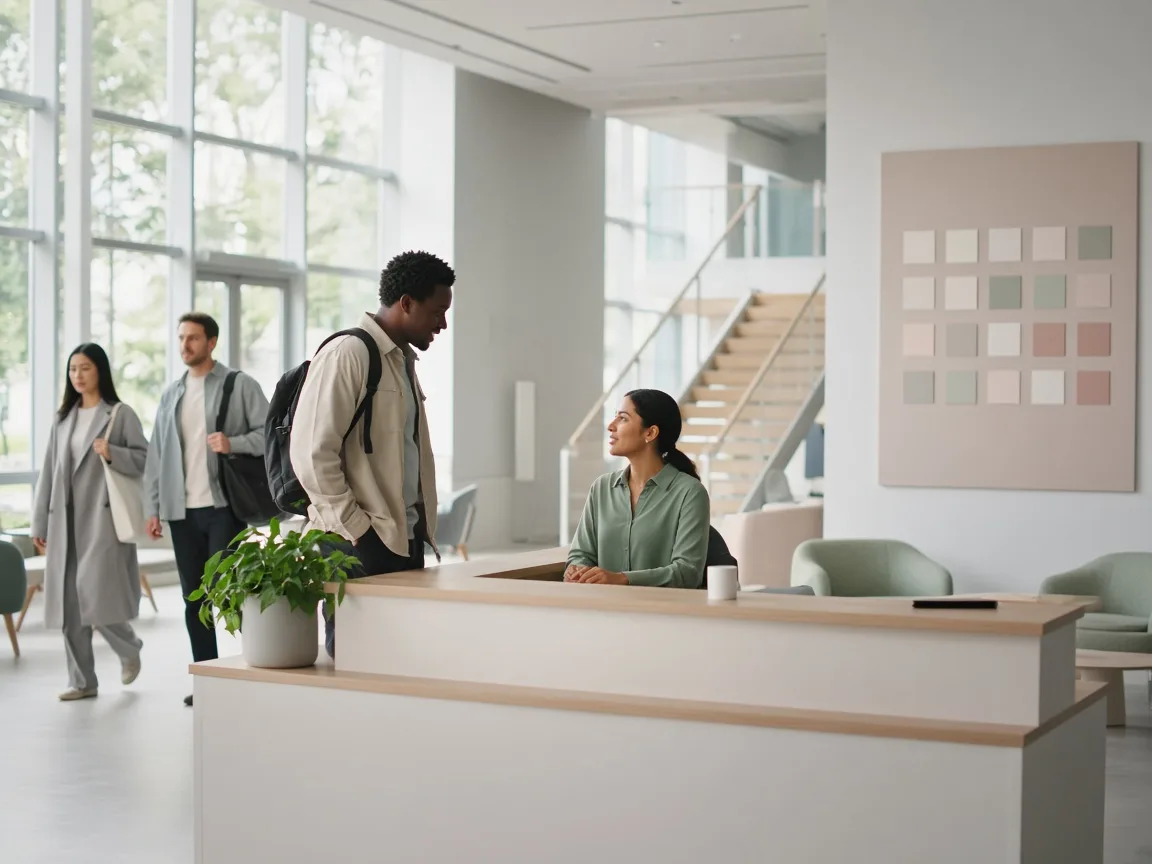
Before we installed the Zaseki Panel at Quayside Works, mornings followed an exhausting and predictable pattern. Quayside Works is a shared workplace spanning three floors with 240 desks. Between half past eight and ten o’clock, the front doors opened continuously as members and visiting teams arrived from the street. Rosa Almeida, who manages the front desk, found herself answering the same question from almost every arrival: which floor had available desks? Because there was no live overview in the lobby, people had no choice but to take the lift upstairs and walk the aisles. They would search between rows of workstations, scanning for empty chairs that were not secretly claimed by a draped jacket or an abandoned notebook, only to return downstairs to ask Rosa for advice.
When Mara Lindqvist and Kwame Asante designed the Zaseki Panel at our Norrbridge workshop, this was precisely the friction they wanted to eliminate. Most workplace software tries to solve desk availability by forcing everyone to install an application, log into a corporate account, and navigate digital maps on a mobile screen. In a busy shared building, that approach fails because guests, day visitors, and flexible members rarely download an app just to sit down for a morning. A physical wall panel mounted directly beside reception offers an immediate, shared view of the entire floor plan. It requires no login, no smartphone, and no training.
Watching a typical day unfold at Quayside Works reveals how natural the physical interaction feels. At 08:10, Rosa arrives and switches on the lobby lights. The wall panel is already awake, showing that yesterday’s tags have released and the floor plan has reset to a calm field of sage squares. Around 08:40, the first commuter wave enters the lobby. Arriving workers pause briefly at the panel, tap an open sage desk on the wall, and see the square shift to clay. That single tap holds the desk for fifteen minutes, allowing the member to take the stairs, hang up their coat, and walk to their chosen seat without anxiety.
Once at the workstation, the member taps the small round desk tag affixed to the desk edge. That tap switches the indicator on the wall panel from clay to stone, marking the desk as taken for the day. If someone gets caught in conversation in the corridor or decides to grab coffee downstairs and fails to tap the desk tag within fifteen minutes, the hold lets go by itself. The indicator silently turns sage again, ensuring desks are never locked by phantom reservations. At 13:00, when people leave their chairs for lunch, the taken desks remain stone. In the evening at 17:30, departing members tap their tags to tap out, and the floor returns to sage overnight.
For Rosa, the installation transformed the reception area from a crowded navigation checkpoint into a calm entry point. Visitors glance at the wall panel on their way through the doors, select an open desk in seconds, and head directly to their seat. When people ask about availability now, Rosa simply gestures toward the wall. The physical board provides an honest, reliable picture of the building that everyone can see and trust before taking a single step onto the floor.